Photoshop — це єдина програма, яку більшість людей має для роботи з PSD, і більшість людей не має Photoshop. Ось як переглянути файл без нього.
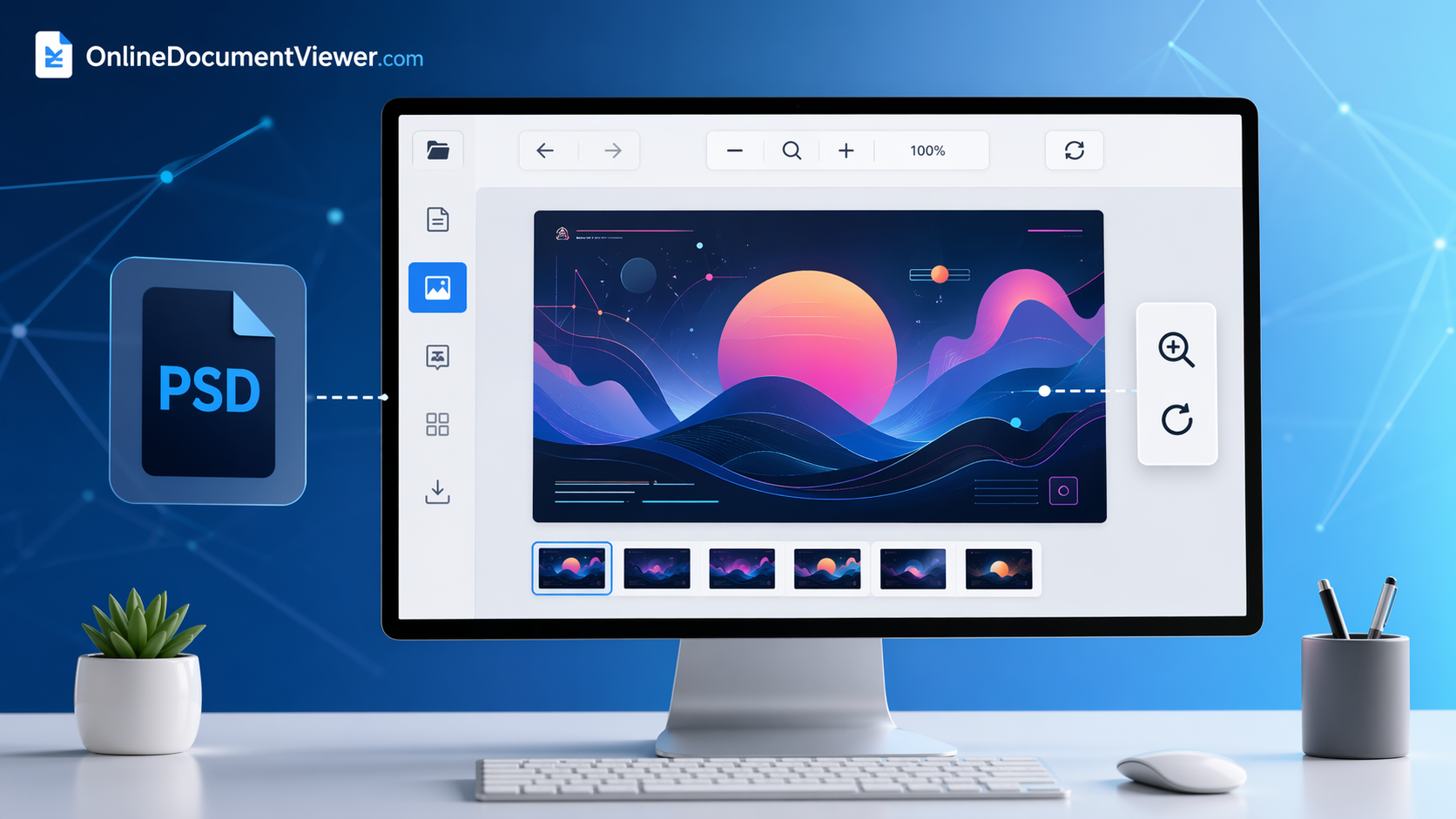
Відкрийте PSD у три кроки
- Перейдіть до переглядача PSD. Без облікового запису, без встановлення.
- Завантажте файл. Тільки PSD, до 25 МБ, по одному. Формат PSB, великий документ, не підтримується.
- Прочитайте його. Сторінка показує складений файл, збережений у Photoshop — порядок шарів, маски, режими накладання та коригувальні шари вже застосовані. Збільшуйте та переміщуйте, щоб розглянути деталі.
Чого очікувати
- Шрифти не мають значення. Текст був растрований під час збереження файлу, тому нічого не замінюється і макет не змінюється.
- Колір обробляється. Документи у CMYK та градаціях сірого конвертуються в RGB для відображення з урахуванням вбудованого ICC‑профілю.
- Один тип файлу не відкривається, і на це є причина. PSD, збережений у Photoshop без увімкненої опції «Maximize Compatibility», не містить складеного зображення, і жоден переглядач, окрім Photoshop, не зможе його правильно відобразити.
- Завантажений файл видаляється після перегляду. Без облікового запису, без бібліотеки, без другої копії.
Перегляд — це все, що робить ця сторінка: немає редагування, немає експорту в інший формат, а конвертери тут працюють з PNG та JPG, а не з PSD. Якщо потрібно вивести роботу в іншому форматі, експортуйте її на комп'ютері, де встановлений Photoshop.
Відкрийте файл: переглядач PSD.