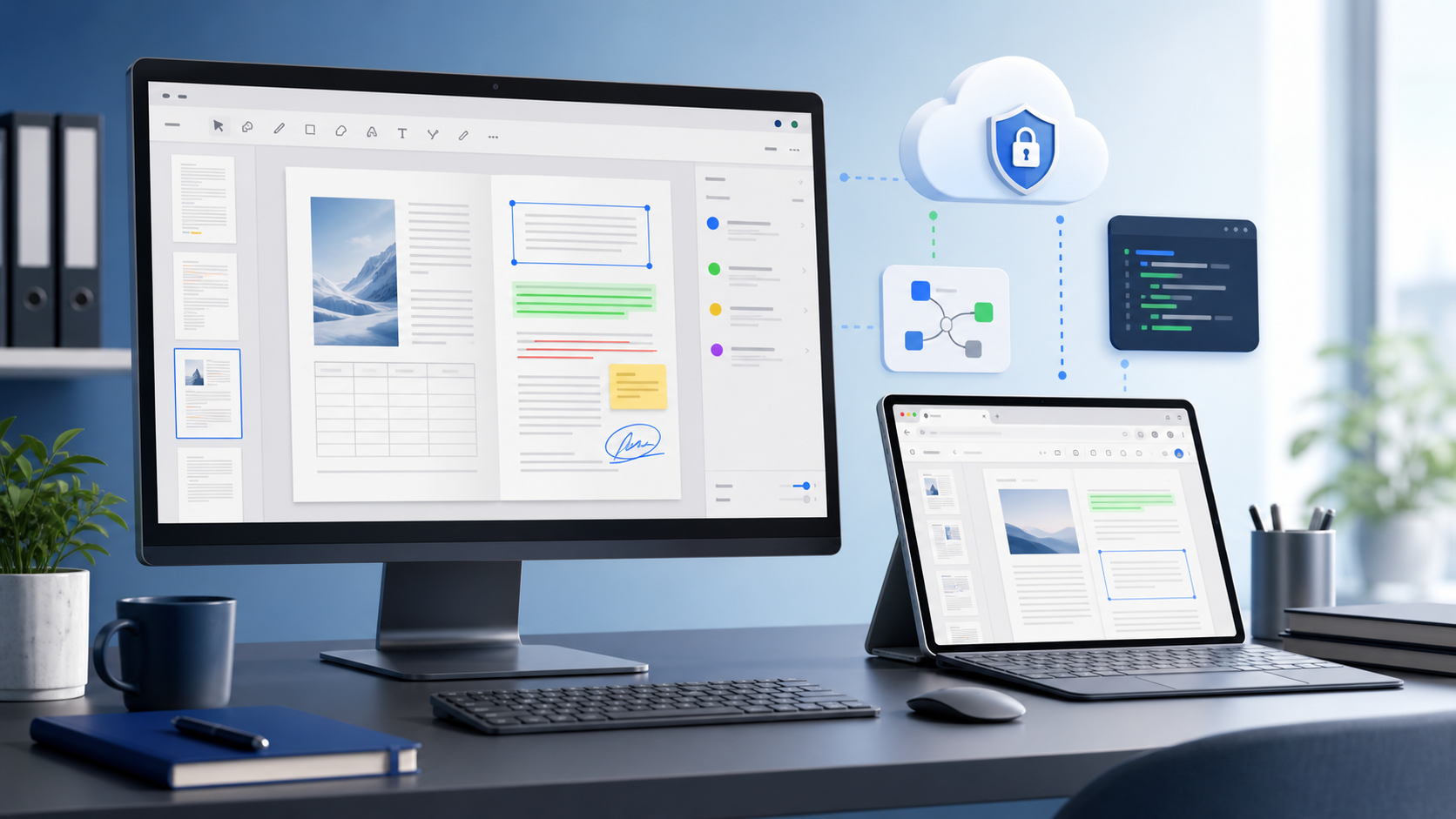
Desktop PDF viewers still matter. They work offline, they keep the file on the machine, and nobody has to trust a third party with a contract. Free online viewers are handy for quick checks, but they need a connection, they hand the document to somebody else's server, and they impose limits that a desktop tool does not.
So the honest question is not which one wins, but which job you have. This article is about where a hosted viewer is the right answer and where it plainly is not. The site in question, Online Document Viewer, is free, needs no account, and stores nothing — and it is not embeddable, not certified, and not a place for documents that may not leave your network.
1. Performance – Where the Rendering Happens
Free online viewers often use generic pipelines that choke on large PDFs, complex vector graphics, or high-resolution images. The result? Sluggish scrolling, jittery zoom, or broken page layouts. When the file is an engineering drawing (DWG, DXF), a design asset (PSD, SVG), or a multi-megabyte report, that latency is the whole experience.
Online Document Viewer moves the work off the client. The document is rendered on the server and the browser draws the result, which is why a dense drawing behaves much the same on a phone as on a workstation: the phone is not doing the rendering.
Two consequences, both worth stating plainly:
- The size ceiling is per format, not per site. 25 MB for PDF, PSD, Visio, EPUB, TIFF and images; 20 MB for Excel, PowerPoint and Project; 15 MB for Word and RTF; 10 MB for CAD and email; 5 MB for HTML, XML and text. Over the ceiling the upload is refused, with the number in the message.
- There is nothing to embed. This is a page you open, not a component you drop into a build. The same renderer inside your own application is the Doconut .NET SDK, a separate product with its own licence.
2. Security & Privacy – Why a Local Desktop App Isn’t Enough
Enterprises cling to desktop PDF viewers mainly because of data sovereignty. Uploading a confidential contract to a free web service means trusting the provider’s SSL implementation, retention policy, and audit logs—none of which are usually disclosed. Even “automatic deletion after 30 minutes” can become a headache when a regulator asks for a full audit trail.
Online Document Viewer is a hosted viewer. Here is what that buys and what it costs:
- TLS in transit, sandboxed rendering – Traffic runs over TLS and the document is drawn inside a sandboxed
<iframe>. There is no end-to-end encryption: rendering happens on the server, so the server reads the file. - Automatic file deletion – As soon as the viewer session ends, the file is purged, guaranteeing no lingering copies.
- No account – Nothing to register and nothing to sign in to. There is also no signed-URL scheme and no configurable expiry window on the free viewer; those belong to the paid SDK.
- No self-hosted edition – The viewer runs on our servers, not behind your firewall. If a document may not leave your network, a hosted viewer is the wrong tool and the .NET SDK at doconut.com is the piece that runs inside your own application.
So the workflow stays inside the web app and nobody installs a binary. What you give up is the one thing the desktop viewer had for free: the file never left the machine.
3. Reading Without the Installation Burden
Desktop PDF viewers earn their place with reliable access, high-fidelity rendering, and a stable experience for business users. Free online viewers usually strip capabilities to stay light. Here is what this one keeps and what it drops.
| Desktop-viewer expectation | Online Document Viewer |
|---|---|
| High-fidelity rendering | Multi-format: PDF, DOCX, XLSX, PPTX, DWG, PSD, SVG, TIFF, MSG, EPUB and more |
| Browser access | Any modern browser, no plugin, nothing installed |
| Search inside the document | Over the text layer the file already carries. A scan with no text layer returns nothing: there is no OCR |
| From the browser, at the layout on screen | |
| Password-protected files | A password box sits under the upload. Protected Office files open once you type it; a protected PDF has to be unlocked by whoever set the password |
| Editing, annotation, signing | None of the three. This is a viewer |
| Sharing links, branding, audit trails | Not here. No accounts, no shared sessions, no white-labelling — those belong to the SDK and to the application you build around it |
You avoid the install-or-don't-install argument entirely. What you give up is everything that needs an account to exist.
4. Integration Is a Different Product
A lot of SaaS platforms run on a .NET stack, and the question after any demo is “can I put this in my app?” Not this site. The free viewer has no JavaScript SDK, no REST API and no token scheme; it is a page you open, not a component you install.
What is installable is the Doconut .NET SDK: the same renderer, licensed as a component you reference from ASP.NET, MVC, .NET Core or Blazor. It runs on your servers, so the document never reaches ours, and viewer controls such as disabling download or printing are set by your own code. Packages, licensing and documentation are at doconut.com.
5. Cross-Format – One Upload Box, 70+ Extensions
A common gripe about desktop viewers is the need to install separate plugins for CAD files, spreadsheets, or e-books. Free online viewers often claim “supports 200+ formats” but fall short when you test a DWG drawing or a high-resolution PSD. In a SaaS environment where you might need to preview engineering schematics, design assets, or business reports, consistency matters.
Online Document Viewer takes 70+ extensions through one upload box, including PDF, DOCX, ODT, RTF, XLSX, CSV, ODS, PPTX, ODP, DWG, DXF, DGN, PSD, SVG, TIFF, WEBP, ICO, EML, MSG, EPUB, MPP and VSD. The file type is detected from the file, and the same renderer draws all of them. One page, not one page per format.
Rendering is server-side, so the browser only receives something it already knows how to draw — no plugin, no local reader, no install per format. What you send is the file itself, from the machine in front of you: there is no S3 or Azure Blob connector on the free viewer, and no folder or ZIP upload either. Storage connectors are an SDK concern, configured in your own application.
6. The Hidden Expense of “Free”
Free tools do carry hidden costs — size ceilings, retention windows that break a policy, missing features you end up coding around. Be exact about which of those apply here.
- Free means free. No account, no tier above it, no per-file charge, nothing to upgrade to. The pricing page has two columns: this viewer at zero, and a commercial licence for putting the renderer inside your own software.
- The limits are published, and they are per format. The numbers above are the whole set. Going over one returns a refused upload with the ceiling in the message, not a surprise invoice.
- What is absent: end-to-end encryption, per-user audit trails, an SLA, a self-hosted edition, and any certification to hand an auditor — no ISO 27001, no SOC 2, no HIPAA attestation.
- Where those belong: in the licensed SDK, running inside infrastructure you control, under your own contracts.
For a document that may not leave your network, that last point is the entire answer.
Key Takeaways
- Desktop-class PDF rendering delivers speed, fidelity, and reliability that generic online tools often lack.
- Online Document Viewer opens the same formats in an ordinary browser tab, with no plugin and nothing installed.
- What it does not have: end‑to‑end encryption, per‑user audit trails, an SLA, or a self‑hosted edition. Rendering runs on the server, and with no accounts there is nothing to attach an audit log to.
- Multi-format support, including PDF, DOCX, DWG, PSD, SVG, and more, removes the need for a separate reader per format.
- A free hosted viewer removes installation cost, not compliance obligations. For documents that may not leave your network, the renderer has to run inside your own infrastructure.
Common Questions
Q: Can I embed this viewer in my own application?
A: Not this site. The free viewer is a page you open, not a component you install — there is no JavaScript SDK, no REST API and no token scheme behind it. The Doconut .NET SDK licenses the same rendering engine for use inside your own application.
Q: How long is my file kept?
A: For the session. The document sits in temporary storage while you read it and goes when the session ends. There is no account for it to be filed under and no copy afterwards.
Q: Is the viewer able to handle large engineering drawings, such as 200 MB DWG files?
A: No. The CAD viewer accepts DWG, DXF and DGN up to 10 MB, and refuses anything larger with the limit stated in the message. A 200 MB drawing needs desktop software or the SDK.
Q: Can I search inside a scanned PDF?
A: Only if the scan already carries a text layer. Search runs over the text the PDF contains; there is no OCR here, so a page that holds pixels rather than characters returns no hits.
Where to Go Next
To read a file right now: onlinedocumentviewer.com. Free, no account, one file at a time. To put the same rendering inside your own .NET application, with the document never leaving your servers: doconut.com.