Introduction
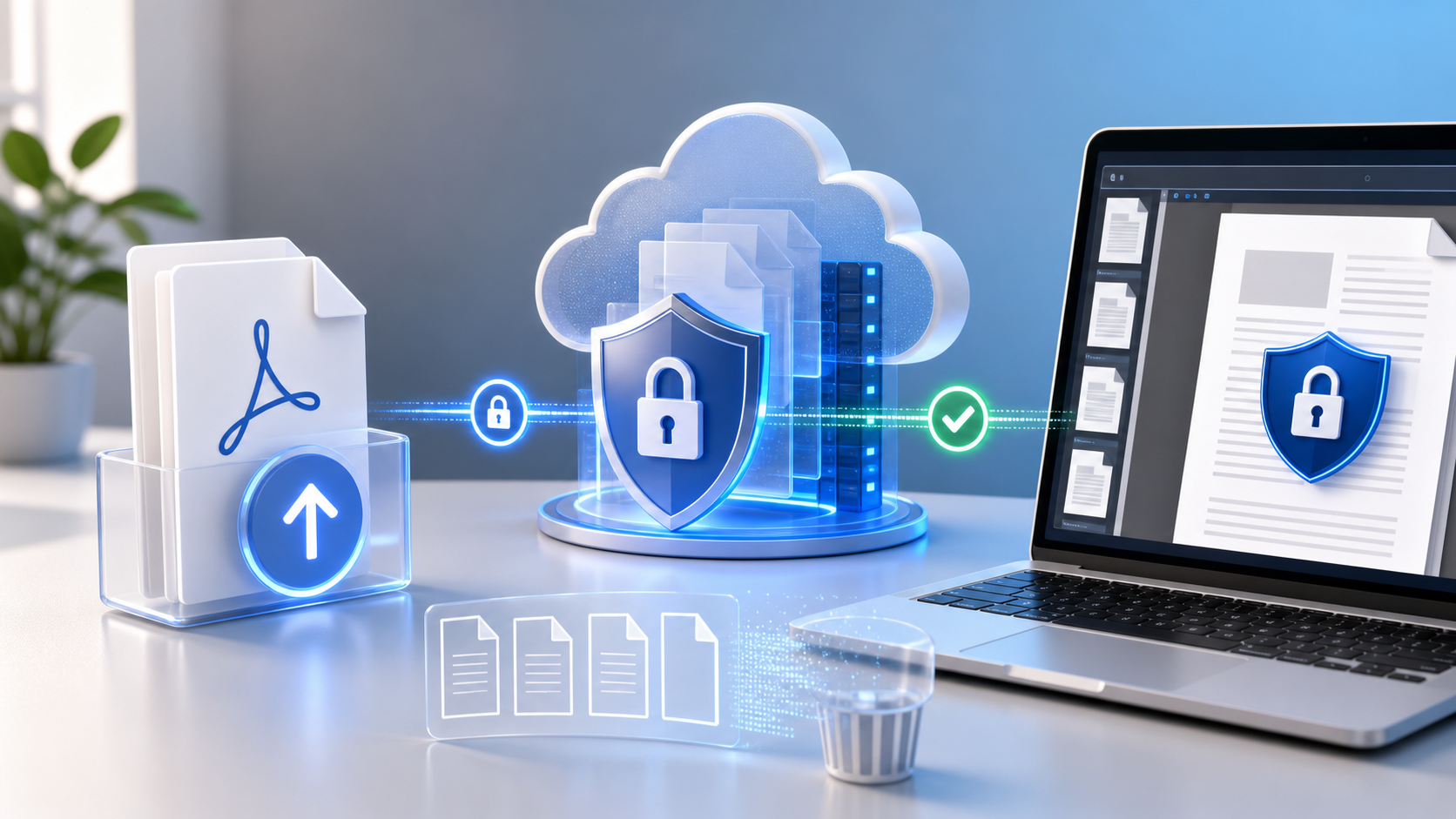
Uploading a sensitive document to an online converter can feel risky. The file could be intercepted, stored longer than expected, or processed in a way that creates privacy concerns. Front-end engineers at SaaS companies can reduce that risk by using a secure, privacy-focused viewer that controls access, protects documents during processing, and limits how long temporary files remain available.
This post reviews the risks that come with generic online converters, and then separates two things that get confused constantly: the free public viewer at OnlineDocumentViewer.com, and the Doconut SDK that a SaaS team embeds in its own product. They are not the same product and they answer different questions.
Understanding the Threat Landscape for File Conversion Services
Even a polished online converter can expose sensitive data if security is not handled carefully. The most common risks include insecure transfers, unclear retention policies, and weak access controls.
| Threat | How it happens | Real-world impact |
|---|---|---|
| Man-in-the-middle interception | Weak or insecure transfer settings may expose files while they are being uploaded or accessed. | Confidential contracts, health records, financial reports, or source files could be exposed. |
| Persistent storage on third-party servers | Some services keep uploaded files for hours or days without clear user visibility. | This can create privacy risks, compliance issues, and audit concerns. |
| Weak embedded viewer isolation | Poorly controlled embedded preview experiences may increase exposure to unwanted scripts or unauthorized access. | Sensitive document content may be at greater risk if the viewer is not properly isolated. |
For a SaaS product that needs to handle confidential files, these weaknesses can create serious business and compliance concerns. The solution is not just to use secure transfer. You also need a viewer that limits document exposure, controls access, and supports privacy-focused workflows.
Two different products, and the difference matters here
Before going further: OnlineDocumentViewer.com is a free public website. Anyone uploads a file, reads it, and the file is deleted when the session ends. There are no accounts, no roles, no permissions and no audit trail, because there is nobody to attach them to. It is a good answer to "I cannot open this file" and not an answer to "who in my organisation may read this contract".
The thing that answers the second question is the Doconut SDK: the same rendering engine, licensed and installed on your own servers, with your application supplying authentication, authorization, storage and logging around it.
Most of this article is about the second one.
Why Time-Limited Access Matters
When a viewer is embedded in a web application, the way documents are reached is the whole security story. A direct file link is easy to implement and stays valid long after the person who was sent it stopped needing it.
The safer pattern is a short-lived, server-generated reference, scoped to one document and one session, with the authorization check re-run on every request behind it.
That pattern is something your application implements. It is not a property of a viewer component, and it is certainly not a property of a public website: OnlineDocumentViewer.com has no identity model to scope anything to. What it has instead is a session that ends and takes the file with it.
Automatic File Deletion and Privacy: What You Need to Verify
Privacy regulations and internal security policies often require teams to avoid keeping personal or confidential data longer than necessary. Many free or generic converters mention automatic deletion, but the details are not always clear. Some may delete files only after a fixed delay, while others may retain temporary copies longer than expected.
When evaluating any document viewer or converter, verify:
- How long uploaded files remain available.
- Whether temporary files are deleted after the viewing session.
- Whether any backup copies or raw document logs are created.
- Whether access history is available for review.
- Whether the service supports your internal privacy and compliance requirements.
On this site the answer to all five is short: the upload is deleted when the viewing session ends, there is no account and no library, no access history is kept because there is no identity to attach it to, and no certification backs any of it. That is a fine model for a file you would email anyway, and the wrong one for a case file.
Embedding a Viewer Without Plugins
Here the two products separate for good, so be exact about which one you are evaluating.
| Free website | Doconut SDK | |
|---|---|---|
| Where it runs | Our servers | Yours |
| Embeddable in your product | No | Yes |
| Self-hosted | No | Yes |
| Authentication and roles | None. There are no accounts | Your application's |
| Audit trail | None | Whatever your application records |
| Retention | Deleted after the viewing session | Your policy |
| Cost | Free | Commercial licence |
| Formats | 73 extensions | 75 across 18 families, DICOM included |
Both are plugin-free and both render server-side, so nothing executes on the user's machine. Everything else on that list is a difference, and picking the wrong column is how a security review goes badly.
Practical Integration Tips for Secure SaaS Workflows
These apply to an embedded viewer inside your own product — that is, the SDK. They cannot be applied to the public website, which has no server of yours in it.
1. Generate short-lived access on the server
Resolve an application-owned document ID rather than exposing the original file. Bind the reference to one document, one operation and one session, and give it a narrow lifetime.
2. Return only what the client needs
The front end should receive the viewing reference, never the storage path or credentials.
3. Apply permissions per role, on the server
Some users read; some may also print or export. Enforce that on the request, not by hiding a toolbar button.
4. Record access events
User, tenant, document ID, operation, authorization result, timestamp. Identifiers and outcomes — not document content, not tokens, not storage URLs.
Key Takeaways
- Sensitive documents should not be exposed through permanent public links.
- The question to ask a hosted converter is retention, not encryption: how long is the file kept, and who can reach it while it exists.
- The free viewer on this site has no accounts, no roles and no audit trail. It deletes the upload after the session, and that is the whole of its access model.
- Anything requiring authorization, permissions, logging or self-hosting is the SDK's job, running inside your application.
- Plugin-free preview keeps users inside your product — but only the embedded SDK gives you the product to keep them in.
- Compliance claims belong to your deployed system, not to a component. We hold no certifications, and neither product changes that.
Common Questions
Q: Can I stop users downloading a document?
A: Not on this website — it has no accounts, no roles and no permission model. In your own application with the SDK, the toolbar is yours to configure, and your server still has to authorize every request behind it. Hiding a button is not an access control.
Q: My application stores documents in cloud storage. Can this workflow still apply?
A: With the SDK, yes. Your backend resolves an application-owned document ID to its storage location, checks the user is allowed it, and hands the file to the viewer. The original storage path never reaches the browser. The free website cannot do this: it has one input, which is a file upload from the person at the keyboard.
Q: Is automatic file deletion enough for compliance?
A: No. Cleanup is one control among many; compliance depends on your workflow, policies, logging, access controls and data handling. Verify retention behaviour in the environment you actually run, and note that no certification of ours backs it — we hold none.
Q: What if a user needs to print a document?
A: The free viewer prints; there is nothing to configure and nobody to configure it for. In your own application, printing is a per-role decision you make and enforce server-side.
Conclusion
Uploading a sensitive file to an online converter is a decision about retention and access, not about the upload form. Ask how long the file is kept, who can reach it, and where it is processed.
For a one-off file that is not confidential, Online Document Viewer opens it free, with no account, and deletes it when you close the tab. For document preview inside your own SaaS product — with your authentication, your permissions and your storage — the piece you want is the Doconut SDK, which runs on your servers and never sends the document anywhere.
Two products. Choose the one that matches the document.