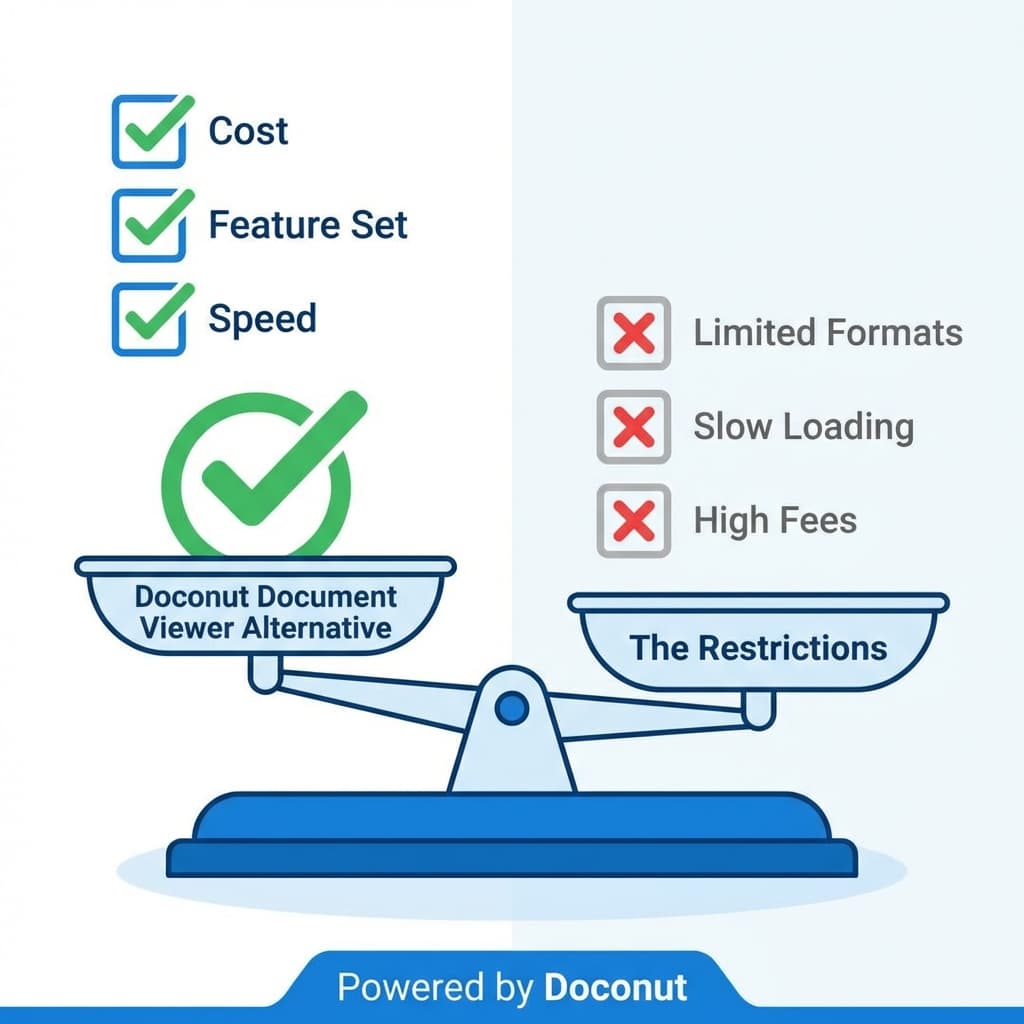
When choosing a document viewer for your .NET application, the market can seem crowded. You have open-source libraries that handle one or two formats, expensive cloud-only APIs that charge per view, and legacy COM-based components that haven't been updated since Windows 7.
Amidst this noise, Doconut stands out as the comprehensive, developer-friendly alternative. Whether you are migrating from a deprecated library or looking to replace a costly SaaS subscription, here is why Doconut—and by extension, the Online Document Viewer—is the superior choice.
1. Versus Open Source Libraries
Open-source is great, but it often lacks breadth.
- The PDF Library: Great for PDFs, but crashes on Word docs.
- The Image Library: Handles JPEGs fine, but can't open a multipage TIFF or a DICOM medical image.
- The Office Wrapper: Requires Microsoft Office to be installed on the server (a huge no-no for stability and licensing).
The Doconut Advantage: Doconut is a single, unified SDK. It supports PDFs, Office formats (Word, Excel, PowerPoint), CAD drawings, emails, and images out of the box. You don't need to stitch together five different libraries and hope they play nice. You get one API, one support team, and one consistent rendering experience.
2. Versus Cloud-Only APIs
SaaS document viewers are popular for their ease of start-up, but they come with significant downsides:
- Data Sovereignty: You have to upload your user's private documents to a third-party server to be viewed. For legal, medical, and government apps, this is often a dealbreaker.
- Latency: Every view requires a round-trip to the cloud.
- Cost Scaling: You pay per transaction. As your user base grows, your monthly bill explodes.
The Doconut Advantage: Doconut is a self-hosted library, installed from NuGet and shipped with your app to Windows, Linux or Docker. You deploy it on your servers, on-premise or in your own cloud account, and the documents never leave your infrastructure. You licence the component instead of paying per view, so growth in traffic does not change the bill. Licensing terms are on Doconut.com.
3. Versus Legacy Components
Many enterprises are stuck using old ActiveX controls or Silverlight plugins.
- Browser Incompatibility: Modern browsers (Chrome, Edge, Firefox) have killed plugins. Those old viewers simply don't work anymore.
- Mobile Failure: You can't run an ActiveX control on an iPhone.
The Doconut Advantage: Doconut renders to standard HTML5/SVG/PNG. It works on any modern browser, on any device, with zero plugins. It brings your legacy application into the modern mobile era instantly.
Feature-by-Feature Comparison
| Feature | Open Source | Cloud APIs | Doconut |
|---|---|---|---|
| Format Support | Limited | Broad | Extensive |
| Data Privacy | High | Low | High (On-Prem) |
| Cost Model | Free (Time cost) | Per-View | Commercial licence |
| Support | Community | Ticket-based | Dedicated Dev Support |
| Speed | Variable | Network Dependent | Server Optimized |
Conclusion
If you want the control of on-premise software with a modern browser front end, Doconut is the shape that fits: a .NET SDK covering 75 extensions across 18 families, installed from NuGet and rendering on your own hardware. It is also the engine behind OnlineDocumentViewer.com — upload a file of your own there and you are looking at the same renderer before you licence anything.
Stop compromising on security or bleeding money on cloud fees. Switch to the Doconut standard.