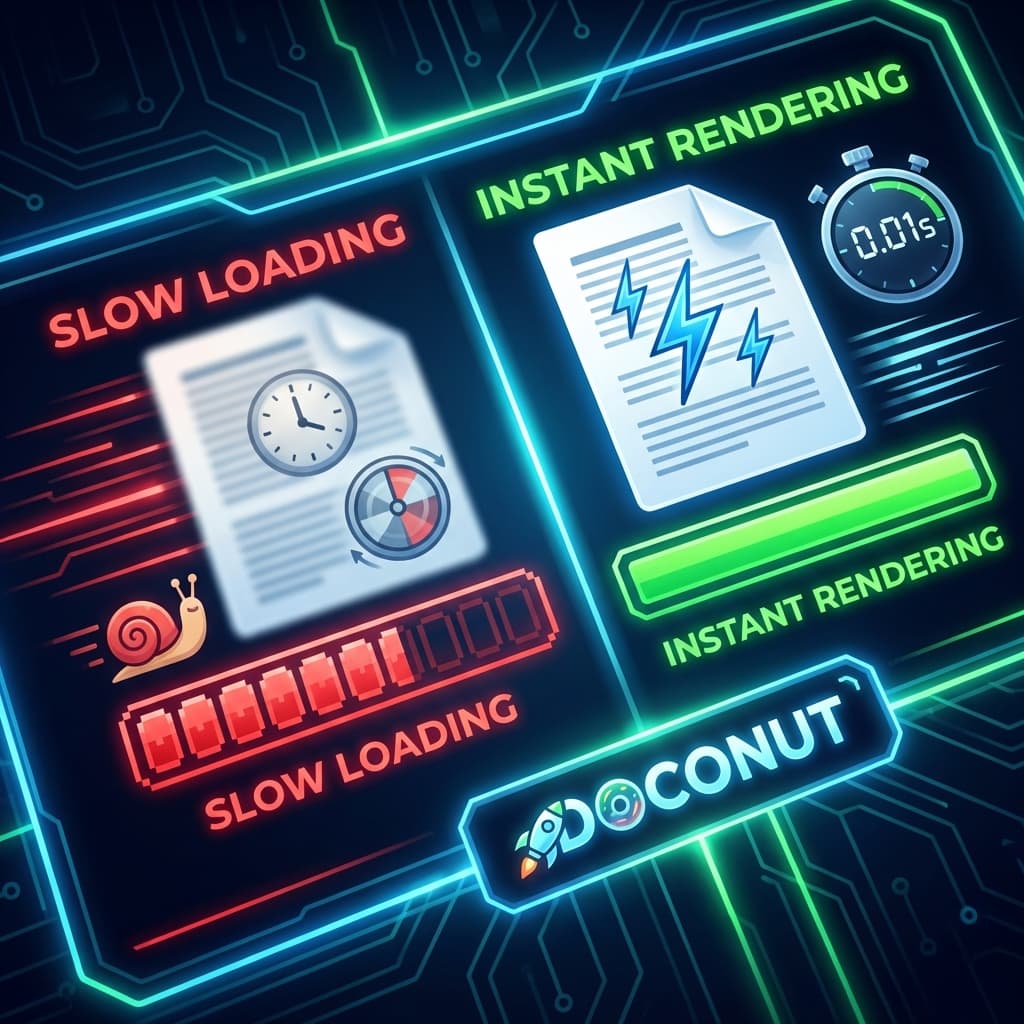
In the digital world, speed is the currency of user experience. We expect web pages to load in milliseconds, videos to stream instantly, and apps to be responsive. Yet, when it comes to viewing large documents online—like a 500-page medical report or a complex architectural drawing—users are often forced to wait.
They stare at loading spinners. They wait for "processing..." bars. They watch as pages render slowly, block by block.
That wait is a design decision, not a law of physics. Online Document Viewer runs on the Doconut engine, which prepares the page you are looking at first and the rest while you read it.
Why Legacy Viewers Are Slow
To understand why some viewers lag, we need to look at how they work.
- Client-Side Heavy: Some viewers try to download the entire PDF or file to the browser and render it using JavaScript. For a 100MB file, this means the user has to wait for the whole 100MB to download before seeing Page 1.
- Inefficient Conversion: Others convert the whole document to images on the server before showing anything. Converting 1,000 pages takes time, delaying the first paint.
The Secret to Speed: On-Demand Streaming
Doconut uses a smarter approach: Page-Level Streaming.
When a user opens a document:
- First page first: the engine renders the visible page and sends it, so the document opens before the rest of the file has been processed.
- Background Processing: While the user is reading Page 1, the server quietly prepares Page 2 and 3 in the background.
- Vector Optimization: Instead of sending heavy raw bitmaps, Doconut can send optimized SVG data, which is lightweight and scales perfectly without pixelation.
Performance Metrics That Matter
If you are evaluating a viewer, measure these on your own files rather than trusting a headline:
- Time to First Byte (TTFB): how fast does the server respond?
- Time to First Page (TTFP): the perceived speed of the viewer, and the number users actually feel.
- Scroll smoothness: can someone move through a 100-page document without jerky lag?
- Cold versus warm: a warm run hides the cost of first-time processing. Test both.
Use the same machine, browser, network profile and document set for every candidate, and report percentiles rather than averages. A median hides the slow documents that generate the support tickets.
Bandwidth Friendly
Speed is not only CPU; it is what crosses the network.
- Mobile: streaming only the page in view means a phone does not download a file it will never finish reading.
- Vector where it helps: sending optimised vector data instead of large bitmaps keeps a technical drawing sharp at any zoom without a heavy payload.
Try It on Your Own Slowest File
The honest benchmark is the file that annoys you today. Open it at OnlineDocumentViewer.com and watch when the first page appears.
Two limits to know before you do. Uploads are capped per format — 25 MB for PDF, PSD, TIFF, Visio, EPUB and images, 20 MB for Excel, PowerPoint and Project, 15 MB for Word, 10 MB for CAD and email, 5 MB for HTML, XML and text — so a genuinely enormous scan will be refused here rather than rendered slowly. And the file is deleted after viewing: there is no cache holding your document for the next visitor, because there is no next visitor for it.
Conclusion
Perceived speed comes from one decision: prepare the page the reader is looking at, and prepare the rest while they read. That is what makes a large document feel open rather than loading.
For files above the limits above, or documents that may not leave your network, the same engine is licensed as the Doconut SDK and runs on your own hardware, where you size the machine for the largest file you accept.