Removing a download button can support a view-only workflow, but it does not make a visible document impossible to copy. A secure implementation needs server-side authorization, protected storage, short-lived sessions, careful logging, and an honest understanding of what user-interface restrictions can achieve.
Doconut provides an embedded .NET document viewer for business applications. This tutorial explains the surrounding security design without publishing guessed configuration properties or other undocumented Doconut source code.
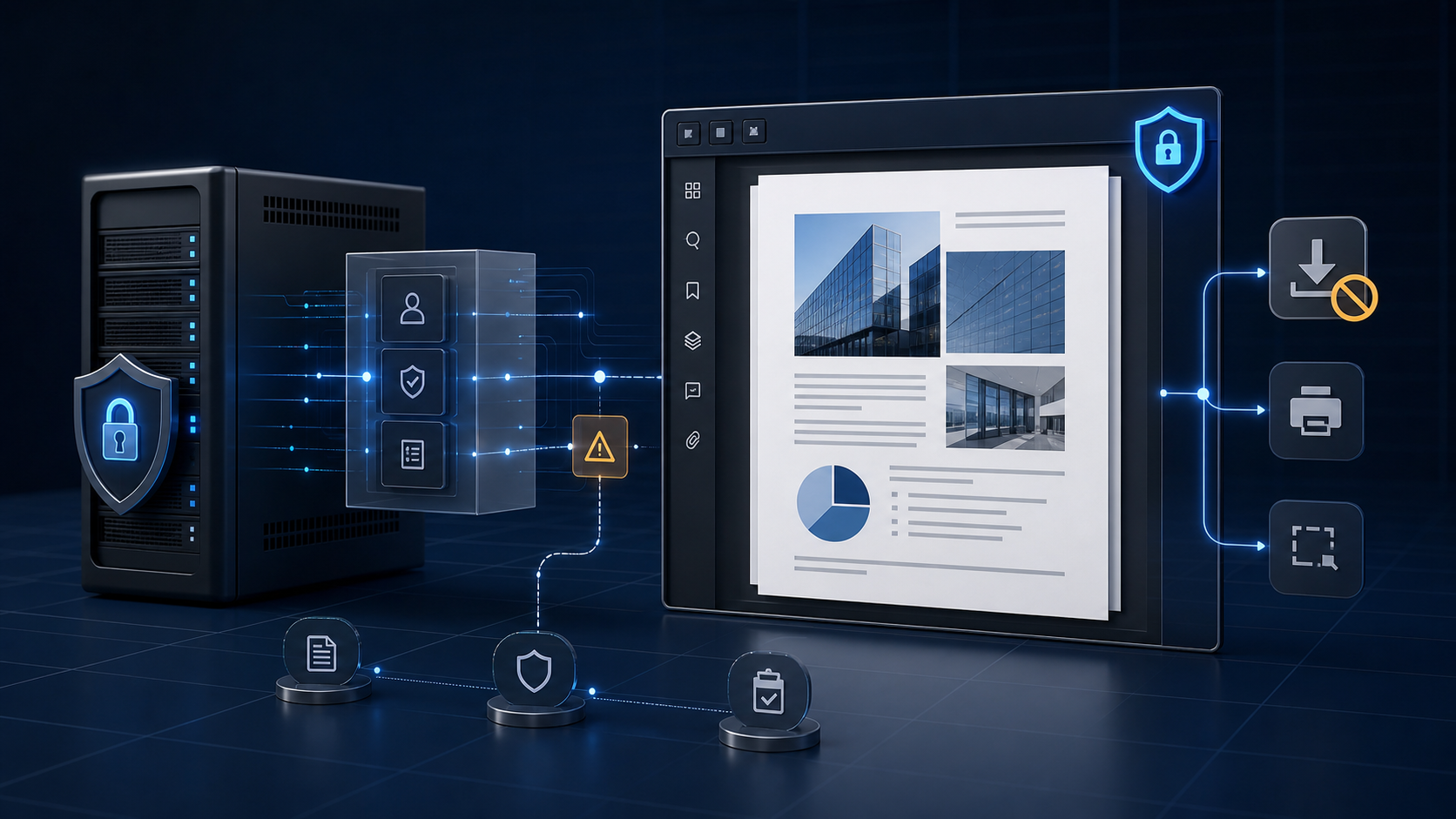
1. Define What “View-Only” Means
Start with a precise policy. Different teams may use “view-only” to mean:
- Do not offer the original file as a download.
- Do not show an export action.
- Do not permit printing.
- Permit viewing only during an authorized session.
- Prevent users from reaching the storage location directly.
- Add audit records when a document is opened.
These are separate controls. Decide which are required and verify that your selected Doconut product, plugins, and license support the viewer behavior you need.
Never promise that a visible document cannot be captured. Screenshots, cameras, accessibility tools, browser capabilities, and authorized access to displayed pixels make absolute prevention unrealistic.
2. Protect the Original File
The original document should remain in protected server-side storage.
Use:
- Server-generated document identifiers
- Restricted storage permissions
- Encryption at rest where required
- A documented retention policy
- Separate permissions for upload, view, export, and administration
Do not send storage credentials, unrestricted file paths, or permanent public URLs to the client.
3. Authorize Every Document Request
In ASP.NET Core, protect the viewer route with standard authentication and authorization mechanisms.
The server should verify:
- The user is authenticated.
- The document exists.
- The user is allowed to view that specific document.
- The requested action is allowed for the user’s role and current workflow state.
The [Authorize] attribute can protect a route, while policies, claims, or resource-based authorization can make the document-specific decision.
Authorization must also cover any endpoint that returns document data, pages, exports, annotations, or print output. Securing only the initial page leaves alternate routes exposed.
4. Separate View and Download Permissions
Model permissions explicitly rather than inferring them from a hidden button.
For example:
CanViewDocumentCanDownloadOriginalCanExportDocumentCanPrintDocumentCanManageDocument
These names describe application policies, not Doconut APIs. Your authorization layer should evaluate them on the server before carrying out the corresponding action.
An administrator may have download permission while another authenticated user has view permission only. Both users can share the same application page while receiving different authorized capabilities.
5. Configure the Viewer from Official Documentation
Use only the configuration names and integration steps documented for the exact Doconut version installed in your application.
The verified Doconut Viewer page provides current product information. The Doconut download and documentation page provides installation resources and version-specific examples.
If the installed product exposes a supported setting for hiding or disabling a download action:
- Apply it according to the official documentation.
- Treat it as a user-interface and workflow control.
- Keep the related server endpoint protected.
- Test that unauthorized users cannot bypass it with a direct request.
Do not copy guessed configuration properties from an unrelated article and assume they are supported.
6. Keep Viewer Integration Behind a Service
A dedicated application service can:
- Resolve the authorized document
- Open it through an approved storage abstraction
- Apply supported viewer configuration
- Release streams and temporary resources
- Record sanitized audit events
- Return safe errors to the controller
This keeps SDK-specific details out of authorization policies and presentation code.
Standard .NET types such as Stream, FileStream, CancellationToken, and dependency-injected services can form the surrounding application boundary. Follow Doconut’s own documentation for calls into the SDK.
7. Apply Defense in Depth
A view-only workflow can include:
- Authentication and resource-level authorization
- Network and storage isolation
- Short session duration
- Restricted export and print routes
- Watermarking when supported and appropriate
- Audit events for document access
- Rate limits and concurrency controls
- Clear retention and cleanup rules
- Security monitoring for unusual access patterns
No single control is sufficient. A hidden button without server protection is especially easy to bypass.
8. Log Access Without Leaking Data
Useful audit fields include:
- Application document identifier
- Authorized user identifier
- Timestamp
- Action requested
- Result
- Correlation identifier
- Sanitized reason for denial or failure
Avoid logging:
- Document contents
- Storage credentials
- Access tokens
- Sensitive URLs
- Full server paths
- Unnecessary personal information
Protect audit logs according to their sensitivity and retention requirements.
9. Test Attempts to Bypass the UI
Do not stop after confirming that a toolbar button is absent.
Test whether a view-only user can:
- Request the original file route directly
- Call an export or print route
- Change a document identifier
- Reuse an expired session
- Access another user’s document
- Discover storage URLs in markup or network responses
- Trigger verbose errors that reveal internal paths
- Retain access after their permission is revoked
Include both automated authorization tests and manual browser testing.
10. Set Accurate User Expectations
Explain what the policy does:
- It limits application-provided download or export workflows.
- It restricts access to authorized users.
- It may record viewing events.
- It keeps the original file behind server controls.
Also explain what it cannot guarantee:
- It cannot prevent photography or screenshots in every environment.
- It cannot revoke information already seen and remembered.
- It does not replace contractual, organizational, or endpoint security controls.
This distinction makes the product more trustworthy and helps stakeholders choose appropriate controls for highly sensitive material.
Verification Checklist
- Viewing and downloading use separate server permissions.
- Every document request performs resource-level authorization.
- The original file has no permanent public URL.
- Viewer settings come from documentation for the installed Doconut version.
- Hidden actions have protected server endpoints.
- Temporary data has a defined cleanup process.
- Audit logs avoid document content and secrets.
- Unauthorized direct requests are covered by tests.
- Error responses do not expose internal storage details.
- Product copy does not claim absolute copy prevention.
Where Doconut Fits
Doconut provides the embedded viewing layer within the .NET application. Your application remains responsible for identity, authorization, permissions, storage, retention, auditing, and the truthfulness of the “view-only” promise.
Evaluate the Doconut .NET document viewer SDK with your security requirements and representative documents. Use the official resources for supported configuration rather than relying on guessed source code.
Conclusion
A view-only document workflow is a defense-in-depth design, not a Boolean flag. Protect the original file, authorize every request, separate view and download permissions, validate supported viewer settings, audit access, and test direct attempts to bypass the interface.
With those controls in place, Doconut can provide the embedded document experience while your ASP.NET application enforces the security policy around it.