A deck arrives as a .pptx, or worse as an .odp, and the machine in front of you has no presentation software. OnlineDocumentViewer.com renders both in a browser tab — PPT, PPTX, ODP and six more extensions, up to 20 MB, free and with no account.
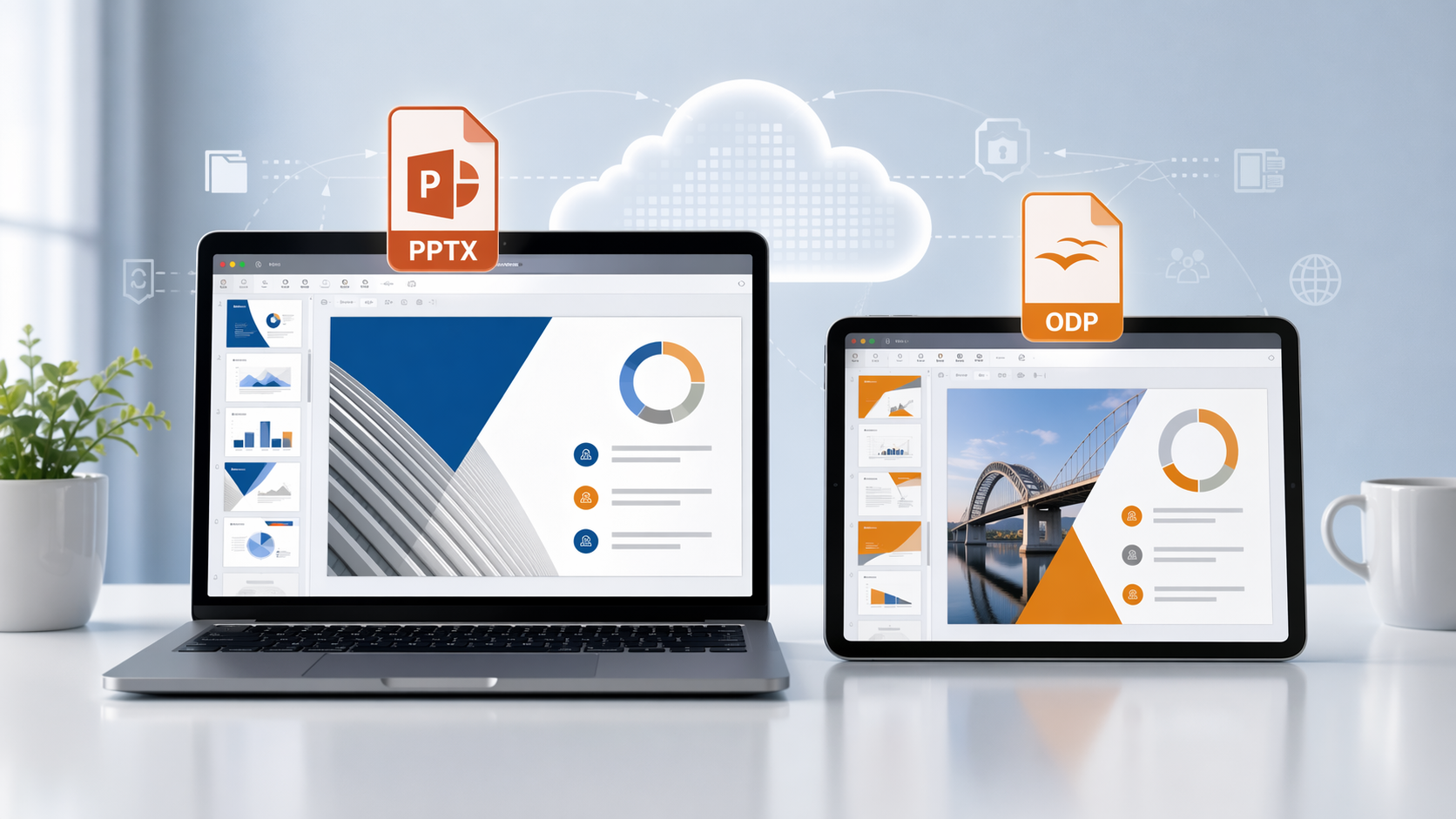
Microsoft PowerPoint vs. OpenOffice Presentations
Microsoft PowerPoint and OpenOffice presentations have their distinct characteristics and advantages, but they often require different software to open and edit. Here’s a quick overview of the two:
-
PowerPoint (PPT, PPTX): As the industry standard for presentations, Microsoft PowerPoint is widely used in corporate and educational environments. Its file formats—PPT (older format) and PPTX (newer format)—are feature-rich, supporting animations, transitions, embedded media, and a variety of design tools.
-
OpenOffice Presentations (ODP): OpenOffice’s ODP format is an open-source alternative to PowerPoint, offering many of the same features but with an emphasis on accessibility and compatibility across various office suites. ODP files are often favored by users who rely on free or open-source software for their presentations.
While both formats are widely used, they can sometimes cause compatibility issues when sharing files across different platforms. That’s where OnlineDocumentViewer.com steps in.
What the viewer accepts
The PowerPoint viewer takes nine extensions: PPT, PPTX, ODP, PPTM, PPSX, PPSM, POT, POTX and POTM — 20 MB per deck. The macro-enabled variants (PPTM, PPSM, POTM) render, and nothing executes.
-
Both families in one place: Microsoft PowerPoint and OpenOffice / LibreOffice, no separate application for each.
-
No installation: no PowerPoint, no Impress, no plugin, no account.
-
Any device: Windows, macOS, Linux, tablet or phone. It is a web page.
-
One caveat on fidelity: layouts, styles, images and tables render as saved, but fonts are named in a document rather than stored in it. A font missing from the rendering server is substituted, the text rewraps, and text can spill out of its box. Ask senders to save with fonts embedded when that matters.
-
Nothing kept: the deck is uploaded over TLS, rendered on the server, and deleted when the session ends. No account, no library, no second copy.
-
Over 20 MB: embedded video or full-resolution photographs. In PowerPoint: File, Compress Media, or Compress Pictures.
PowerPoint (PPT, PPTX) vs. OpenOffice (ODP): Which Format is Right for You?
The decision between using PowerPoint or OpenOffice often comes down to personal preference, cost, and feature requirements. Here’s a quick comparison to help you decide:
-
Microsoft PowerPoint: Offers a comprehensive suite of design tools, templates, and multimedia features. It’s ideal for users who need high-end functionality and are part of an ecosystem that relies heavily on Microsoft Office products.
-
OpenOffice Impress (ODP): A great alternative for those looking for a free, open-source solution. While it may lack some of the advanced features of PowerPoint, it’s more than capable for most presentation needs, especially in environments that prioritize open formats.
Regardless of the format you choose, OnlineDocumentViewer.com ensures you can view your presentations without any technical hurdles.
Two things it does not do
It does not edit. Nothing here changes a slide, adds a note or saves a version.
It does not play the deck. Each slide renders as an image, so transitions and animations collapse into one frame, video and audio give you the poster frame, and speaker notes — which live outside the slide — do not appear. Hidden slides do render: they were hidden from the presentation, not removed from the deck.
To hand the deck to someone with no presentation software at all, the PowerPoint converter exports PPT and PPTX to PDF, JPG or PNG.
Conclusion
PPT, PPTX, ODP and six more presentation extensions, up to 20 MB, in a browser tab. Free, no account, deleted when you close it.
Open the PowerPoint viewer and drop the deck on it.