Emails play a critical role in our day-to-day communications, and being able to access and review different email formats such as EML and MSG is essential for many professionals. However, not everyone has the software needed to handle these file types. With OnlineDocumentViewer, you can now open and view these files effortlessly, without the need for additional software like Outlook or Thunderbird.
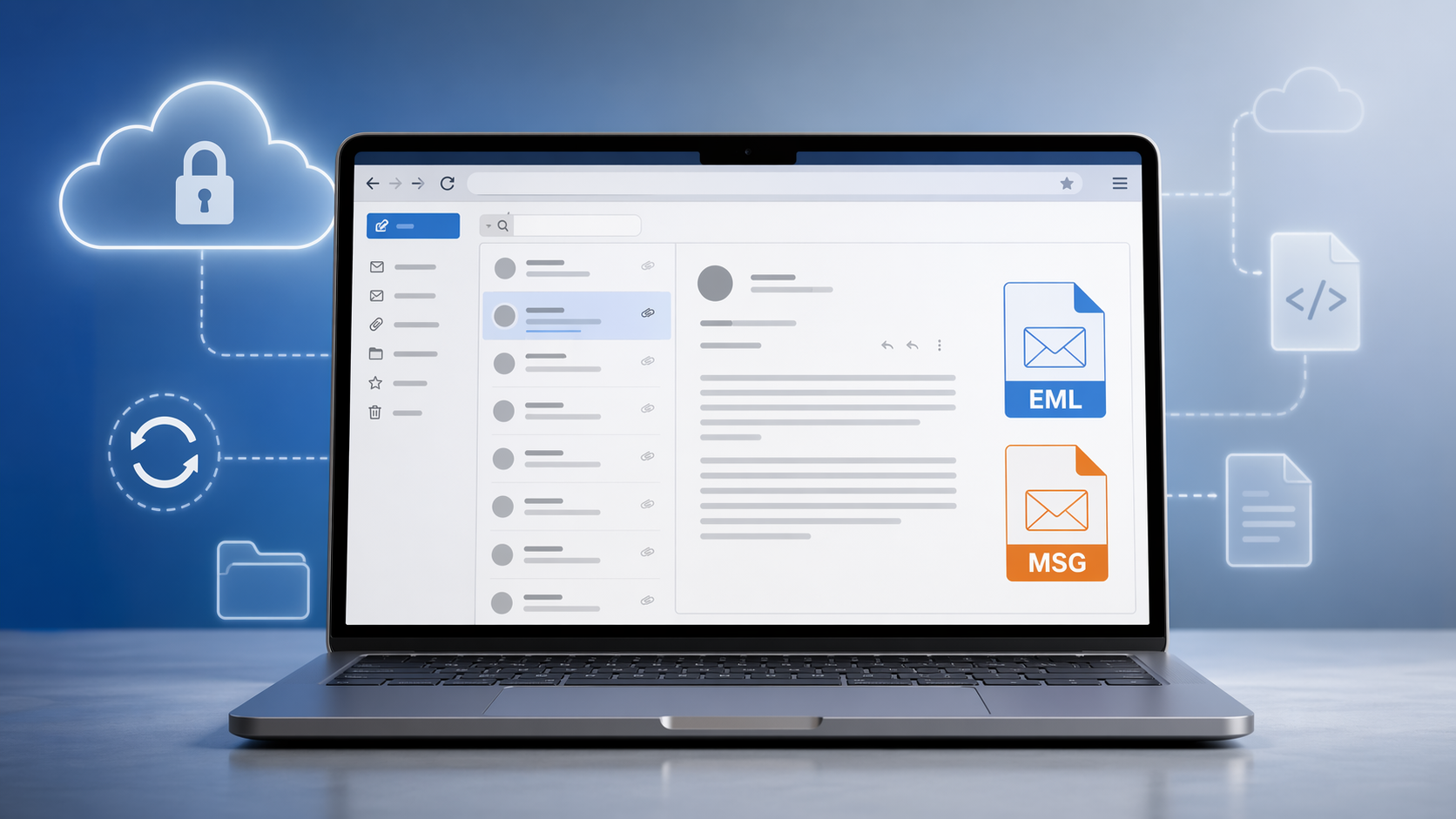
EML, MSG and EMLX, up to 10 MB
The email viewer takes all three. Outlook writes MSG, Apple Mail writes EMLX, almost everything else writes EML. Upload the file and the message renders in the browser: no Outlook, no Thunderbird, no account, and the file deleted when the session ends.
That covers the legal professional reading archived correspondence, the project manager retrieving a communication history, and anyone who was sent a .msg by someone who assumed they had Outlook.
What you get
- Body, headers and attachments: the message text, plus From, To, Cc, Date, Message-ID and the full Received chain, and each attached file listed and viewable on its own.
- Search: body and header text, which is what makes a long thread usable. It reads text, so a scanned attachment returns nothing — there is no OCR here.
- Print: sender block and layout kept on the printed page.
- Any device: it is a web page, so a phone or a tablet works.
What it will not open
A .pst or .ost. That is a whole mailbox, not a message, and it is not accepted. Open it in Outlook and save the one message you need as MSG or EML first.
Over 10 MB. Almost always an attachment. Save the attachment separately and open it in the viewer for its own format.
And it reads only: it does not reply, forward, edit or file anything, and there is no mailbox behind it. One message per upload, then gone. To keep a copy, the email converter turns MSG and EML into PDF or HTML at up to 10 MB.
Doconut .NET for your own product
Businesses that need email viewing inside their own software use the Doconut .NET Library: the same rendering engine, licensed and installed on your own servers, called from your own code. Conversion is one of its four plugins, alongside Annotation, DICOM and Search.
Start with the email viewer here, and look at Doconut.com when the requirement is to put this inside a product.