An issued drawing arrives and the person who has to read it has no AutoCAD. That is the whole problem, and it happens on every project — to the client, the quantity surveyor, the site manager, the planning officer.
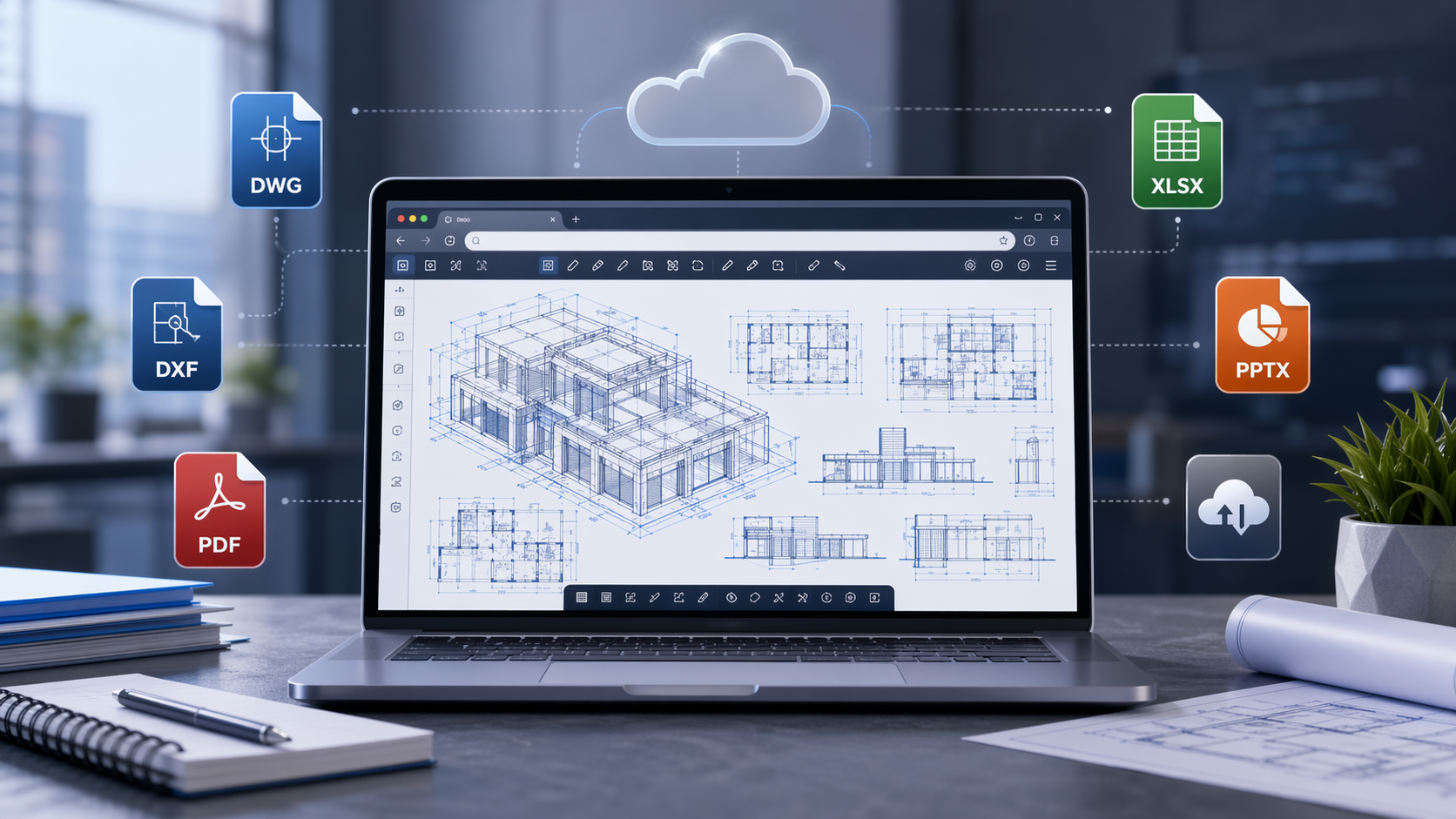
OnlineDocumentViewer.com opens DWG, DXF and DGN in a browser tab, up to 10 MB per drawing. No plugin, no account, and the file is deleted afterwards.
Simplify Viewing Complex CAD Files
CAD files are the backbone of architectural and engineering projects. Whether you're reviewing building plans, mechanical designs, or civil engineering diagrams, accessing DWG, DXF, or DGN files should be straightforward. However, many teams still rely on expensive and complicated software that can be a barrier for non-technical stakeholders or clients.
With the CAD viewer, up to 10 MB per drawing, you can:
- Open DWG, DXF and DGN without AutoCAD, MicroStation or any plugin.
- Switch layers off one at a time, so the hatching or the services layer comes away from the walls underneath.
- Measure distance, angle and area on the open drawing.
- Zoom and pan with line weights, hatches and dimension text staying accurate, and title blocks legible at full zoom. Multi-sheet files open a sheet at a time.
It renders. It does not edit: nothing here moves a line, changes a dimension or saves a revision.
Manage Multiple File Formats Beyond CAD
OnlineDocumentViewer.com covers 70+ extensions across seventeen viewers, so the project specification in Word (15 MB), the cost plan in Excel (20 MB), the client deck in PowerPoint (20 MB), the issued drawing set as PDF (25 MB) and the Visio schematic (25 MB) all open on the same site.
- One place for the project's paperwork: the size ceiling is set per format, because a drawing and a text file do not cost the same to render.
Who Benefits from OnlineDocumentViewer.com?
Architects and Engineers:
Get instant access to your technical drawings, no matter where you are. Whether you’re on-site or working remotely, you can pull up CAD designs in seconds, speeding up decision-making and problem-solving.
Project Managers:
Send the drawing to a subcontractor or a client and point them at the viewer page for its format. They open it with nothing installed and nothing to buy. There is no shared workspace here and no link to circulate: each person opens their own copy, and it goes when they close the tab.
Construction Professionals:
Read a drawing on site from the phone in your pocket, instead of carrying the sheet or finding a machine with CAD on it. Nothing is stored here, so bring the file with you — the viewer opens what you upload, then forgets it.
Why Choose OnlineDocumentViewer.com?
- Nothing to install: any device with a browser. No download, no plugin, no licence.
- 70+ extensions: CAD, PDF, Excel, Word, PowerPoint, Visio, Project and images, in one place.
- Free, with no account: no sign-up, no tier, nothing to upgrade to.
- Nothing kept: uploaded over TLS, rendered on the server, deleted when the session ends. There are no user accounts and therefore no permissions, no roles and no audit trail. There is no link to your open drawing either: the upload belongs to one session and goes with it.
For drawings that may not leave your network at all, a hosted viewer is the wrong tool whoever runs it. The Doconut .NET Library is the version that installs on your own servers.
Try OnlineDocumentViewer.com Today
Drop a DWG on the CAD viewer. To hand a drawing to someone with no CAD software, the CAD converter turns DWG and DXF into PDF at up to 5 MB.