Are you curious about RTF files and how to view them online? Look no further! In this post, we'll explore what RTF files are and guide you on how to easily view them using OnlineDocumentViewer.com.
🤔 Understanding RTF Files
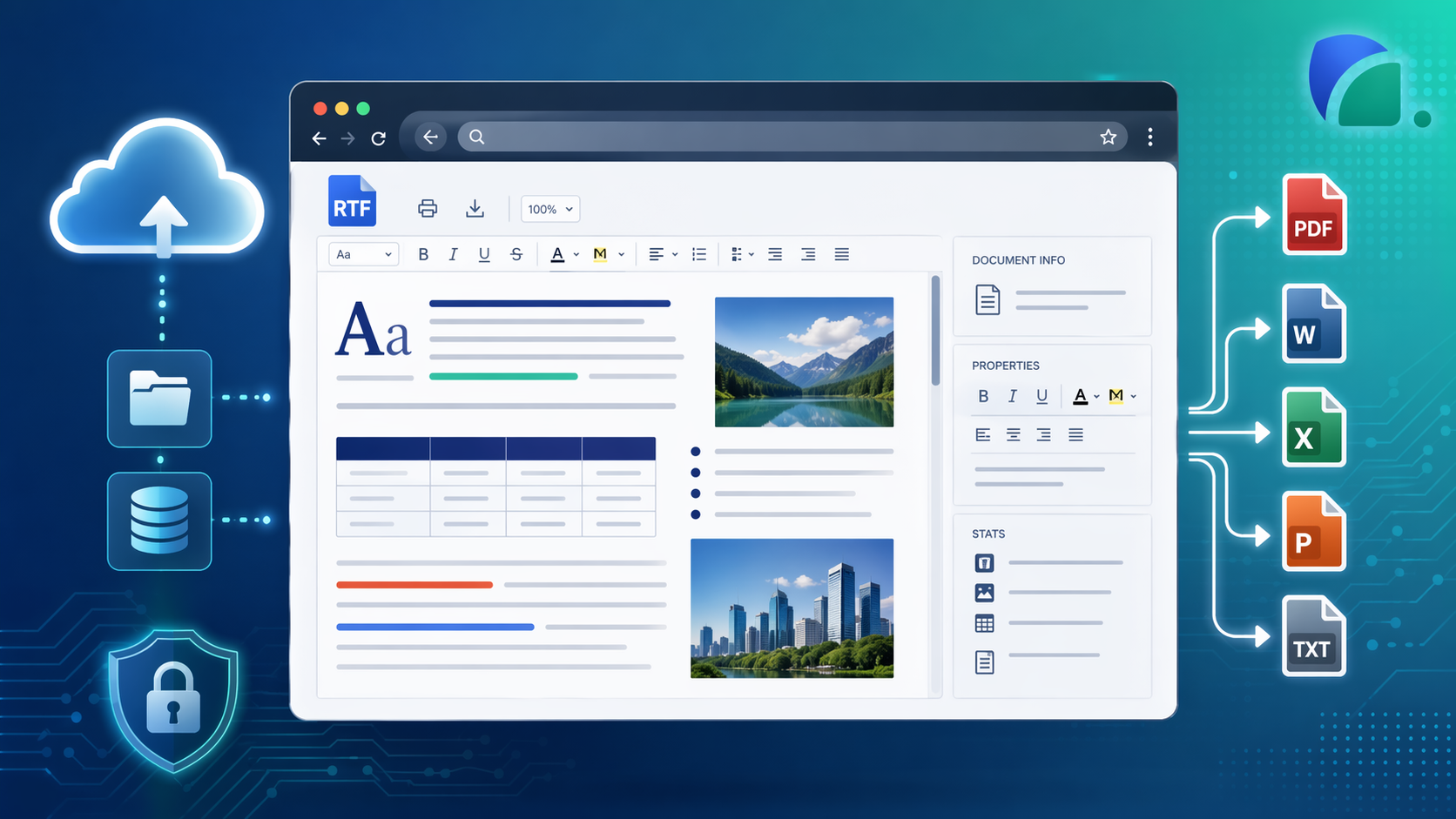
RTF, or Rich Text Format, is a versatile document file format that supports formatted text, images, and more. It's widely used for creating documents that need a bit more flair than plain text but don't require the complexity of a full-fledged word processor.
🌐 Why Choose OnlineDocumentViewer.com?
OnlineDocumentViewer.com provides a user-friendly platform to view a variety of document formats, including RTF. The process is simple, efficient, and, most importantly, can be done entirely online.
🚀 How to View RTF Files Online
- Open the RTF viewer.
- Upload your RTF file: drag and drop, or click to browse. Up to 15 MB.
- Read it: page, zoom, fit to window, print, search. RTF carries real text, so search works on it.
💡 Limits worth knowing
- 15 MB per file. RTF has no compression, so pictures make the file large fast. Over the limit, save it as DOCX and open that in the Word viewer at the same 15 MB, or export to PDF for 25 MB.
- Fonts are named in a document, not stored in it. A font missing from the rendering server is substituted, the text rewraps, and the page count can shift. Bold, italics, colours, tables and images come through as saved.
- It renders, it does not edit. No annotation, no saving a new version.
- Nothing is kept. The upload is deleted when the session ends. No account, no library.
🆓 Free RTF viewer
Open the RTF viewer and drop the file on it. The same file also opens in the Word viewer, which takes RTF alongside DOC, DOCX and ODT.