Someone sent you an EML or a MSG and the machine in front of you has no Outlook. The email viewer renders it in a browser tab — EML, MSG and EMLX, up to 10 MB, free and with no account.
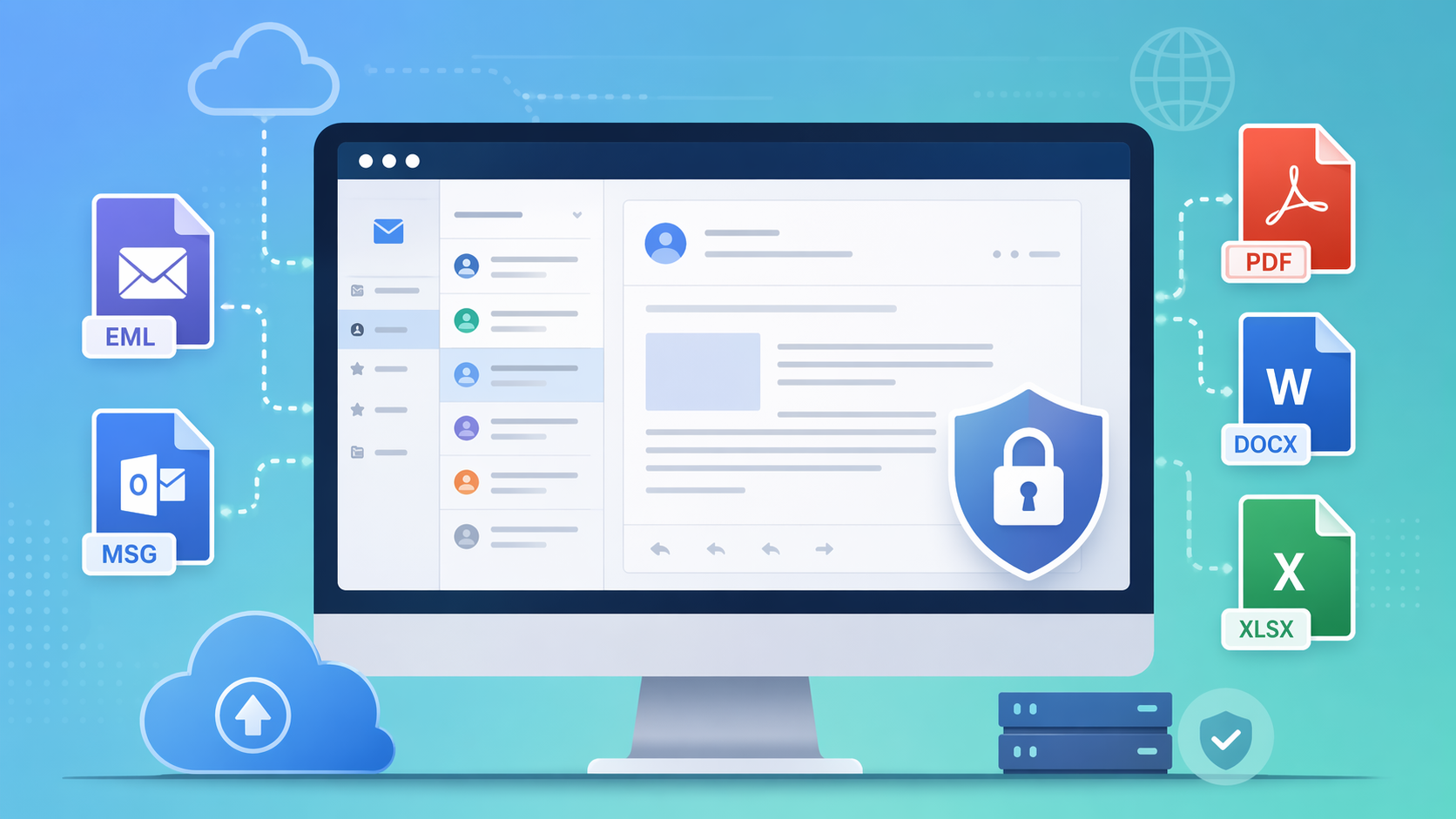
📥 What are EML and MSG Files?
- EML Files: EML files are email message files that contain the content of an email message, including text, attachments, and metadata.
- MSG Files: MSG files are Microsoft Outlook email message files that store an individual email message, including text, attachments, and formatting.
💻 How to view them
- Open the email viewer and upload the EML, MSG or EMLX file. Up to 10 MB.
- Read the message: body, plus From, To, Cc, Date, Message-ID and the full Received chain.
- Open an attachment: each attached file is listed and viewable on its own.
- Search or print: search covers body and header text, which is what makes a long thread usable.
🚫 What it will not take
- A .pst or .ost. That is a whole mailbox, not a message. Open it in Outlook and save the one message you need as MSG or EML first.
- Over 10 MB. Almost always an attachment. Save it separately and open it in the viewer for its own format.
- A scanned attachment you want to search. Search reads text; a scan is a picture of text, and there is no OCR here.
🌟 Why use it
- Nothing to install: no Outlook, no Thunderbird, no plugin, no account.
- Any device: it is a web page.
- Nothing kept: uploaded over TLS, rendered on the server, deleted when the session ends.
It reads only — no reply, no forward, no editing, and no mailbox behind it. To keep a copy, the email converter turns MSG and EML into PDF or HTML at up to 10 MB.