A Word document with figures, charts and tables in it is the one that renders badly everywhere else. The Word viewer takes DOC, DOCX, ODT, RTF, DOT, DOTX, DOTM, DOCM and OTT, up to 15 MB, and lays the page out rather than dumping the text.
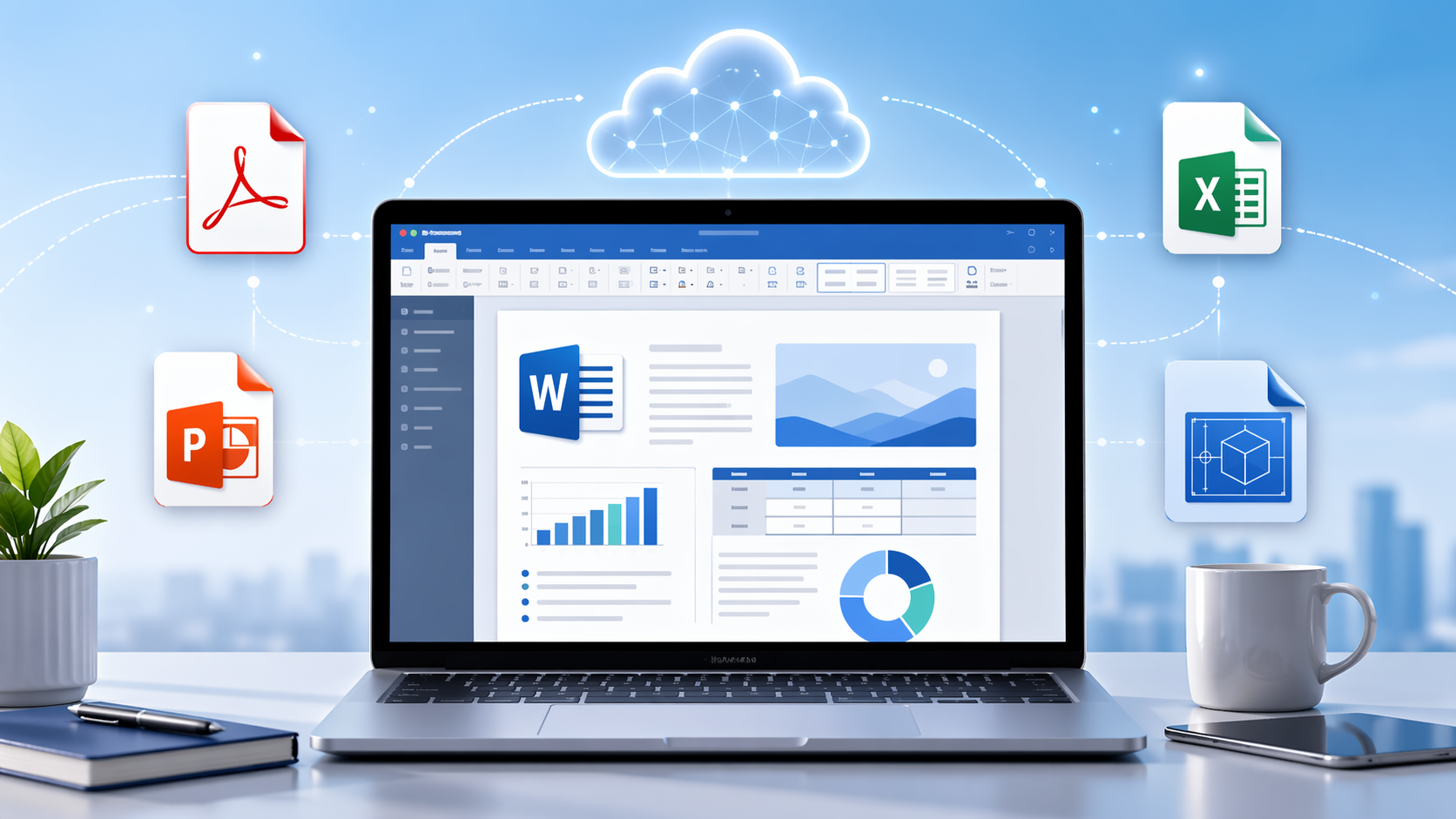
What comes through
Page layout, styles, embedded images, charts and tables render in position. Headers, footers and multi-column sections hold.
What will not match the sender's screen
Two things move, and neither is a fault in the file:
- Fonts are named in a document, not stored in it. If the font is not on the rendering server, a substitute is used, the text rewraps, and the page count shifts. Ask the sender to save with fonts embedded if pagination matters.
- Fields show their last refresh. Page numbers, dates and a table of contents display whatever Word calculated when the file was last saved, not a current value.
Other formats
Seventeen viewers, 70+ extensions: PDF (25 MB), Excel (20 MB), PowerPoint (20 MB), CAD (10 MB), PSD (25 MB), Visio (25 MB), Project (20 MB), EPUB, email (10 MB), and the common and raw image formats. Pick the page for yours at the viewer hub.
What it does not do
It views. There is no editing here — no typing into the document, no correcting a table, no saving a new version. If you need the contents in an editable file, Word to PDF goes the other way, and PDF to Word takes a PDF back into DOCX.
Free, no account, and the upload is deleted from the server after viewing.