Photoshop is the only program most people have for a PSD, and most people do not have Photoshop. Here is how to look at one without it.
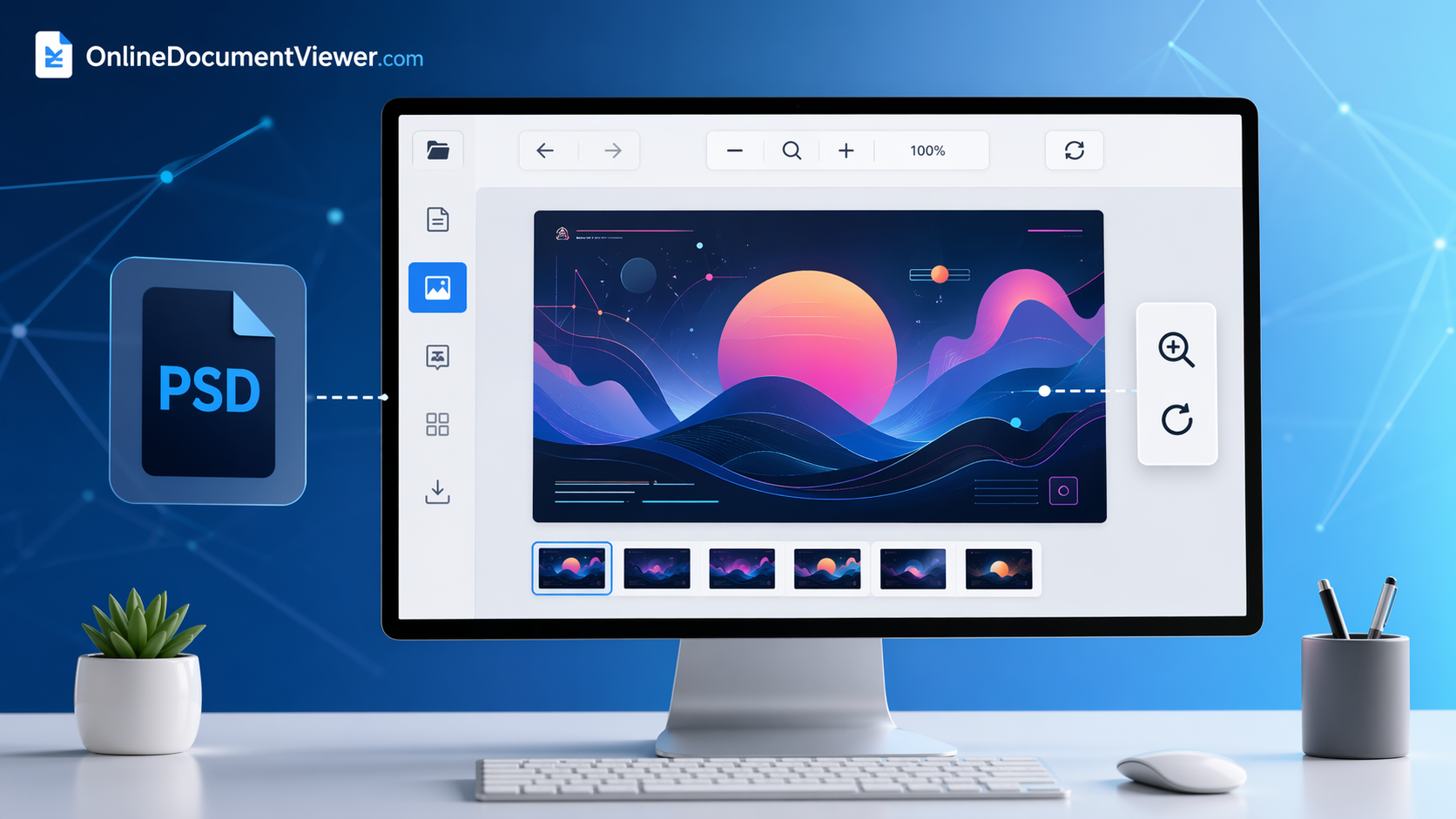
Open a PSD in three steps
- Go to the PSD viewer. No account, no install.
- Upload the file. PSD only, up to 25 MB, one at a time. PSB, the large-document format, is refused.
- Read it. The page shows the composite Photoshop saved — layer order, masks, blend modes and adjustment layers already applied. Zoom and pan to inspect detail.
What to expect
- Fonts do not matter. Type was rasterised when the file was saved, so nothing gets substituted and nothing reflows.
- Colour is handled. CMYK and greyscale documents convert to RGB for display, with the embedded ICC profile applied.
- One kind of file fails, for a good reason. A PSD saved with Photoshop's Maximize Compatibility switched off carries no composite, and no reader outside Photoshop can show much of it.
- The upload is deleted afterwards. No account, no library, no second copy.
Reading is all this page does: there is no editing, no export to another format, and the converters here take PNG and JPG rather than PSD. If the artwork has to leave as something else, export it from the machine that has Photoshop.
Open a file: PSD viewer.