Course readings arrive as EPUB, and the laptop in the library has no reader installed. The eBook viewer opens the file in the browser: free, no account, nothing installed.
One thing first, because it is the reason many people land here: MOBI is not accepted. The viewer takes .epub and nothing else in this family. A MOBI has to be converted to EPUB on the machine that holds it — Calibre does it — before it can be read here.
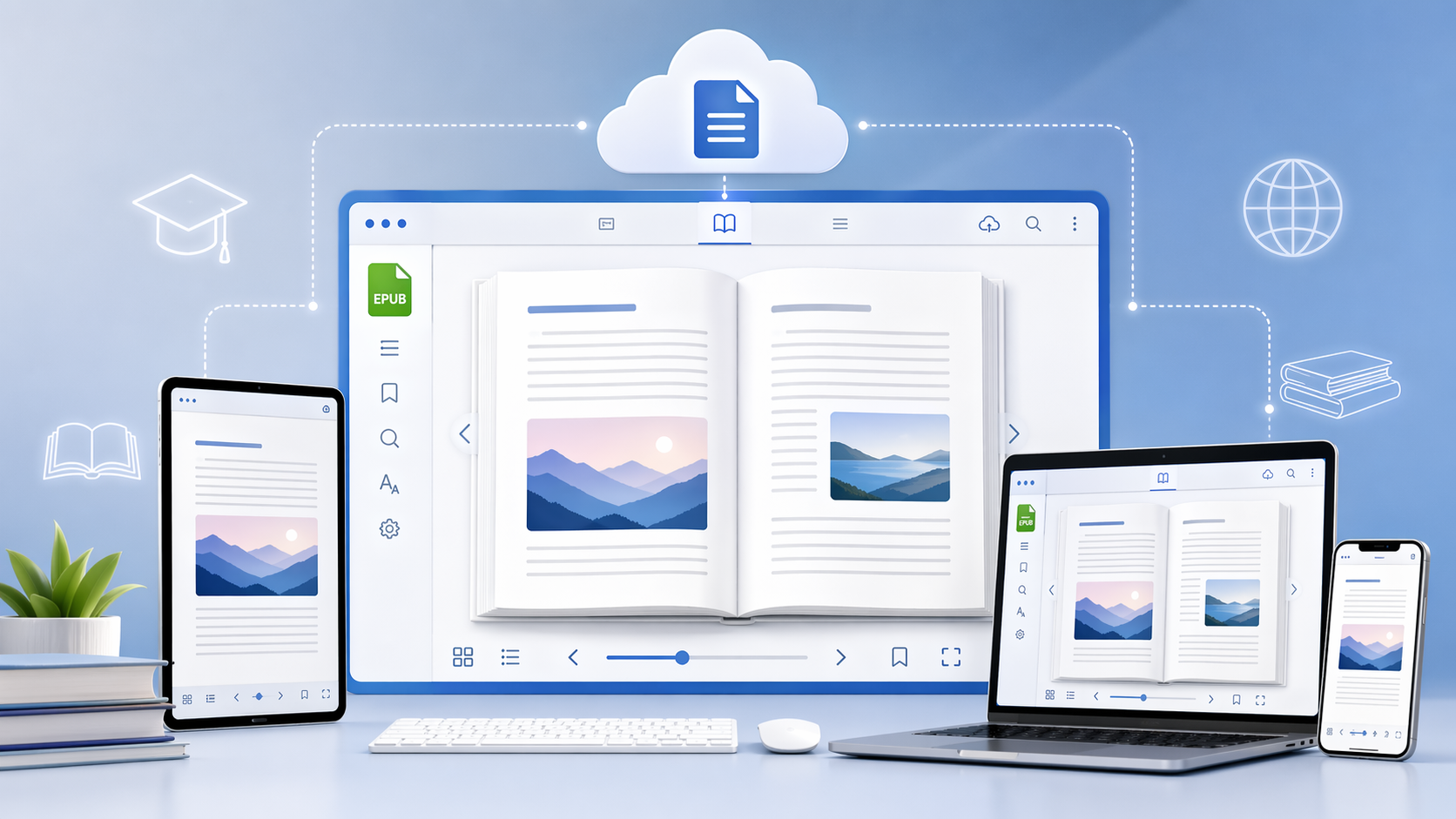
Why EPUB suits teaching material
- It reflows. Larger type rewraps the page instead of running off the edge, which is what makes the same file readable on a phone and on a projector.
- It is one file. Chapters, images and internal links travel together, so a reading list is a set of files rather than a set of folders.
- It is open. No single vendor's reader is required, which is precisely why a browser can render it.
What the eBook viewer does
1. Opens EPUB up to 25 MB
Drag the file in. No install, no account, no sign-up. Over 25 MB the upload is refused, and the message says so.
2. Pages, search and print
Page through the book, search the full text across chapters, and print a chapter or the whole thing with the layout kept.
3. Reflowable text
Increase the type size and the page rewraps. Useful on a phone, and useful for anyone reading at 150%.
4. Free, with no tier above it
No subscription, no quota, no account. The file is deleted after viewing.
What it does not do
- No MOBI, AZW or AZW3. EPUB only.
- No annotation and no note-taking. It renders the book; it does not let you write on it.
- No sharing. There is no link to pass to a class — each reader uploads the copy they already have.
- No library. Nothing is stored between sessions.
Getting started
Step 1: Open the eBook viewer.
Step 2: Drop in the .epub, under 25 MB.
Step 3: Read, search, print. Close the tab and the file is gone.
For a teacher or a student, that is usually the whole job: open the book on whatever machine is to hand, without installing a reader on a locked-down computer. Visit OnlineDocumentViewer.com and open one.