Someone sent you a .msg and your machine has no Outlook. Or a .eml that Windows offers to open with nothing at all. The email viewer renders it in a browser tab: headers, body, attachments. Free, no account, 10 MB per file.
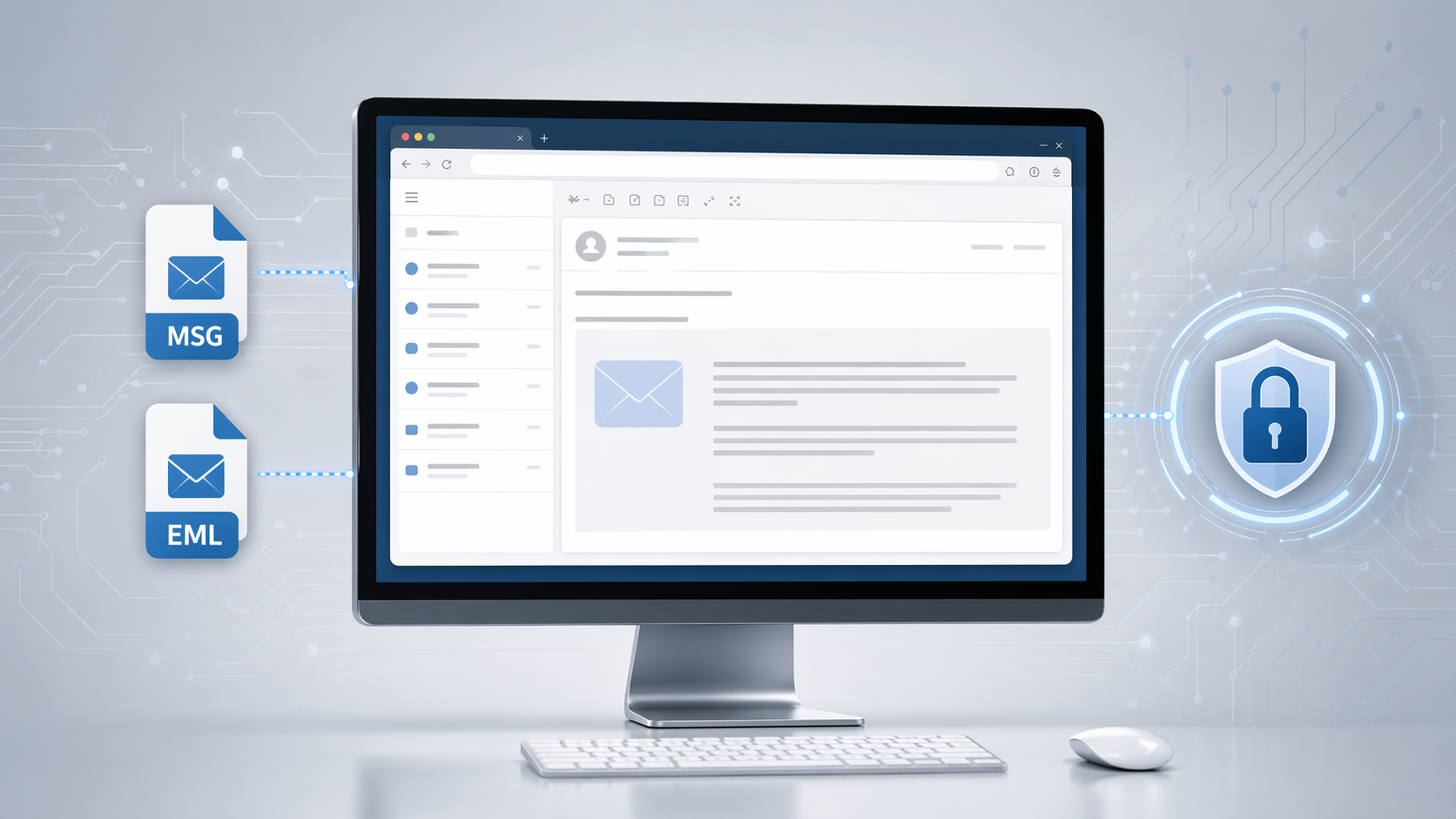
Here is what it shows, what it refuses, and what it does not do.
Breaking Down the Complexity of Email Formats
MSG and EML formats were designed for email clients like Microsoft Outlook or Thunderbird. While these tools are great for creating and managing emails, accessing individual MSG or EML files often requires specific software.
The viewer removes that requirement. Upload the file and it renders, whatever the operating system and whatever is installed on it.
The Key Advantages of Using Online Document Viewer
Why choose Online Document Viewer over traditional software? Here are the standout features that make it an essential tool:
1. MSG, EML and EMLX
Outlook writes MSG. Apple Mail writes EMLX. Almost everything else writes EML. All three open here, up to 10 MB per file.
2. Headers, body and attachments
Not only the message text: From, To, Cc, Date, Message-ID and the full Received chain, plus each attached file listed and viewable on its own. Search covers body and header text, which is what makes a long thread usable.
3. Free, and no account
No sign-in, no plan, no upgrade. The viewers on this site are free; the thing that costs money is the SDK on Doconut.com.
4. The file does not stay
It is uploaded, rendered, and deleted from the server when you close it. Nothing is retained and nothing is indexed.
How Can Different Professionals Benefit?
IT Specialists
Analyze and troubleshoot archived emails without needing additional plugins.
Legal and Business Teams
Quickly access email files to review contracts, agreements, or confidential correspondence.
Students and Educators
Preview email attachments related to academic research or class projects without downloading specialized software.
Freelancers and Consultants
Read a client's thread and its attachments on whatever machine is to hand.
How it works
- Open the email viewer.
- Drag the MSG, EML or EMLX file onto the upload box.
- It renders: headers, body, attachment list.
Close the tab and the file is deleted from the server.
When it will not open
A .pst or .ost. That is a whole mailbox, not a message, and it is not accepted. Open it in Outlook and save the one message you need as MSG or EML first.
Over 10 MB. Almost always an attachment. Save the attachment separately and open it in the viewer for its own format.
You expected a search hit and got nothing. Search reads text. If the thing you are looking for is inside a scanned attachment, it is a picture of text and there is no OCR here.
What it is not
It reads. It does not reply, forward, edit or file anything, and there is no mailbox behind it — no account, no folders, no history. One message at a time, then gone.
Open the email viewer with the file you were sent.