An image-heavy PDF is the slow case: a brochure full of high-resolution photographs, a scanned report, a paper with large charts. Here is how this viewer handles that, and what the limits are.
Where the work happens
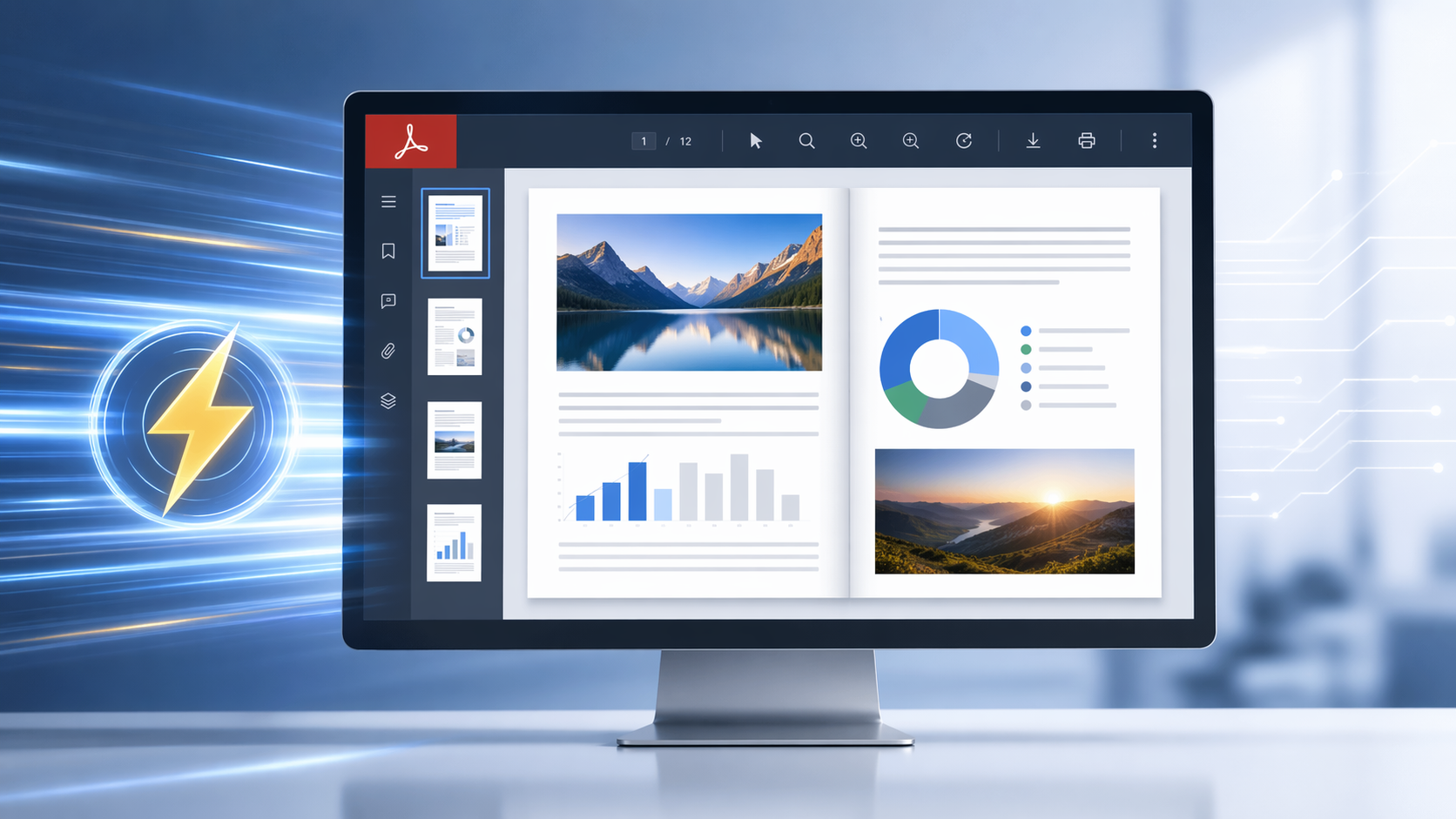
Rendering runs on the server. Your browser receives pages it already knows how to draw, so the machine in front of you is not the bottleneck — an old laptop opens the same brochure as a workstation does, and a phone opens it too.
Pages are prepared on demand, so the first page appears before the rest of the file has been processed. On a long document that is the difference between reading now and waiting for a hundred pages you were not going to look at.
What that means in practice
- The first page arrives first. You start reading while the rest is still being prepared.
- Quality is not traded for speed. Text stays text; images render at the resolution the file carries.
- The client does no rendering. Memory use on your device stays low because the work is elsewhere.
- Search covers the text the PDF already has. A scanned page holds pixels rather than characters, and there is no OCR here, so it returns nothing.
The limits, stated plainly
- 25 MB per PDF. Scans reach that first; compress or split before uploading and the error message names the ceiling when you go over it.
- One file at a time. No folder upload, no ZIP, no queue.
- Password-protected PDFs stay closed. The password has to be removed by whoever set it.
- The file is deleted after viewing. No account, nothing stored.
Try it
Open the PDF viewer and upload one of your own image-heavy PDFs. That is a better measure than any number in an article: your file, your connection, your device.
If you need this rendering inside your own application instead of on a public page, the same engine is licensed as the Doconut .NET SDK, where you control the hardware and the file never leaves your network.