At the heart of the Free Online Document Viewer is a commitment to user privacy. Unlike traditional document viewers, our platform guarantees that any uploaded documents are not stored on our servers. They are deleted immediately after viewing, ensuring that your sensitive information remains protected.
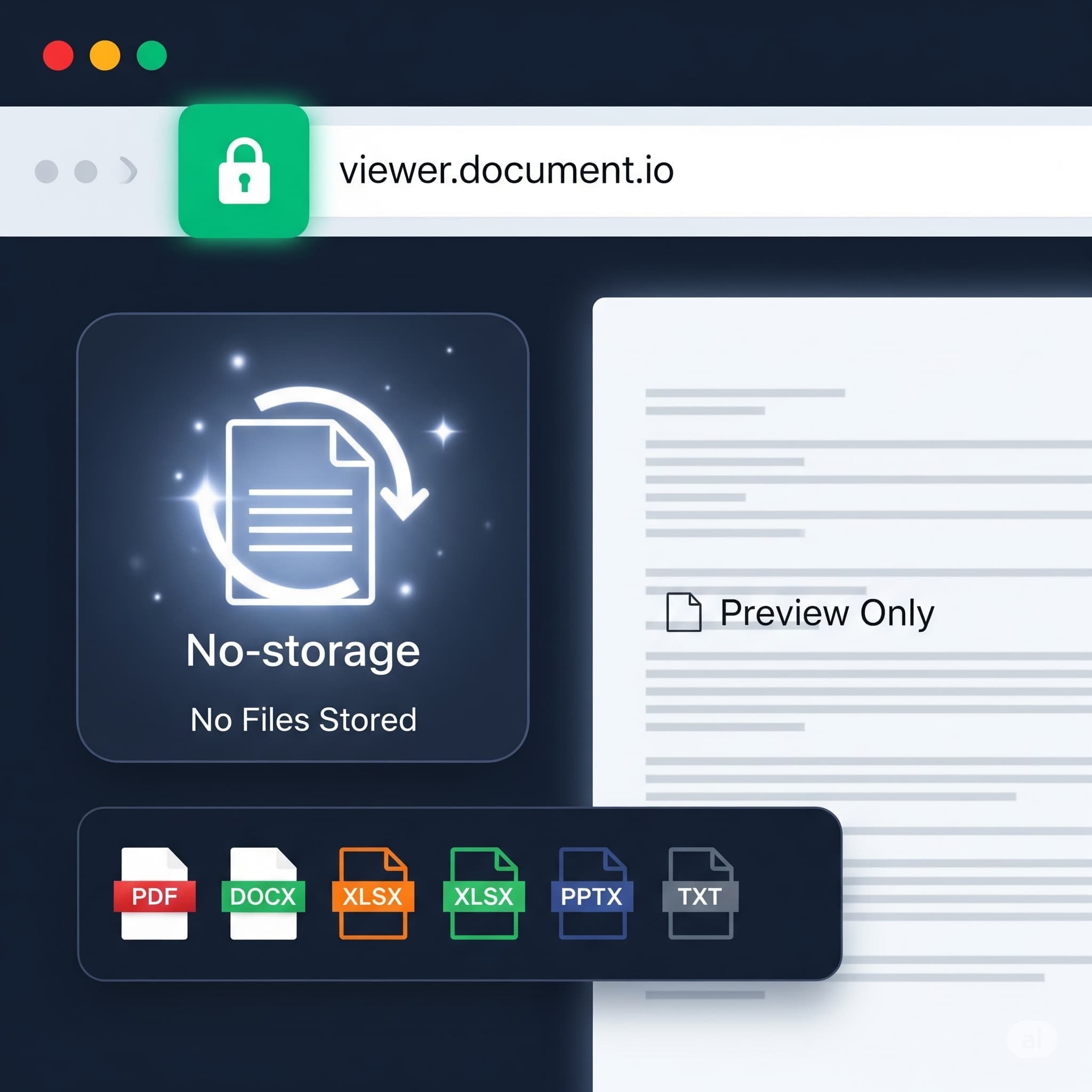
Multi-Format Support
70+ extensions through one upload box, each viewer with its own ceiling:
- PDF — 25 MB
- Word — DOC, DOCX, ODT, RTF, DOCM, DOT, DOTX, DOTM, OTT — 15 MB
- Excel — XLS, XLSX, CSV, ODS, XLSM, XLSB, XLTX, XLTM — 20 MB
- PowerPoint — PPT, PPTX, ODP and the template and show variants — 20 MB
- CAD — DWG, DXF, DGN — 10 MB
- Images — PSD, TIFF, SVG, JPG, PNG, GIF, BMP, WebP, AVIF, ICO, DNG, CDR, CMX, TGA, EPS, EMF, WMF, JP2 — 25 MB
- Email — EML, MSG, EMLX — 10 MB
- Also — Visio (25 MB), Project (20 MB), EPUB (25 MB), HTML, XML and text (5 MB)
Over the ceiling for a format, the upload is refused and the message names the number. One deliberate absence: DICOM (.dcm, .ima) belongs to a licensed SDK plugin, not to a free upload page.
Accessibility Across Devices
Any device with a browser: desktop, tablet or phone, with nothing installed. The rendering runs on the server, so a locked-down machine that will not take an installer still opens the file. There is no library of past files to come back to — each session starts with the file you upload and ends when the tab closes.
User-Friendly Interface
Our interface is designed with user experience in mind. Key functionalities such as:
- Zoom in/out
- Page navigation
- Text search
enhance the document viewing experience, making it intuitive and easy to use for everyone, regardless of their technical knowledge.
What It Does Not Do
The clearest way to describe a viewer is to say where it stops:
- No annotation, highlighting or comments. Annotation is a plugin for the Doconut SDK, not a feature of this site.
- No editing and no signing. The document is drawn, never modified.
- No sharing links. There is no URL to pass on and no shared session; each person uploads the copy they hold.
- No accounts, so no history, no permissions and no audit trail.
- No batch. One file at a time, no folder and no ZIP.
- No OCR. Search finds text a document already carries. A scanned page is an image of words, and returns nothing.
Printing
Print from the browser, at the layout on screen. For a deck or a spreadsheet that has to leave as a fixed document, the converter pages take it further: a PDF comes out as Word, Excel, PowerPoint, PNG or JPG; Word, Excel, PowerPoint and CAD come out as PDF, JPG or PNG; an email comes out as PDF or HTML; and PNG or JPG comes out as PDF, WebP or TIFF. One file at a time, each with its own size ceiling.
Where the Rendering Happens
On the server. Your browser receives pages it can already draw, which is why an old laptop or a phone opens a heavy file. Pages are prepared on demand, so the first page appears before the rest of the document is processed.
The trade is worth stating: a server renders the file, so a server reads it. For documents that may not leave your own network, the Doconut .NET SDK runs inside your infrastructure instead.
Key Takeaways
- Uploads are deleted after viewing; nothing is stored and there is no account.
- 70+ extensions, with a size ceiling per format rather than one for the site.
- Reading tools: zoom, page navigation, text search over existing text, printing.
- No annotation, no editing, no sharing links, no batch upload, no OCR.
- No certification: no ISO 27001, no SOC 2, no HIPAA attestation.
Open a file at OnlineDocumentViewer.com and see what it does with it.