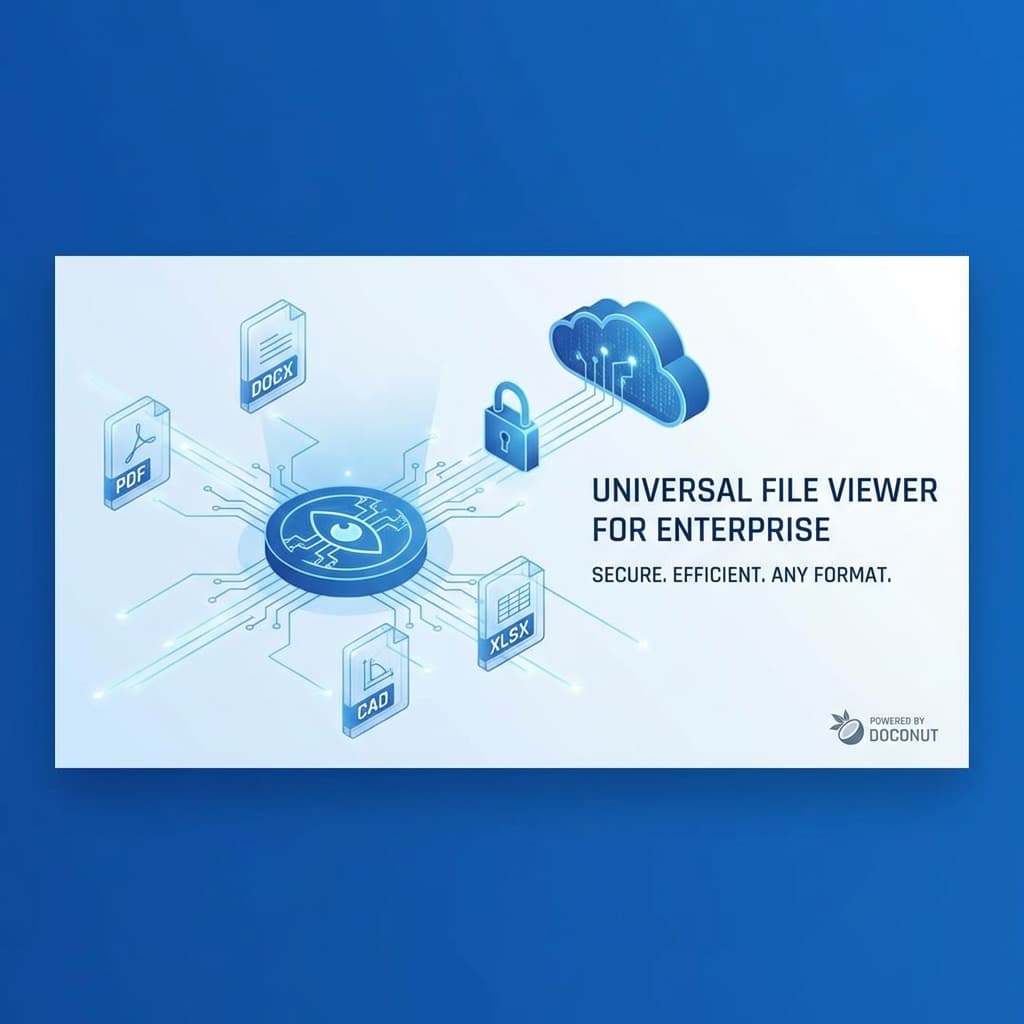
In the modern enterprise landscape, "digital transformation" is more than just a buzzword; it is a necessity for survival and growth. As organizations scale, the variety and volume of documents they handle explode exponentially. From Human Resources managing PDF contracts and Word resumes to Engineering teams collaborating on complex CAD drawings and Marketing departments reviewing high-resolution PSD images, the diversity of file formats is staggering.
Conventionally, dealing with this multiplicity meant installing specific software for each file type—Microsoft Office for DOCX and XLSX, AutoCAD for DWG files, Adobe Creative Cloud for PSDs, and various other proprietary viewers. This approach is not only expensive due to licensing costs but also creates significant IT overhead in terms of maintenance, updates, and compatibility checks. This is where the concept of a Universal File Viewer becomes a game-changer for enterprise environments.
The Challenge of Format Fragmentation
Every department within an enterprise has its unique toolset.
- Legal relies heavily on PDFs and Word documents.
- Finance lives in Excel spreadsheets.
- Engineering and Architecture require precise rendering of DWG and DXF files.
- Healthcare professionals might need to view DICOM images.
- Creative teams work with TIFF, PSD, and RAW image formats.
When cross-functional collaboration is required, format fragmentation becomes a bottleneck. If a project manager needs to review an architectural drawing but doesn't have AutoCAD installed, they are blocked. If they try to download a free viewer, they risk compromising corporate security protocols. This "siloed" approach to document access slows down workflows and hampers decision-making.
Enter the Universal Online Document Viewer
A browser-based viewer gives one interface for a fixed, published catalogue of formats. Online Document Viewer, running on the Doconut engine, opens 73 extensions across seventeen viewers with no plugin, no ActiveX control and nothing installed on the client.
One item from the list above is deliberately missing: DICOM. .dcm and .ima are not accepted on the free site — DICOM is a separately licensed plugin of the Doconut SDK, and medical imaging belongs on a PACS workstation rather than in a public upload box. What does open is what a radiologist exports from a study: JPEG, PNG or TIFF.
Key Benefits for the Enterprise
1. Zero-Footprint Deployment
Rendering happens on the server, so there is nothing to install on the user's machine. This means:
- No rollout headaches: No need to push MSIs or updates to thousands of endpoints.
- Device Agnostic: It works on Windows and mobile devices like iPads and Android tablets.
- Always Updated: When the viewer is updated to support a new format, everyone gets it instantly.
2. The Original File Stays Behind the Server
In an era of stringent data privacy laws (GDPR, HIPAA, CCPA), downloading files to local devices for viewing is a security risk. Local files can be lost, stolen, or left on public computers.
A server-rendered viewer changes that: the user sees rendered pages, and the original DOCX, PDF or DWG never reaches their machine. Nothing in the document executes there either — a macro-enabled file renders, and the macros do not run.
Two things that are not properties of a viewer, and are worth separating out before a procurement conversation:
- Audit trails belong to the application that owns the documents. The free website has none, because it has no accounts.
- Certifications. We hold none — no ISO 27001, no SOC 2, no HIPAA attestation. A viewer supports a compliant design; it does not supply one.
3. Cost Savings
Licensing specialised software for every employee "just in case" they need to read a file is expensive. AutoCAD licences, Adobe subscriptions and Microsoft 365 seats add up. A viewer covers the people who only need to read and print, without a licence for the authoring software each.
Powered by Doconut: The Engine Behind the Scenes
The capabilities of OnlineDocumentViewer.com are driven by Doconut, a leading .NET document viewing library. Doconut provides the rendering fidelity that enterprises demand. It's not enough to just open a file; it must look exactly as the author intended.
- Fidelity: layouts, styles and vector graphics render as saved. One honest caveat: fonts are named in a document rather than stored in it, so a font missing from the rendering server is substituted, the text rewraps, and the page count can move. Ask senders to embed fonts when pagination matters.
- High Fidelity: Doconut preserves fonts, layouts, and vector graphics, ensuring that a contract looks the same in the browser as it does in Word.
- Format Support: It supports an extensive list of formats including DOC, DOCX, XLS, XLSX, PPT, PPTX, DWG, DXF, PDF, TIF, PSD, MSG, EML, and standard images.
- Searchability: Search covers the text a file already stores, CAD drawings included. The viewer never reads characters off an image, so a scan returns no hits.
Where it helps
A construction bid portal. Architects upload DWG, legal uploads PDF contracts, finance uploads XLSX budgets. Without a universal viewer, a procurement manager needs three software packages to read one bid; with one, the whole bid previews in the portal.
E-discovery. Paralegals work through MSG and EML files and their attachments. Installing Outlook on every reviewing station is impractical; a viewer that renders the message, its headers and each attachment removes the need.
Note what neither example includes: tagging, case management or a review workflow. Those belong to the application around the viewer, not to the viewer.
Integration
Embedding the viewer in an intranet, a SharePoint site or a custom ASP.NET / .NET Core application is what the Doconut SDK is for — the licensed .NET library, running on your own servers. The public website is not embeddable and has no API.
Doconut sells four plugins alongside the viewer: Annotation, Converter, DICOM and Search. If your requirement is one of those, it is a licensing question rather than a configuration one.
Conclusion
Format fragmentation is a real cost, and a browser viewer removes a large part of it. Be clear about which viewer you are buying, though: the free website at Online Document Viewer is 73 extensions, no account, and the file deleted after viewing — good for the person who cannot open an attachment, and not an enterprise control plane. The Doconut SDK is 75 extensions across 18 families, installed on your servers, inside your application, with your authentication and your logging around it. DICOM is the difference between the two lists, and it is a separately licensed plugin.
Pick by the question you are answering, not by the feature list.
Ready to embed document viewing in your own application? Explore the Doconut SDK.