The Free Online Document Viewer opens a file in a browser tab and deletes it afterwards. It is worth being precise about the word "collaboration" here, because the tool does less than the word usually implies — and what it does do, it does with no account and no installation.
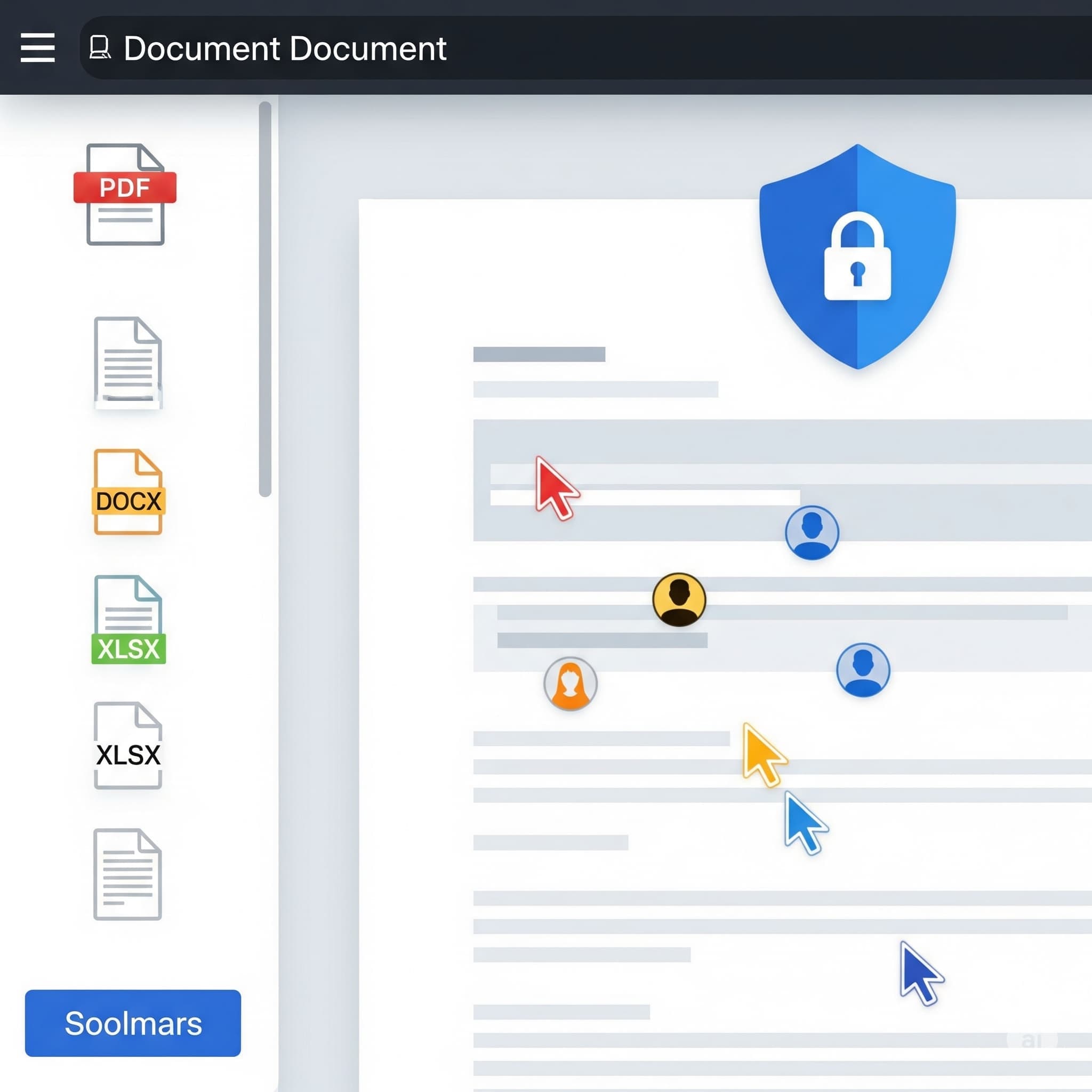
Key Features of the Free Online Document Viewer
1. Privacy-Focused Design
The Free Online Document Viewer is committed to user privacy. Uploaded documents are not stored and are deleted immediately after viewing, ensuring that sensitive information remains private.
2. Multi-Format Support
Seventeen viewers, 70+ extensions between them. The size ceiling is set per format:
- PDF — 25 MB
- DOC, DOCX, ODT, RTF — 15 MB
- XLS, XLSX, CSV, ODS — 20 MB
- PPT, PPTX, ODP — 20 MB
- PSD — 25 MB
- DWG, DXF, DGN — 10 MB
- SVG, TIFF, EPS, DNG and the other vector and raw formats — 25 MB
- EML, MSG, EMLX — 10 MB
- XML, HTML, TXT — 5 MB
It is a fixed catalogue: when a format is not on it, the upload box says so instead of accepting the file and failing later.
3. Device Compatibility
The viewer is a web page, so a desktop, a tablet or a phone all work with nothing installed on any of them.
4. What you can do with an open document
Zoom, fit the page to the window, page forward and back, jump to a page number, print, and search where the document carries a text layer. CAD drawings add layer control and measurement of distance, angle and area.
5. Rendered on the server
The browser receives pages, not the original file. That is why a DWG opens on a phone, and why nothing inside the document executes on your machine.
6. Sending a document on
Send the file and point the recipient at the viewer page for its format. They read it with nothing installed. What there is not: a link to your open document. Each upload belongs to one session and is deleted when it ends — no shared folder, no archive, no URL to circulate.
What it is not
The word "collaboration" does a lot of work in this category, so be exact about what is here and what is not:
- No annotation, highlighting or commenting. Nothing writes on the document. Those belong to the Doconut SDK, the same engine licensed for embedding in your own software.
- No editing, and no co-authoring. Two people opening the same file separately are both reading.
- No accounts, no folders, no history. There is nowhere here to keep a document.
- No OCR. Search reads a text layer; a scanned page returns nothing.
- No batch. One file per upload.
Key Takeaways
- Files are deleted after viewing. Nothing is stored.
- 70+ extensions across seventeen viewers, with the size limit set per format.
- Any device with a browser, no installation, no account and no paid tier.
- Read, zoom, search, print — and, on CAD, layers and measurement.
- No annotation, no editing, no OCR. For those, the file needs the application that made it.
Open the viewer hub and pick the page for your format.