You have a file and no application that opens it, or a colleague who has the same problem with the one you just sent. Online Document Viewer renders it in a browser tab: 70+ extensions, no download, no sign-up, and the file deleted afterwards.
Why It Matters
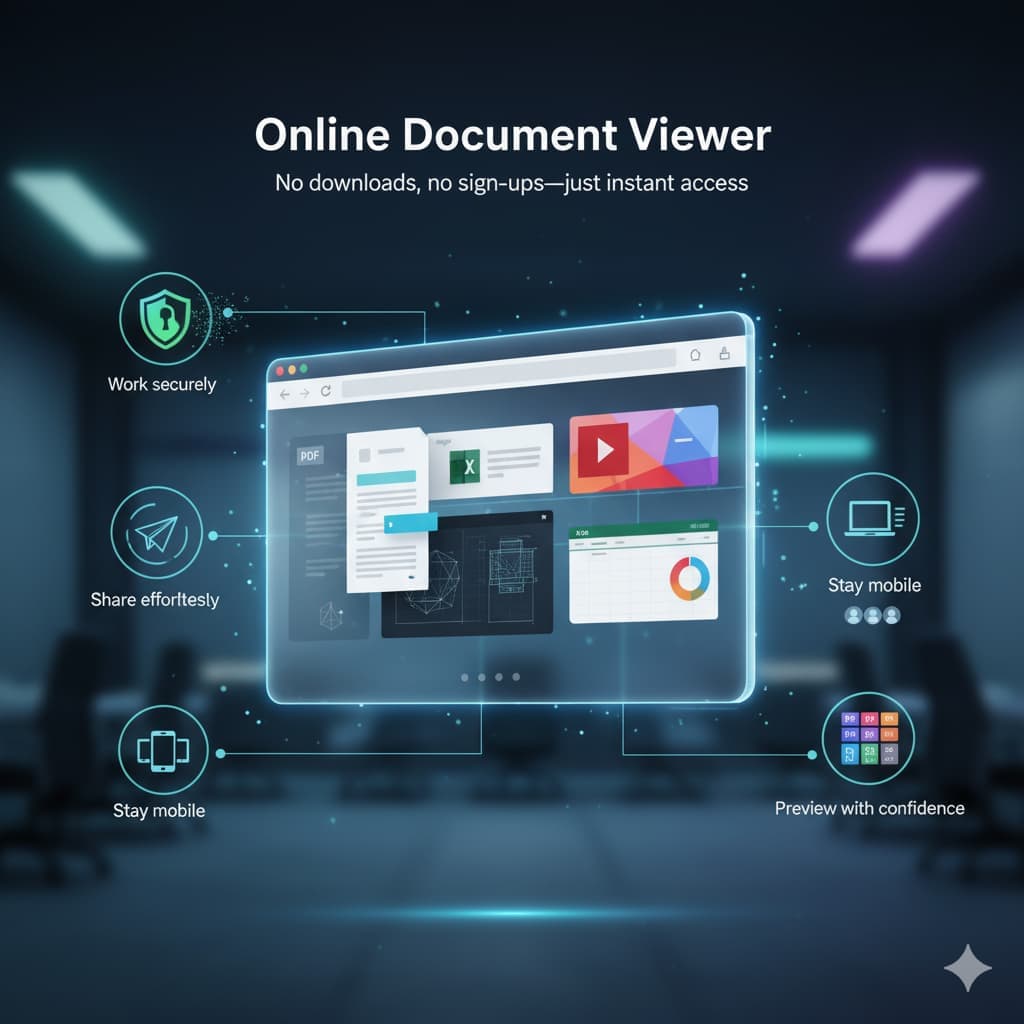
Every day, professionals juggle PDFs, spreadsheets, presentations, and even CAD files. Switching between apps or waiting on installations not only slows things down but also introduces unnecessary friction. With Online Document Viewer, everything happens in one place, helping you stay focused on your work.
What You Can Do with Online Document Viewer
- Open 70+ extensions: PDF, Word, Excel, PowerPoint, CAD, PSD, Visio, Project, EPUB, email and images, across seventeen viewer pages.
- Read it properly: page, zoom, fit to window, print. Search works where the document carries a text layer. CAD drawings add layer control and measurement.
- Nothing kept: the file is uploaded over TLS, rendered on the server, and deleted when the session ends. No account, no library, no second copy.
- The recipient needs nothing: send them the file and they open it here. There is no link to your session to share, and nothing is kept afterwards.
- Any device: it is a web page, so the operating system stops mattering.
Where the ceiling is
Per format, not per site: 25 MB for PDF, PSD, Visio, TIFF, EPUB and images; 20 MB for Excel, PowerPoint and Project; 15 MB for Word and RTF; 10 MB for CAD and email; 5 MB for HTML, XML and plain text.
What it does not do
No editing. No annotation. No OCR — a scanned page is a picture of text and search returns nothing on it. No batch upload: one file at a time, no ZIP and no queue. No account and no paid tier, so there is nothing to upgrade to when you hit a limit.
Real Benefits for Teams and Individuals
Remote workers pass project files around as links instead of attachments. Educators hand out material without checking what everyone has installed. Engineers get a drawing read on site by someone with no CAD licence.
Free, with no barrier to trying it: open the viewer hub and pick the page for your format.