Somebody on the thread cannot open the attachment. That is the recurring cost of moving documents around a business, and it does not need a licence to fix — it needs a browser tab. Five reasons to keep one open.
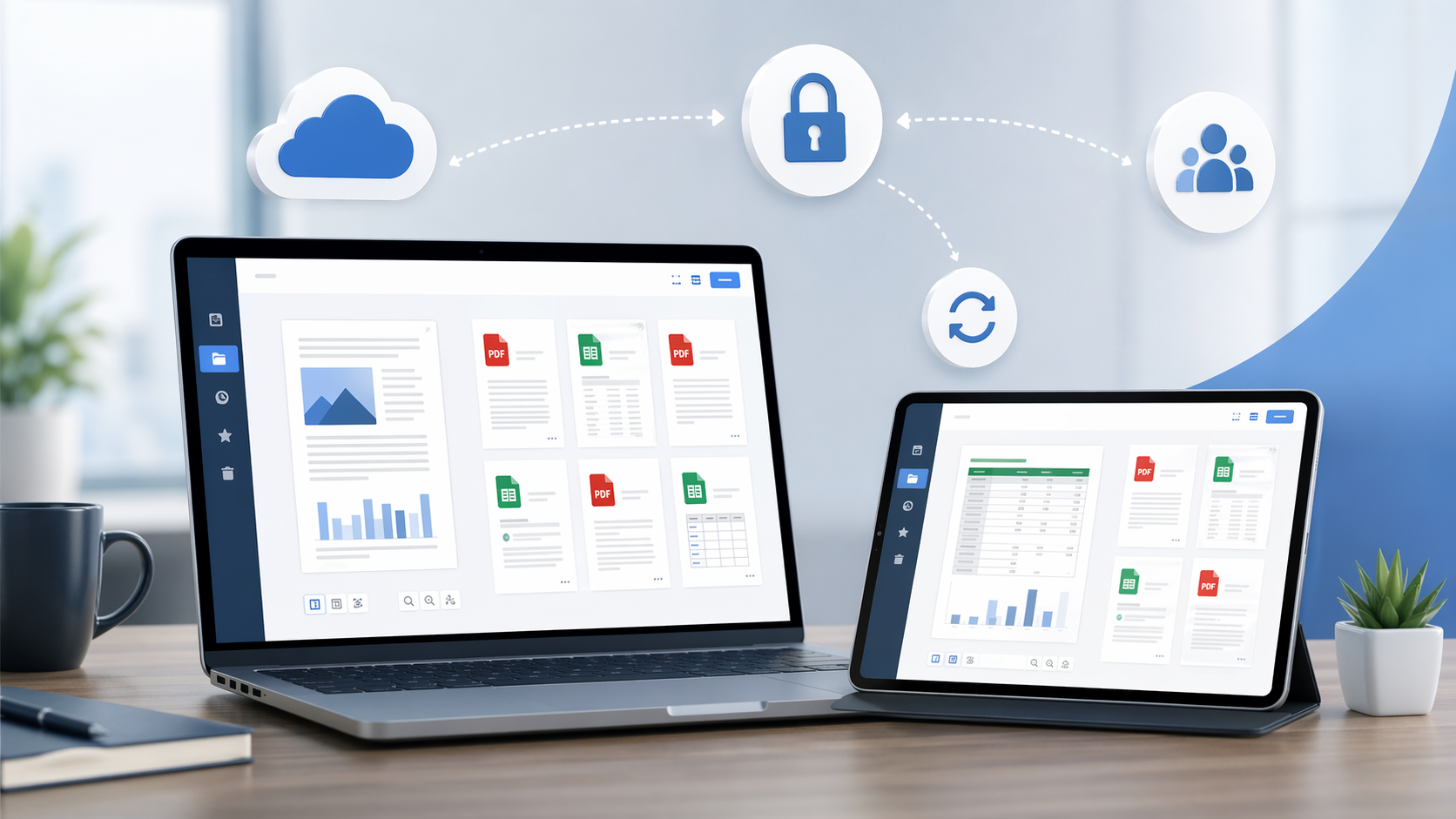
1. It works on whatever machine is in front of you
An online document viewer needs a browser and a connection. Office desktop, home laptop, a phone between meetings — same page, same file.
2. Nothing to install
PDF, Word, Excel, PowerPoint, CAD drawings, PSD, Visio, Project files, EML and MSG email, EPUB and the common image formats open in the tab. No reader to approve, no seat to buy, no IT ticket.
3. The file is not kept
Transfers run over HTTPS. The document sits in a temporary session and goes when the tab closes. Nothing stored, no account, nothing to delete afterwards. Be clear about the trade: rendering happens on the server, so the server reads the file while it draws it. If a document may not leave your network, no hosted viewer qualifies, this one included.
4. Conversion when viewing is not enough
Some files have to leave as something else. PDF to Word, Excel, PowerPoint, PNG or JPG; Word and Excel to PDF or image; images to PDF, WebP or TIFF. One file at a time, on the converter pages.
5. No licence for people who only read
Buy AutoCAD, Office and Acrobat seats for the staff who create files. The colleagues who only need to look at a drawing or a spreadsheet open it here for nothing.
Drop a file on OnlineDocumentViewer.com and it opens. If you need the same rendering engine inside your own application, that is the Doconut .NET SDK at Doconut.com.