Switching between applications to open different file formats wastes the morning. Online Document Viewer is a browser tab that opens the file instead: no install, no account, nothing kept afterwards.
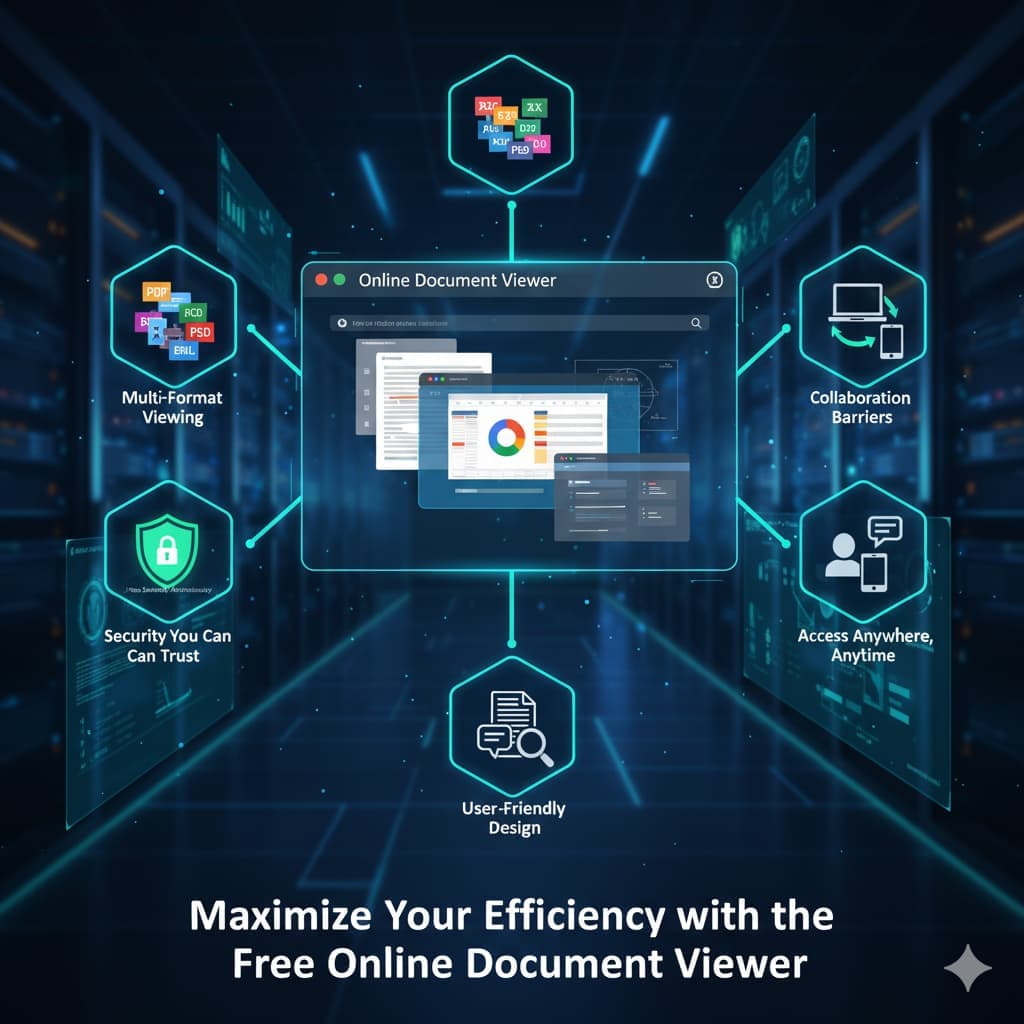
What it does
1. The file is not stored
Upload, read, close the tab. The document sits in a temporary session and goes when the session ends — no account, nothing stored, nothing to delete later. Rendering happens on the server, which means the server reads the file while it draws it. If a document may not leave your own network, the hosted route is the wrong one and the Doconut .NET SDK is the piece that runs inside your infrastructure.
2. Reading controls, not editing tools
Zoom, page navigation, text search over the text layer a document already carries, and print from the browser. There is no annotation layer and no editor here: annotation belongs to the SDK, and this is a viewer.
3. Multi-format viewing
70+ extensions through one upload box:
- Word, Excel and PowerPoint, with the OpenDocument and macro-enabled variants
- CAD drawings: DWG, DXF, DGN
- Images: PSD, SVG, TIFF, JPG, PNG, GIF, BMP, WebP, AVIF, ICO, DNG, EPS and more
- Email: EML, MSG, EMLX
- Visio, Project, EPUB, and text formats such as TXT, HTML, XML and RTF
Each viewer carries its own ceiling: 25 MB for PDF, PSD, images, Visio and EPUB; 20 MB for Excel, PowerPoint and Project; 15 MB for Word and RTF; 10 MB for CAD and email; 5 MB for HTML, XML and plain text.
4. Any device with a browser
Desktop, laptop, tablet, phone. Nothing to download, nothing to install, no plugin to approve.
Where the time actually goes
- Opening a file nobody in the office has software for, instead of asking the sender to export it again.
- Reading a drawing without an AutoCAD seat, a PSD without Photoshop, an MSG without Outlook.
- Converting when reading is not enough: PDF to Word, Excel, PowerPoint or image, and back, on the converter pages.
Final thoughts
A viewer, free, with no tier above it and no file kept. That is the whole offer, and for most of the documents that land in an inbox it is enough. When the same rendering has to sit inside your own product, that is the SDK at Doconut.com.