Remote work and online learning run on files that arrive from people using different software. Online Document Viewer opens them in a browser tab — 70+ extensions, no account, nothing installed, and the file deleted when you close it.
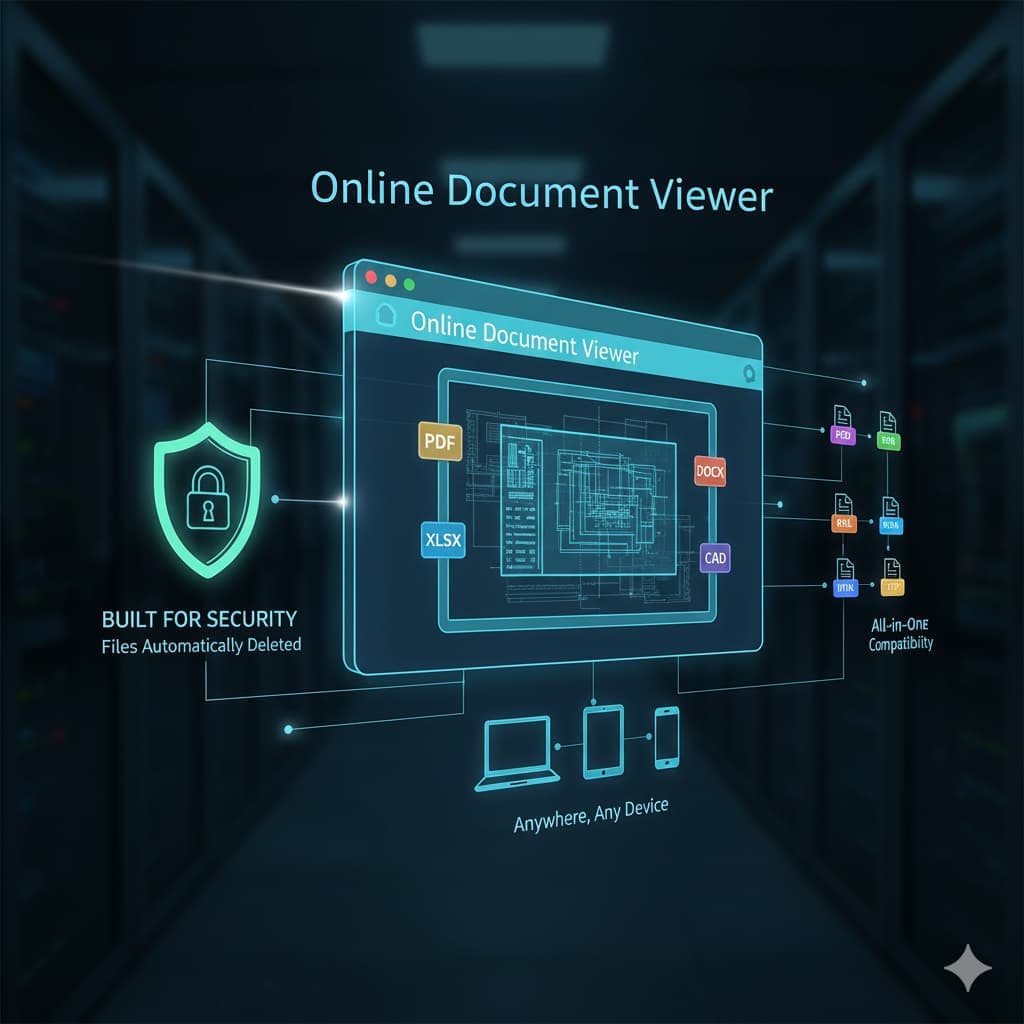
Why Choose Online Document Viewer?
1. Seventeen viewers, 70+ extensions
No need to check what your colleague has installed. The catalogue:
- PDF — 25 MB
- Microsoft Office and OpenDocument (Word, Excel, PowerPoint, ODT, ODS, ODP) — 15 to 20 MB
- CAD drawings (DWG, DXF, DGN) — 10 MB
- Images including PSD, SVG and TIFF — 25 MB
- Visio and Project — 25 and 20 MB
- Email (EML, MSG, EMLX) — 10 MB
- TXT, HTML, XML and RTF — 5 MB, except RTF at 15 MB
It is a fixed catalogue: when a format is not on it, the upload box says so rather than failing later.
2. Built for Security
Confidentiality is a top priority. Every file is automatically deleted after viewing, so sensitive reports, client data, or personal documents remain private.
3. Fast, Accessible, and No Installs
Performance matters. Online Document Viewer ensures quick load times—even for large files (PDFs up to 25 MB, Word files up to 15 MB). And since it’s entirely web-based, there’s no need for installations or sign-ups. Just open your browser, upload, and start working.
4. Anywhere, Any Device
Whether you’re in the office, studying from home, or traveling, the viewer works across laptops, tablets, and smartphones. It’s flexibility designed for today’s workflows.
Who Benefits the Most?
- Professionals who need to read a contract or a proposal on whatever machine is to hand.
- Students with course material in four different formats.
- Engineering teams reading a CAD drawing on site, with layer control and measurement.
- Anyone sent a file by someone who assumed they had the software.
What it does not do
It views. No editing, no annotation, no signing, no OCR — search reads a text layer, so a scanned page returns nothing. One file per upload: no ZIP, no folder, no queue. And there is nothing to share but the file itself, because each upload belongs to one session and is deleted when it ends.
Final Thoughts
A file opener that needs no installation, no account and no payment, for 70+ extensions. That is a narrow job done well, and it is worth knowing exactly where it stops.
Open the viewer hub and pick the page for your format.