OnlineDocumentViewer.com renders the file with the Doconut .NET library on the server and draws the result in your browser. That single fact explains what the site does well and what it does not do at all.
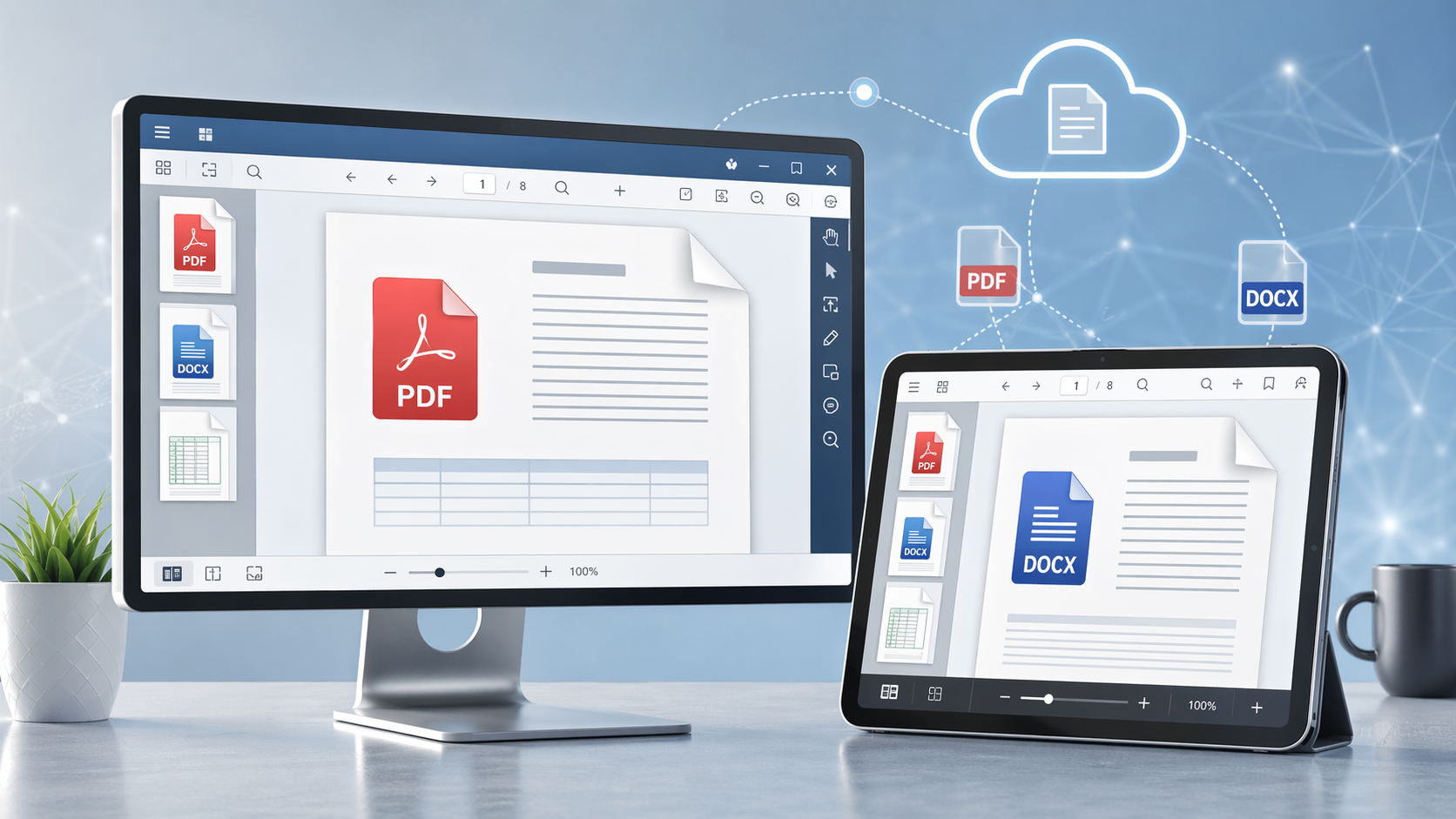
What the site does
- PDF, immediately. Upload a PDF up to 25 MB and it opens. Page forward and back, jump to a page number, zoom, fit the page to the window, print.
- More than PDF. 70+ extensions through the same upload box: Word, Excel, PowerPoint, Visio, Project, CAD, PSD, TIFF, EML and MSG email, EPUB and the image formats. Each viewer carries its own ceiling, from 25 MB down to 5 MB for HTML, XML and plain text.
- Nothing to install. A browser and a connection. No reader, no plugin, no account.
- Nothing kept. The file sits in a temporary session and is deleted from the server after viewing.
Why documents still travel as PDF
A PDF looks the same on every device because fonts, images and layout are fixed when the file is written. That is why contracts, statements and reports are sent that way, and it is also why a PDF is the easiest thing to render faithfully: the layout decisions were made before the file left the sender.
Search follows the same logic. Text a PDF already carries is searchable here. A scanned page is not, because it is an image of words rather than words, and there is no OCR on this site — a scan has to go through OCR software elsewhere before its text exists at all.
What it is not
No editor, no annotation layer, no signing. No accounts, so no library of past files, no sharing and no audit trail. A password-protected PDF stays closed: the password has to be removed by whoever set it.
If you need the contents in an editable file, the PDF to Word and PDF to Excel converters take the same upload. If you need this rendering inside your own application, that is the Doconut .NET SDK, licensed separately.
Open a file and see what it does with it.