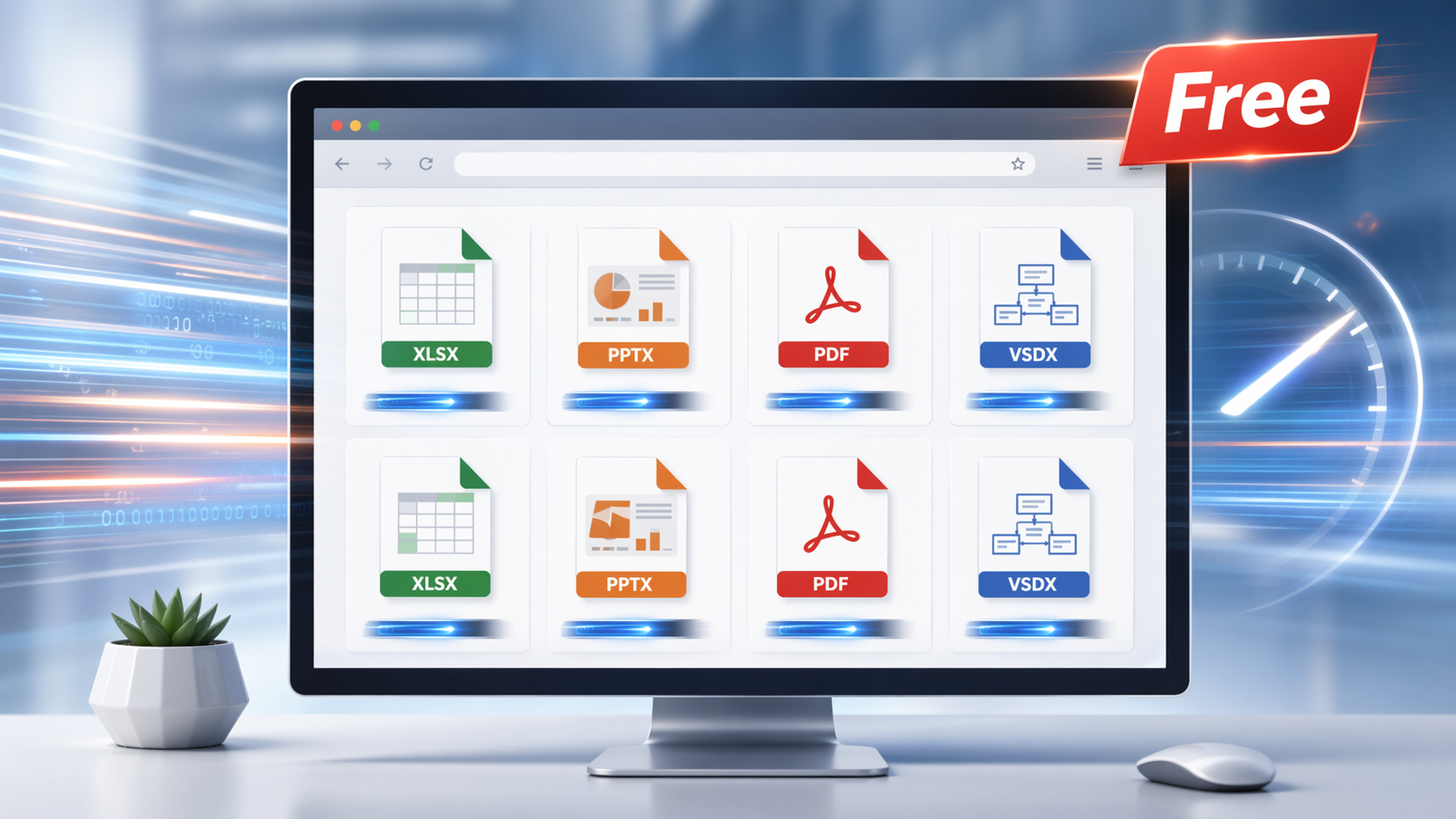
A file arrives, the software that made it is not on your machine, and you need to read it in the next two minutes. Online Document Viewer is a browser tab that opens it: Excel sheets, email files, PowerPoint decks, Visio diagrams, PDFs and the rest. Free, no account.
Why use it
- Free, with nothing above it. No subscription, no quota, no sign-up, no card.
- The server does the rendering. Pages are prepared on demand, so the first one appears before the rest of the file is processed, and an old laptop keeps up with a workstation.
- 70+ extensions through one upload box, each viewer with its own ceiling: 25 MB for PDF, PSD, Visio, EPUB, TIFF and images; 20 MB for Excel, PowerPoint and Project; 15 MB for Word and RTF; 10 MB for CAD and email; 5 MB for HTML, XML and text.
Recent rendering fixes
- Excel: sharper images and correctly rendered cell borders.
- Email: special characters in headers parse properly, and messages open faster.
- PowerPoint: improved text extraction, so slide text reads correctly.
- Visio: background pages render with the diagram instead of being dropped.
Who it suits
A student opening lecture slides on a lab machine, an engineer checking a DWG without AutoCAD, an assistant reading an MSG without Outlook, anyone opening a PSD without Photoshop. All you need is a browser.
How to start
- Go to OnlineDocumentViewer.com.
- Upload the file — Excel, PowerPoint, Visio, PDF, CAD, PSD, email and more.
- Read it. Close the tab and the upload is deleted.
What it is not
Not an editor, not storage, not a place to sign in. There is no annotation layer, no sharing link and no batch upload — one file at a time. If you need the same rendering inside your own application, that is the Doconut .NET SDK, licensed separately.
Open a file at Online Document Viewer and see what it does with it. That is a better test than any claim on this page.