Remote work multiplied one small failure: the file arrives, and the person who has to read it does not own the software that made it. A browser viewer removes that step without an install, a licence or an IT ticket.
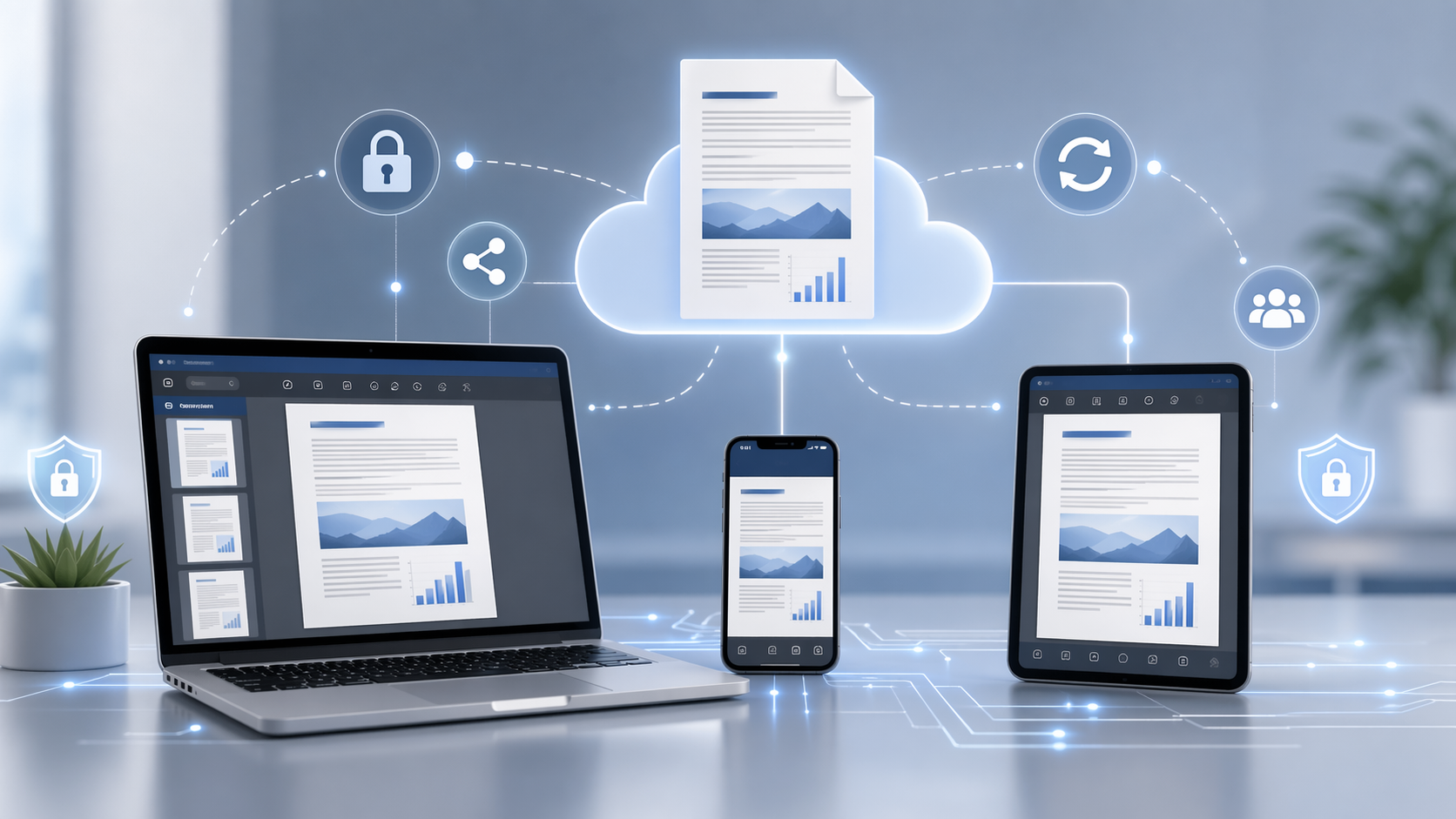
The Challenges of Remote Document Management
Working with documents at a distance usually involves:
- Large email attachments nobody can open
- Version confusion from multiple edits
- Security risk when sensitive files travel by mail
- Dependency on a specific application or operating system
What OnlineDocumentViewer.com Actually Fixes
- Instant access: 70+ extensions open in the browser — PDF, Office, CAD, PSD, Visio, Project, email, EPUB and images.
- No downloads, no account: useful when half the team is on machines they cannot install software on.
- Per-format limits, published: 25 MB for PDF, PSD, Visio, EPUB and images; 20 MB for Excel, PowerPoint and Project; 15 MB for Word; 10 MB for CAD and email; 5 MB for HTML, XML and text.
- Nothing kept: HTTPS in transit, and the file deleted after viewing.
What It Does Not Fix
Being straight about this saves a disappointed team:
- No shared links and no shared sessions — each person opens the copy they hold.
- No comments, no simultaneous editing, no annotation layer.
- No versions and no history, because there are no accounts.
For review cycles that need comments and versions, use a document management system. For "I can't open this", use the viewer.
Try It
Upload a file at OnlineDocumentViewer.com and see whether it opens what your team keeps getting stuck on.