Documents rarely stay on one machine. The person who has to read the file is on a laptop at home, on a phone between meetings, or on a locked-down desktop where nothing new gets installed.
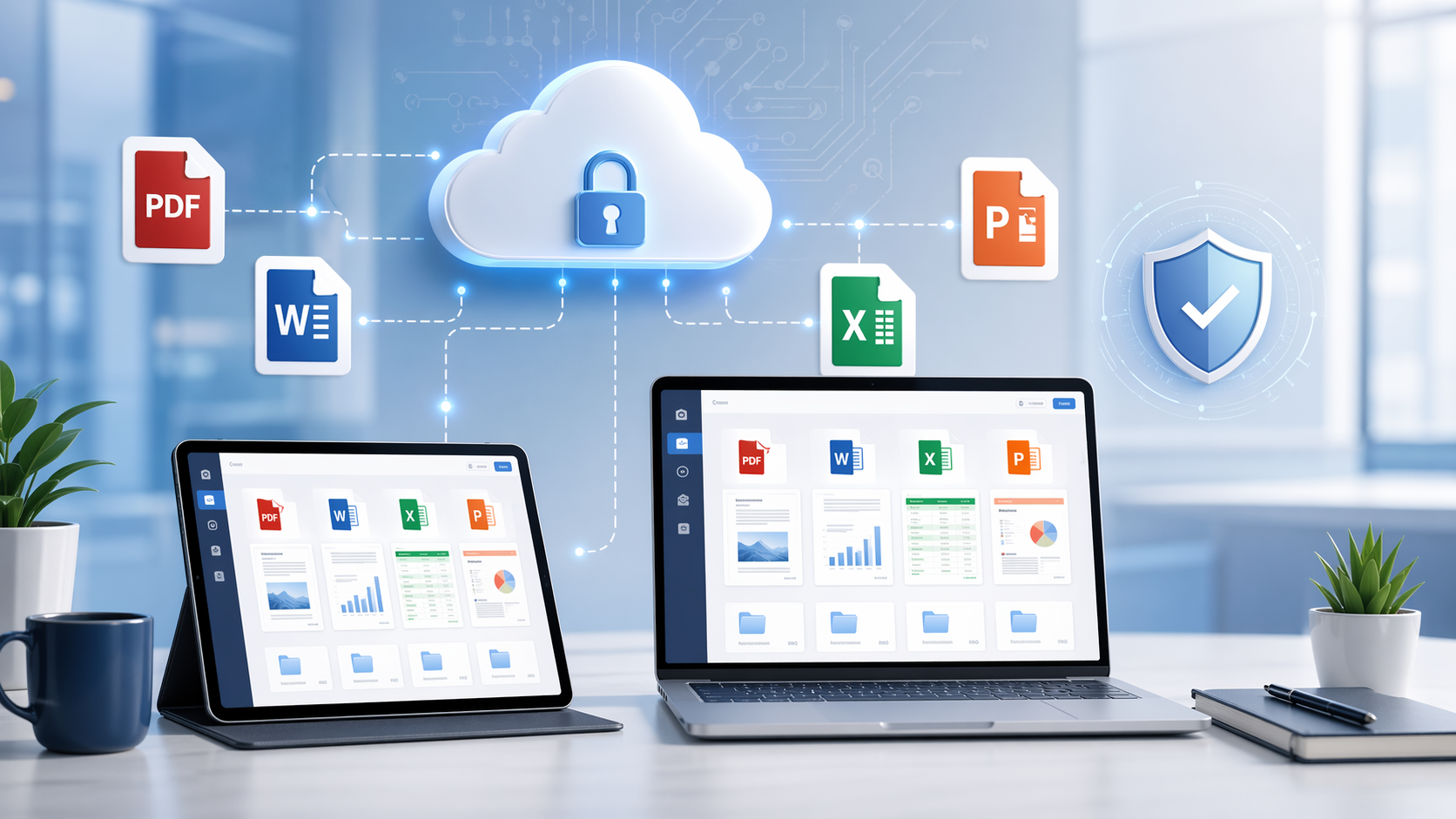
A browser viewer such as OnlineDocumentViewer.com removes the install step. The document is rendered on the server and drawn in the tab, so the reader needs a browser and nothing else. Windows, macOS, Linux, iPad — the same page.
Format coverage is where that pays. PDF, Word, Excel, PowerPoint, Visio, Project, CAD (DWG, DXF, DGN), PSD, EML and MSG email, EPUB and the image formats: 70+ extensions through one upload box. Each viewer carries its own size ceiling — 25 MB for PDF and images, 20 MB for Excel and PowerPoint, 15 MB for Word, 10 MB for CAD and email, 5 MB for HTML, XML and text — and going over it returns an error that names the number.
Be precise about what the model gives you and what it does not. Transfers run over HTTPS, and the file is not stored: it sits in a temporary session and goes when the tab closes. There are no accounts, so there are no per-user permissions and no audit trail to hand a regulator. Rendering happens on our servers, which means the server reads the document while it draws it.
For files that may not leave your own network, the hosted route is the wrong one; the Doconut .NET SDK renders inside your own application. For everything else — the file a client sent in a format nobody in the office has software for — open it at OnlineDocumentViewer.com and get on with the day.