OnlineDocumentViewer.com accepts six more image formats, rendered by the doconut.com engine: ICO, EPS, TGA, WebP, CDR and CMX. No plugin, no account, nothing installed.
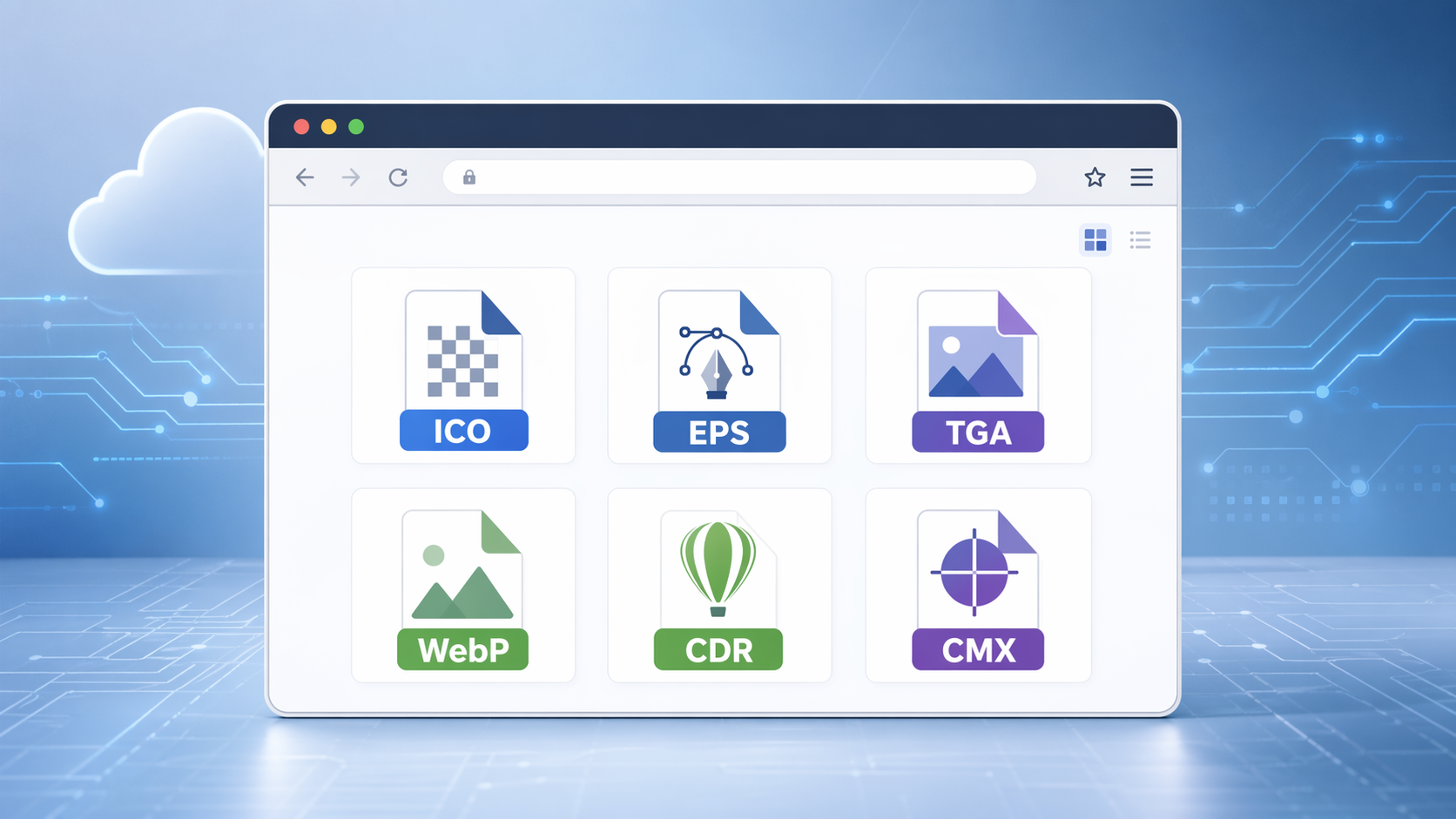
Here is what each one is:
-
ICO — the Windows icon container, holding several sizes in one file, 16 to 256 pixels, for application and site icons.
-
EPS — Encapsulated PostScript, the print vector format. A desktop thumbnail shows a low-resolution preview; this renders the artwork itself.
-
TGA — Truevision Targa, used for game textures and 3D pipelines, with an uncompressed alpha channel.
-
WebP — Google's web image format, with transparency and animation at a smaller size than an equivalent JPEG or PNG.
-
CDR and CMX — CorelDRAW drawings and Corel's vector interchange format. CDR is version-specific, and layers are listed when the file carries them.
All six open in the vector and raw image viewer, up to 25 MB per file, alongside TIFF, TIF, SVG, DNG, EMF, WMF and JP2. Layered CDR and TGA files list their layers to show and hide; ICC profiles are applied, so print-prepared colour stays correct; and dimensions, colour space and camera settings appear beside the image.
Different industries need different formats, which is why the list keeps growing rather than stopping at PDF and Word.
What has not changed: no account, nothing installed, and the upload deleted after viewing. It is a viewer — there is no editing here, and the converters take PNG and JPG rather than CDR or EPS.
Head to OnlineDocumentViewer.com and open one of yours.
Want to try it? Upload a file