The Online Document Viewer opens a document in a browser tab and deletes it afterwards. No install, no account. This is what it does, format by format and feature by feature.
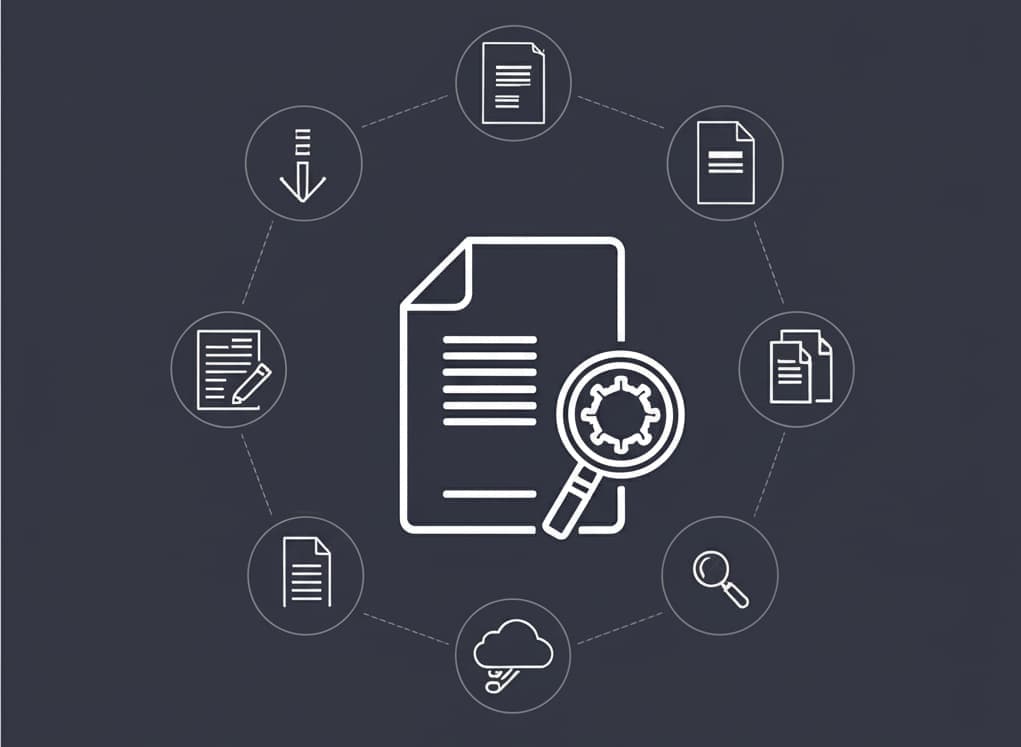
Multi-format Support
Seventeen viewers, 70+ extensions between them: PDF, Word (DOC/DOCX/ODT/RTF), Excel (XLS/XLSX/CSV/ODS), PowerPoint (PPT/PPTX/ODP), CAD (DWG/DXF/DGN), PSD, Visio, Project, EPUB, email (EML/MSG/EMLX) and the common and raw image formats. Each viewer sets its own size ceiling — 25 MB for PDF and images, 15 MB for Word, 10 MB for CAD and email, 5 MB for plain text — because a drawing and a text file do not cost the same to render.
No Installation Needed
The beauty of the Online Document Viewer lies in its ability to operate directly from your web browser without requiring any additional software installations. This not only simplifies the user experience but also saves valuable time that would otherwise be spent downloading and setting up applications. Just navigate to the viewer, upload your document, and you’re ready to go.
Fast Loading and Smooth Navigation
Rendering runs on the server; the browser receives pages rather than the original file. That is why a 15 MB DOCX or a DWG opens on a phone that has neither Word nor AutoCAD on it.
What You Can Do With an Open Document
Page forward and back, jump to a page number, zoom, fit the page to the window, and print. Search works on documents that carry a text layer — a PDF written by a word processor has one; a scanned page is a picture of text and returns nothing, because there is no OCR here.
Annotation, highlighting and comments are not part of these viewers. They belong to the Doconut SDK, the same rendering engine licensed for embedding in your own software.
Device Accessibility for On-the-go Viewing
The viewer is a web page, so it works on a phone, a tablet or a desktop with nothing installed. Reading a DWG on site or a PSD on a train needs a browser and the file.
Secure Document Handling for Peace of Mind
Security is paramount in document management. The Online Document Viewer automatically deletes documents after viewing, ensuring that your sensitive information is not stored on the server and remains private. This feature provides peace of mind, especially when dealing with confidential files, making the viewer not just user-friendly but also secure.
Sending a Document On
Send the file and point the recipient at the viewer page for its format — they read it in a browser with nothing installed. There is no link to your open document to hand over: each upload belongs to one session, and the file is deleted when it ends. No library, no folder, no account.
Conclusion
Seventeen viewers, 70+ extensions, a size ceiling set per format, and the file gone from the server when you close it. Pick the page for your format at the viewer hub.