The Free Online Document Viewer is a powerful tool that simplifies the way users access and view a variety of document formats directly in their web browsers. Below, we highlight the key capabilities and features that make the Online Document Viewer a go-to solution for individual and professional needs.
1. Multiple Format Support
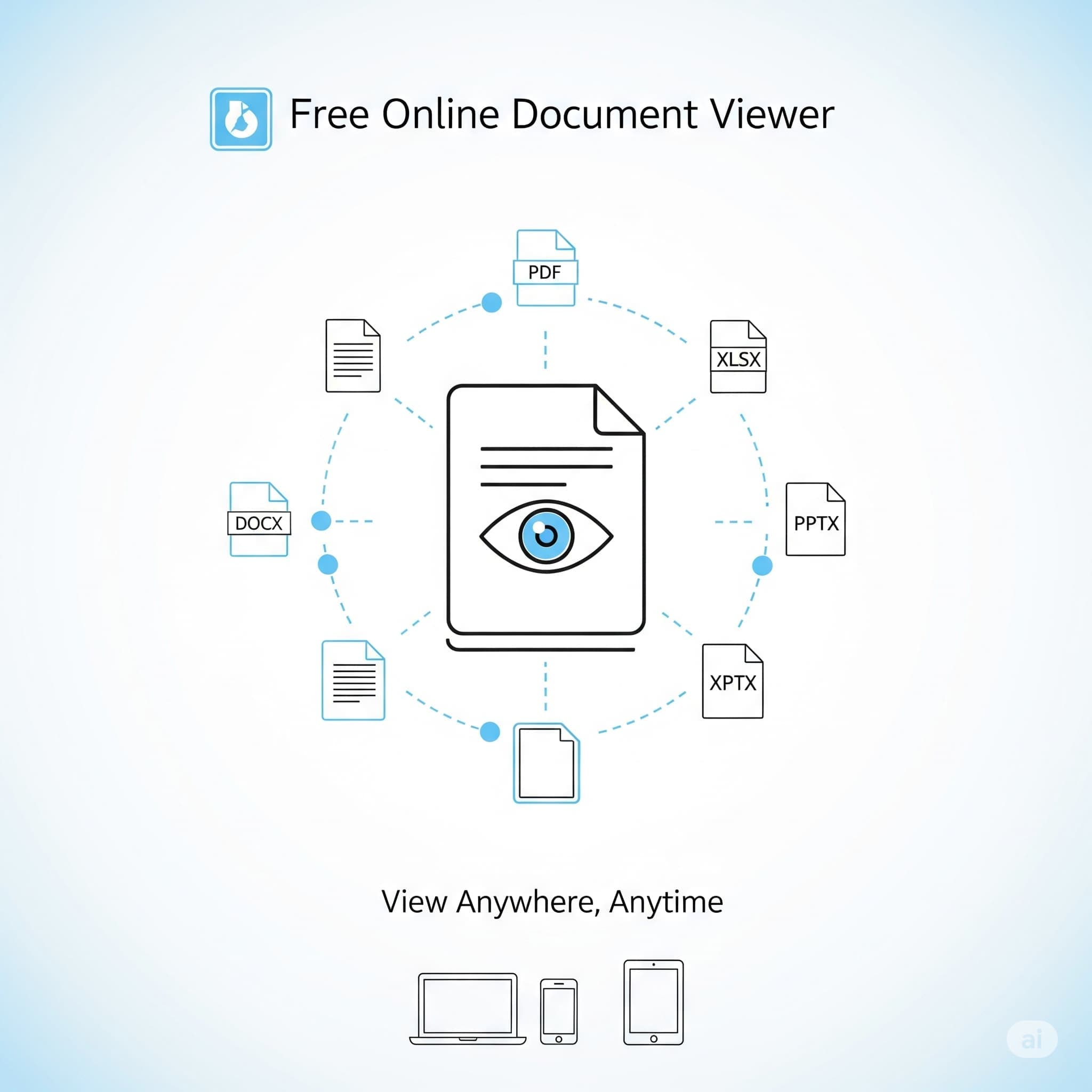
One of the standout features of the Online Document Viewer is its ability to support a wide range of document formats. Whether you need to view text documents (DOC, DOCX, ODT, TXT, RTF), spreadsheet files (XLS, XLSX, ODS, CSV), presentations (PPT, PPTX, ODP), or portable documents (PDF), it has you covered. Additionally, the viewer extends support to CAD formats (DWG, DXF, DGN), graphic formats (PSD, SVG, JPEG, PNG), email formats (EML, MSG), and more. This versatility allows users from various sectors—such as architecture, engineering, and education—to benefit from efficient document management.
2. No Installation Required
With the Online Document Viewer, there's no need for any downloads or installations. Users can simply access the service via their web browser and begin viewing documents immediately. This ease of access makes it incredibly convenient for individuals and teams, streamlining workflows and reducing setup time.
3. Fast Because the Server Does the Work
The document is rendered on the server and drawn in your browser, with pages prepared on demand — the first page appears before the rest of the file has been processed. Nothing is downloaded to the client except what it needs to draw the page.
4. Privacy Assurance
User privacy is a top priority for the Online Document Viewer. All documents are deleted from the server immediately after viewing, ensuring that sensitive information remains secure. This level of privacy assurance is particularly appealing to professionals dealing with confidential materials.
5. Reading Tools
Page navigation, zoom, text search over the text a document already carries, and printing from the browser. Search on a scanned page finds nothing, because the page is an image of words rather than words: there is no OCR here.
6. Cross-Device Compatibility
Rendering happens on the server, so a phone, a tablet and a desktop show the same output and the device does no work. Useful on a locked-down machine where nothing can be installed.
7. File Size Limits
Every viewer carries its own ceiling, and the error message names it when a file goes over:
| Viewer | Limit |
|---|---|
| PDF, PSD, Visio, EPUB, TIFF, images | 25 MB |
| Excel, PowerPoint, Project | 20 MB |
| Word, RTF | 15 MB |
| CAD, email | 10 MB |
| HTML, XML, text | 5 MB |
Converters are stricter than viewers for the same format, because converting rewrites a document while viewing only draws it: 5 MB for Excel and CAD, 15 MB for Word, 20 MB for PowerPoint, 25 MB for PDF and images, 10 MB for email.
8. What It Does Not Do
- No annotation, highlighting or comments — annotation belongs to the Doconut SDK.
- No editing, and no signing.
- No sharing links, and no accounts to share from.
- No batch upload: one file at a time, no folder, no ZIP.
- No OCR: search finds text a document already carries, never text inside a scan.
- No certification — no ISO 27001, SOC 2 or HIPAA attestation.
9. Who It Suits
Anyone who needs a file open now and does not own the software that made it: architecture and engineering for CAD, education for slides and EPUB, offices for the attachment nobody can read. It is a reading tool, not a document management system.
The Short Version
No installation, 70+ formats, published limits, nothing stored, no account. When the same rendering has to live inside your own product, that is the Doconut .NET SDK, self-hosted, 75 extensions across 18 families.
Open a file at OnlineDocumentViewer.com.