The viewer here runs on the Doconut .NET library, so when that library gains rendering fidelity, this site gains it too. The latest update improves how six families of file are drawn. Nothing about the site's shape changes: still free, still no account, still one file at a time, still deleted after viewing.
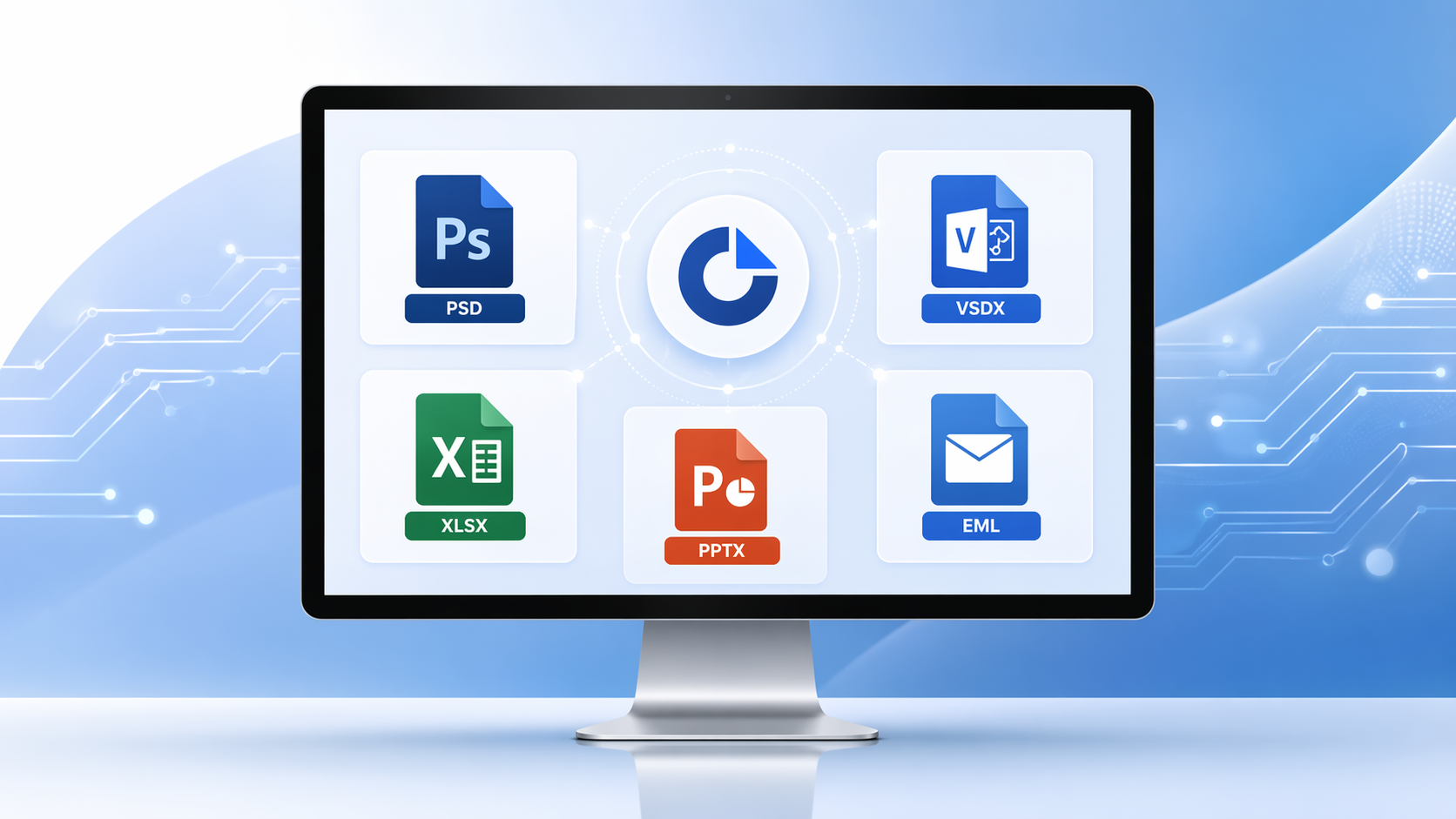
What improved
-
Project files (MPP, MPX)
Timescales and task labels render more accurately, so a long schedule reads correctly instead of collapsing its dates. Tasks, dependencies and the Gantt chart open in the browser, up to 20 MB. -
PSD files
Files carrying both vector and raster masks now composite correctly. What you see is the composite Photoshop saved — layer order, masks, blend modes and adjustment layers already applied — up to 25 MB, with no Photoshop involved. -
Visio files
Diagram and shape rendering improved, with specific fixes for Arabic-language drawings. Nine Visio extensions are accepted, 25 MB per file, and layers can be switched off one at a time. -
Email files
The TO field in EML files now parses correctly when it contains special characters, so headers show the real recipients. MSG, EML and EMLX, up to 10 MB, with attachments listed and viewable on their own. -
Excel files
Colour-based sorting saved in a workbook is now honoured when the sheet is drawn, and centre alignment across multiple columns renders as designed. The workbook is rendered rather than executed: formula cells show their results and macros never run. -
PowerPoint files
Text positioning fixes and restored text-shadow rendering, so slides look as they were designed. Nine extensions, 20 MB per deck.
What has not changed
The site is a viewer. There is no editing, no annotation layer and no OCR: search finds text a document already carries, and a scanned page holds pixels rather than characters. Files are deleted after viewing, and there is no account to store anything under.
Try the updated rendering
Upload a PSD, Excel, PowerPoint, Visio, EML or Project file and compare it against what your desktop software shows. If a difference matters to you, it is worth knowing before you rely on the render.
Open a file at OnlineDocumentViewer.com — or, if you need this rendering inside your own .NET application, the library itself is at Doconut.com.