A spreadsheet, a PDF, a deck or a DWG arrives, and nothing on the machine opens it. OnlineDocumentViewer.com renders it in a browser tab: free, no account, and the file is deleted afterwards. Here is what it covers and where the limits are. 📂💻
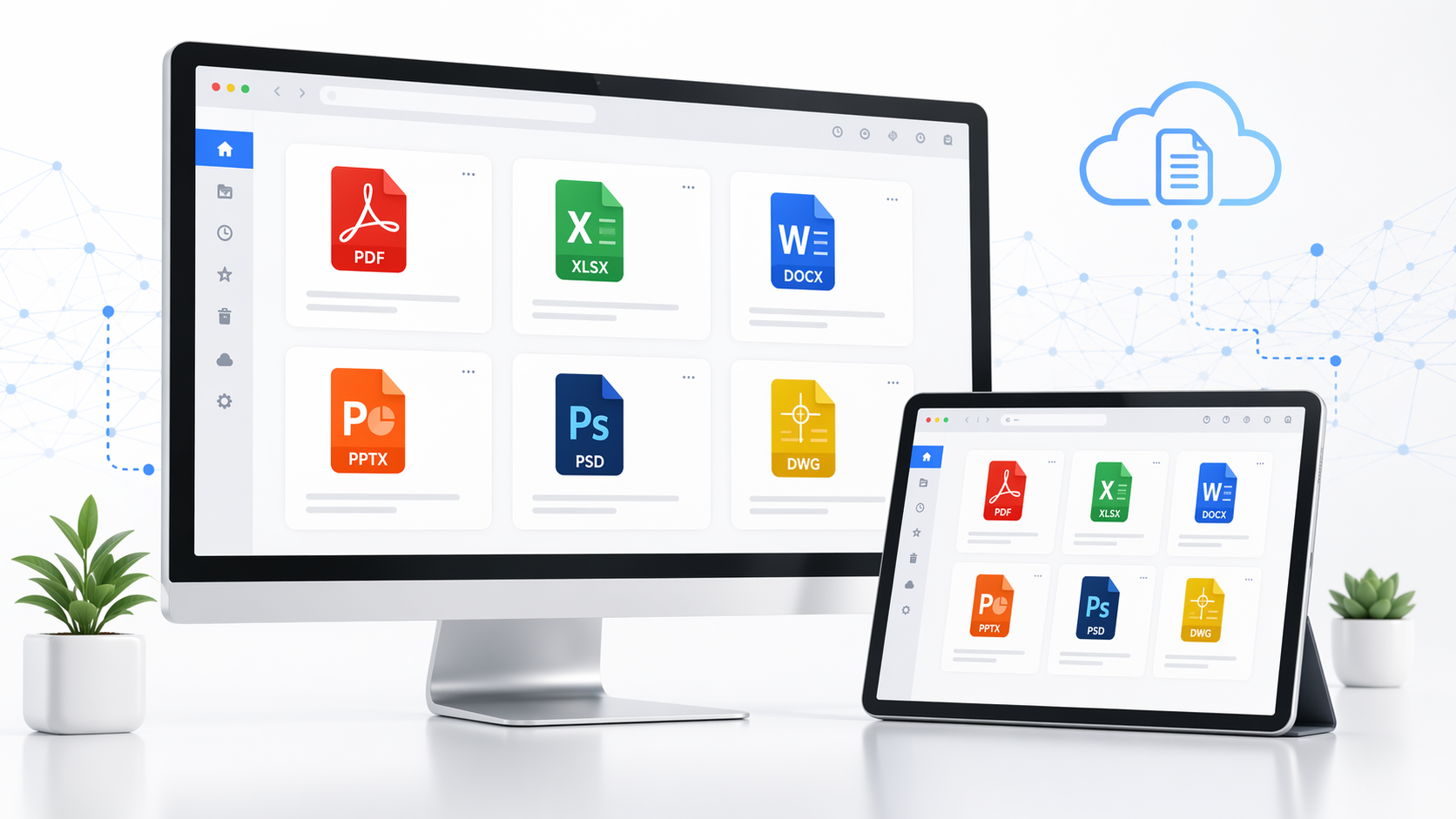
The All-in-One Solution for Document Viewing
OnlineDocumentViewer.com offers a versatile platform where you can view a wide range of document formats without the need to install any software. Here’s what you can expect from this powerful tool:
Formats
Seventeen viewers, 70+ extensions between them. The ones people arrive for:
- XLS, XLSX, CSV, ODS — Excel and OpenOffice workbooks, up to 20 MB.
- PDF — up to 25 MB.
- DOC, DOCX, ODT, RTF — Word and OpenOffice documents, up to 15 MB.
- PPT, PPTX, ODP — decks, up to 20 MB.
- PSD — Photoshop files without Photoshop, up to 25 MB. The composite as saved; there is no layer panel.
- DWG, DXF, DGN — CAD drawings, up to 10 MB.
No Software Installation Needed
Gone are the days of downloading and installing multiple software programs to view different file types. With OnlineDocumentViewer.com, everything happens in your web browser, making it a truly convenient solution.
User-Friendly Interface
The platform's clean and intuitive interface ensures that even users with minimal technical expertise can navigate and view documents with ease. Simply upload your file and start viewing instantly!
Why Choose OnlineDocumentViewer.com?
Convenience at Your Fingertips
Imagine needing to view a DWG file on the go or checking a PDF without having to switch devices or install new software. OnlineDocumentViewer.com provides the convenience of accessing your documents from any device with an internet connection. 📱🖥️
Free and Accessible for Everyone
One of the best things about OnlineDocumentViewer.com is that it's completely free. There's no need for subscriptions or one-time payments. Simply upload your file and get started. 🌟
What happens to the file
It is uploaded over TLS, rendered on the server, and deleted afterwards. There is no account, no library and no second copy. That is the whole of the privacy story, and it is a shorter one than a retention policy because there is nothing left to retain.
Getting Started with OnlineDocumentViewer.com
Here's a quick guide to help you start using this fantastic tool:
Step 1: Visit the Website
Go to OnlineDocumentViewer.com and you'll be greeted with a simple upload interface.
Step 2: Upload Your Document
Click on the upload button and select the document you wish to view from your device.
Step 3: View Your Document
Once uploaded, the document will be processed, and you'll be able to view it directly in your browser. You can zoom in, zoom out, and navigate through your document with ease.
FAQs
Can I view password-protected files?
Yes. There is a password field under the upload box — type the open password and the document renders. Without it nothing can, because an encrypted file has to be decrypted before anything reads it. "Marked as final", "read-only" and a protected worksheet are flags rather than encryption, and open with no password at all.
Is there a file size limit?
Yes, and it is set per format rather than once for the whole site: 25 MB for PDF, PSD, Visio, TIFF, EPUB and images; 20 MB for Excel, PowerPoint and Project; 15 MB for Word and RTF; 10 MB for CAD and email; 5 MB for HTML, XML and plain text. A drawing and a text file do not cost the same to render.
What happens to my file?
It is uploaded over TLS, rendered on the server, and deleted afterwards. No account, no library, no second copy.
Can I use it on a phone?
Yes. It is a web page, so any current browser works.
Are there any hidden fees?
No. The viewers are free with no account and no paid tier. The thing that costs money is the Doconut SDK, which is a different product for developers embedding a viewer in their own software.
What file formats are supported?
70+ extensions across seventeen viewers, including XLS, XLSX, CSV, ODS, PDF, DOC, DOCX, ODT, RTF, PPT, PPTX, ODP, PSD, DWG, DXF, DGN, VSDX, MPP, EPUB, EML, MSG, TIFF, SVG, PNG and JPG. It is a fixed catalogue: the upload box refuses what is not on it rather than failing later.
Can I edit a document here?
No. It renders. Editing needs the application that made the file.
Conclusion
Seventeen viewers, 70+ extensions, a limit set per format, no account and no cost. Next time a file arrives that nothing on your machine opens, start at the viewer hub. 🌐📁