Ever struggled to open a document because you do not have the right software? OnlineDocumentViewer.com renders it in a browser tab instead — 70+ extensions across seventeen viewers, free, and the file is deleted afterwards.
What is OnlineDocumentViewer.com?
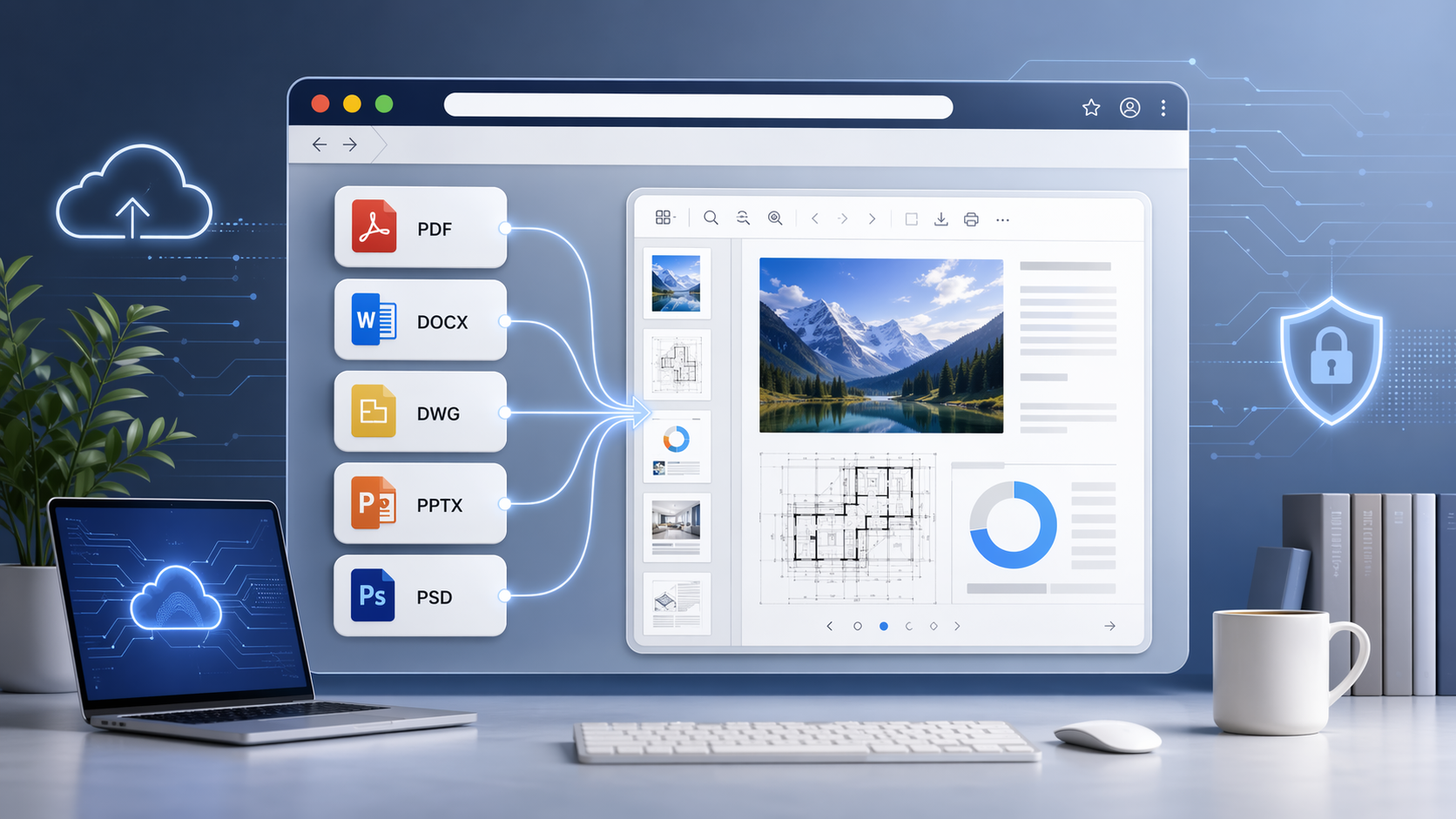
OnlineDocumentViewer.com renders a document in your browser so you do not need the application that made it. Seventeen viewers, 70+ extensions between them. Free, no account, nothing to install.
Supported file formats
It is a fixed catalogue, not "anything". The extensions people arrive with:
- PDF: Portable Document Format
- DOC, DOCX, ODT, RTF: word processor documents
- XLS, XLSX, CSV, ODS: spreadsheets
- PPT, PPTX, ODP: presentations
- DWG, DXF, DGN: CAD drawings
- PSD: Adobe Photoshop document
- VSD, VSDX: Visio diagrams
- MPP, MPX: Microsoft Project plans
- EPUB: e-books
- EML, MSG, EMLX: email messages
- TIFF, JPG, PNG, GIF, BMP, WEBP, SVG, EPS, ICO, DNG: images
- XML, HTML, TXT: markup and plain text
If a format is not on the list, the upload box refuses the file and tells you, rather than accepting it and failing later. .dcm and .ima — DICOM — are deliberately outside this site.
What you get, and where the ceiling is
No installation. No plugin, no desktop client, no sign-in. A browser and the file.
Any device. Desktop, laptop, tablet or phone — the viewer is a web page, so the operating system stops mattering.
A limit per format, published. 25 MB for PDF, PSD, Visio, TIFF, EPUB and images; 20 MB for Excel, PowerPoint and Project; 15 MB for Word and RTF; 10 MB for CAD and email; 5 MB for HTML, XML and plain text. A CAD drawing and a text file do not cost the same to render, so one number for the whole site would be wrong in both directions.
Nothing kept. The file is uploaded over TLS, rendered on the server, and deleted when the session ends. No account, no library, no second copy — which is a shorter privacy story than any retention policy, because there is nothing left to retain.
How to use it
- Open the viewer page for your format, or drop the file on the home page and it is routed for you.
- Upload it: drag and drop, or click to browse.
- Read it — page, zoom, fit to window, print. Search works where the document carries a text layer.
What it does not do
No editing, no annotation, no signing. No OCR: a scanned page is a picture of text and search returns nothing on it. No batch upload — one file at a time, no ZIP and no queue.
Conclusion
Seventeen viewers, 70+ extensions, a size ceiling published per format, no account, and the file deleted when you close it. It is a viewer: no editing, no annotation, no OCR, no batch.
Start at the viewer hub and pick the page for the file you were sent.