Tired of files you cannot open? A free online viewer takes 70+ extensions — PDF, Word, Excel, PowerPoint, CAD, PSD, email, EPUB, images and more — in a browser tab, with no account and nothing installed. Here is what it opens, what it refuses, and where the size limits sit.
What is an Online Document Viewer?
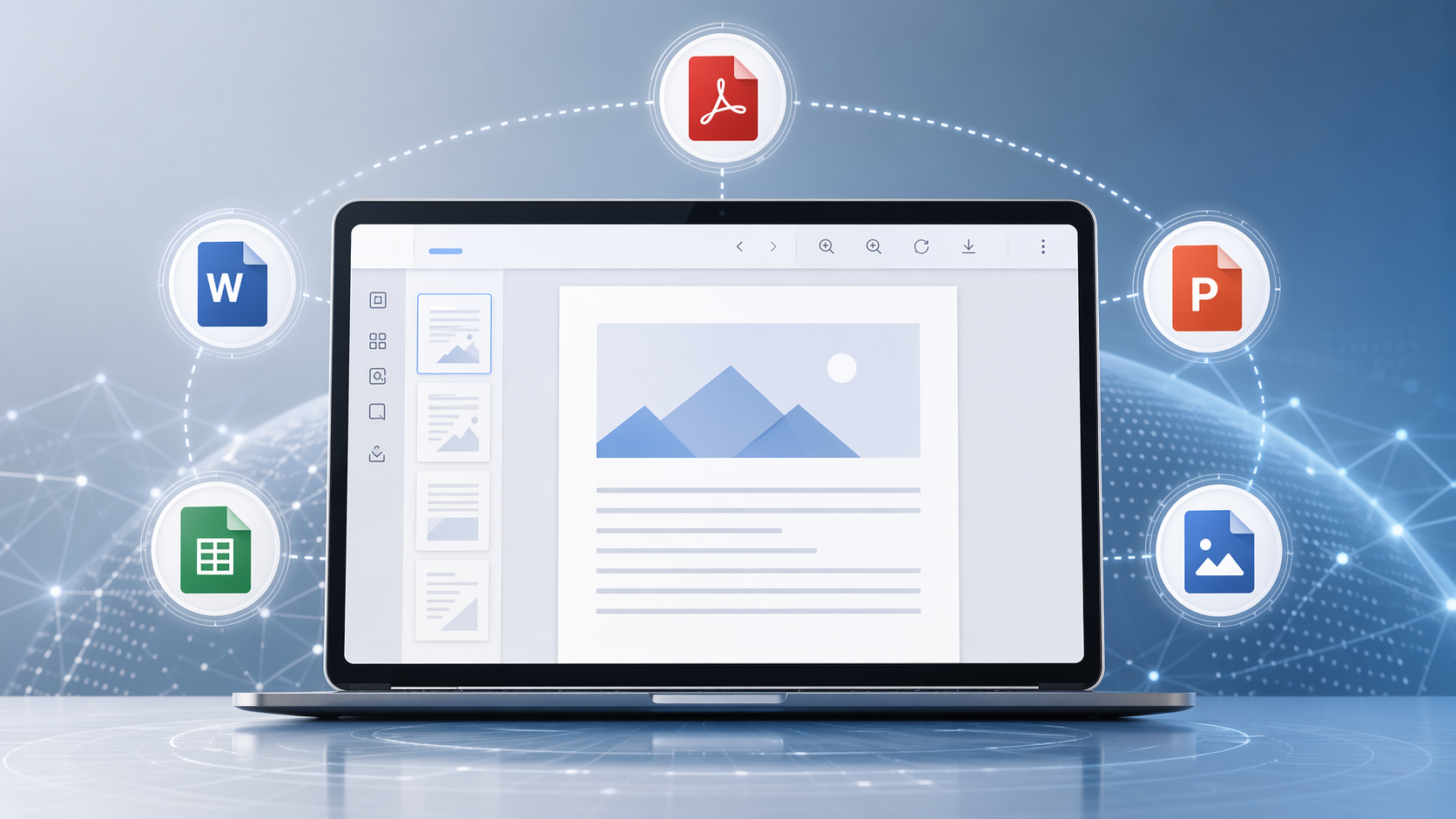
An online document viewer is a web-based tool that allows you to view various types of files without needing to download any software. 📄✨ It is for the moment a file arrives and nothing on your machine will open it, without installing another program to find out.
Why You Need a Universal Document Viewer
Avoid Compatibility Issues
Ever received a file you could not open because you did not have the software? Seventy-odd extensions open here, which covers most of what arrives by email. It is not everything — nothing opens everything — but when a format is not on the list the upload is refused straight away instead of half-rendering.
Save Time and Space
No need to download bulky software or clutter your device with multiple apps. This online tool lets you view everything in one place, saving you time and valuable storage space.
Convenient and User-Friendly
The viewer is designed to be intuitive and user-friendly. Simply upload your file and start viewing. No technical expertise required!
Supported File Formats
70+ extensions, each viewer with its own size ceiling:
- PDF: up to 25 MB, without Acrobat Reader.
- Word:
.doc,.docx,.odt,.rtf,.docm,.dot,.dotx,.dotm,.ott— 15 MB. - Excel:
.xls,.xlsx,.csv,.ods,.xlsm,.xlsb,.xltx,.xltm— 20 MB. - PowerPoint:
.ppt,.pptx,.odp,.pptm,.ppsx,.ppsm,.pot,.potx,.potm— 20 MB. - CAD:
.dwg,.dxf,.dgn— 10 MB, no AutoCAD. - Images:
.jpg,.png,.gif,.bmp,.webp,.avif,.tiff,.svg,.ico,.dng,.epsand more — 25 MB. PSD too, without Photoshop. - Email:
.eml,.msg,.emlx— 10 MB, no Outlook. - Text and markup:
.txt,.rtf,.xml,.html,.mhtml,.xps— 5 MB. - Also: Visio, Microsoft Project and EPUB.
How to Use the Online Document Viewer
Step 1: Visit the Website
Navigate to the online document viewer website.
Step 2: Upload Your File
Click on the "Upload" button and select the file you wish to view from your device.
Step 3: View Your Document
The file will open in the viewer, allowing you to read and navigate through it easily.
Benefits of Using This Free Viewer
Accessibility
Access your files from any device with an internet connection. Whether you're on a laptop, tablet, or smartphone, your documents are always within reach.
Security
The file lives in a temporary session and is deleted after viewing. No account, no library, no second copy — and equally, no audit trail and no certification, because there is nothing to attach either to.
Free and No Registration Required
Enjoy all these benefits without any cost. Plus, there's no need to sign up or register, making it quick and hassle-free to use.
Use Cases for an Online Document Viewer
For Professionals
Quickly review and share documents during meetings or while traveling. Ensure you can access any necessary files without worrying about software compatibility.
For Students
Easily view assignments, research papers, and presentations from anywhere. This viewer is perfect for those who need to access different file formats on various devices.
For Everyone
Whether it's viewing a recipe, a utility bill, or a photo, this tool makes it simple for anyone to open and view a wide range of file types.
FAQs
What file types can this viewer open?
70+ extensions across seventeen viewers: PDF; Word, Excel and PowerPoint with their OpenDocument and macro-enabled variants; CAD; Visio; Project; PSD; TIFF; email; EPUB; HTML, XML and text; and the common and raw image formats. DICOM is the deliberate exception — .dcm and .ima belong to a licensed SDK plugin, not to a free upload page.
Is it safe to upload my documents? Transfers run over HTTPS and the file is deleted after viewing; there is no account for it to be stored under. Be aware of the trade, though: rendering happens on our servers, so the server reads the file while it draws it. Documents that may not leave your own network want the Doconut .NET SDK instead, which runs inside your infrastructure.
Do I need to download any software to use this viewer? No downloads are necessary. This is a completely web-based tool, allowing you to view your files directly in your browser.
Can I access the viewer from any device? Absolutely! You can use the online document viewer from any device with an internet connection, including laptops, tablets, and smartphones.
Is there a limit to the number of files I can view? No cap on how many, but one at a time: there is no folder upload, no ZIP and no queue. Each format has its own size ceiling, from 25 MB down to 5 MB for HTML, XML and text.
Do I need to create an account to use the viewer? No registration or account creation is required. Simply upload your file and start viewing.
Conclusion
Seventy-odd extensions covers most of what lands in an inbox, and the ones it does not cover fail immediately rather than wasting your afternoon. Open the file at OnlineDocumentViewer.com — free, no account, and deleted when you are done.
Want to try it? Upload a file.