Introduction
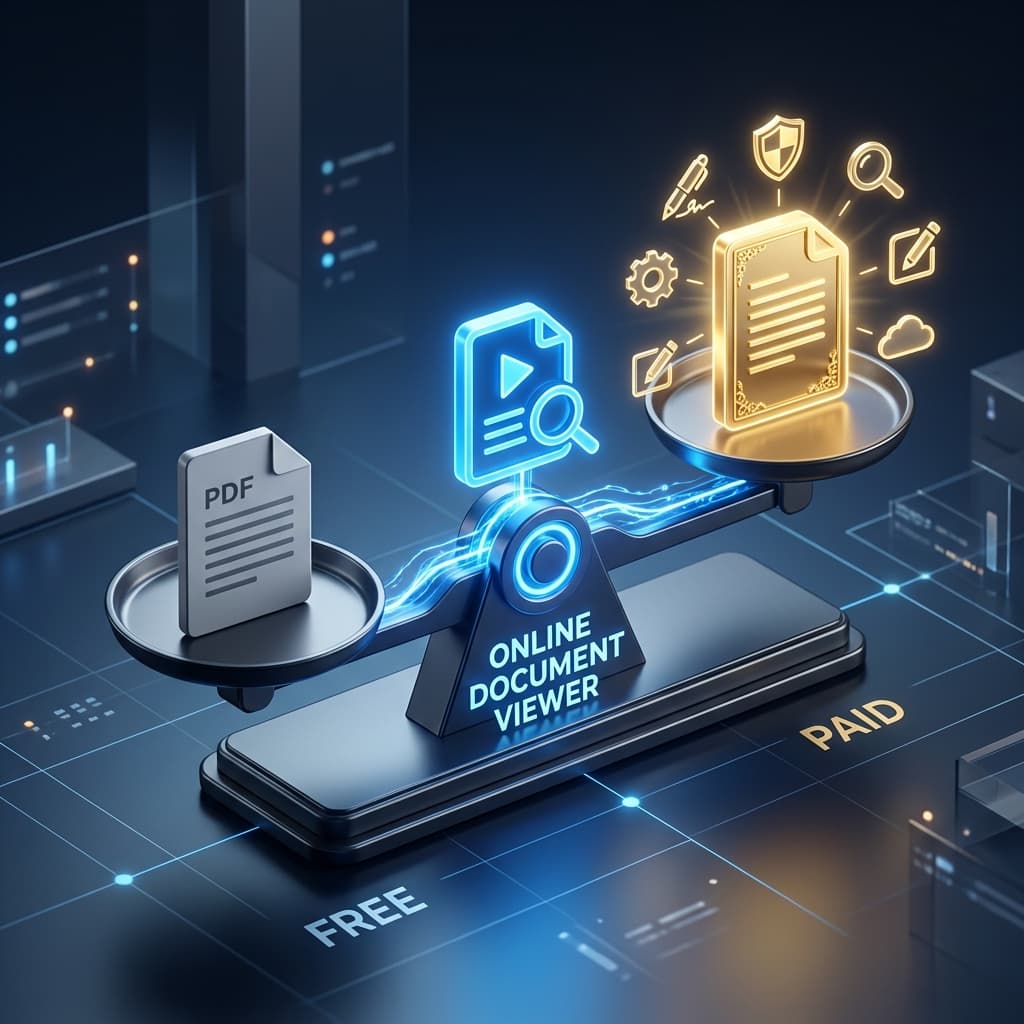
If you edit PDFs for a living, a paid editor is worth the money and no free web tool substitutes for it. If what you have is one file and no application that opens it, a browser viewer does that job in seconds and does nothing else.
The comparison below is about telling those two cases apart — including where this site sits, which is squarely in the second.
1. What Sets Paid PDF Editors Apart from Free Online Tools?
Feature depth that matters
Paid PDF editors are built for heavy‑duty tasks: advanced OCR, batch processing, form creation, redaction, and digital signatures. They usually include a full document conversion engine that turns PDFs into Word, Excel, PowerPoint, and image formats with near‑perfect fidelity. Free online tools, by contrast, stick to the basics—viewing, simple annotation, or one‑off conversion.
Performance and reliability
A desktop editor runs on your machine, so there’s no internet lag and you get full access to CPU/RAM. That means faster rendering of large files (hundreds of pages) and smoother navigation. Free web services depend on cloud processing; when servers are busy or your connection wavers, the experience can feel sluggish.
Security & compliance
Uploading a sensitive contract to a free website means you’re trusting a vague privacy policy. Paid solutions often throw in AES‑256 encryption, on‑premise deployment options, and audit trails that satisfy GDPR, HIPAA, or other regulations.
Support & updates
Enterprise‑grade editors come with dedicated support, regular feature updates, and compatibility.
2. Evaluating Value: Cross‑Platform Features, Security, and Performance
A. Core editing capabilities
| Feature | Paid Editors | Typical Free Online Tools |
|---|---|---|
| Advanced OCR | ✔️ Multi‑language, searchable PDFs | ❌ Limited or none |
| Batch conversion | ✔️ Hundreds of files in one job | ❌ Usually one‑file at a time |
| Form creation & data extraction | ✔️ Fillable fields, export to CSV | ❌ Rarely offered |
| Redaction & watermarking | ✔️ Permanent, audit‑ready | ❌ Basic highlighting only |
| Digital signatures | ✔️ Certified, legally binding | ❌ Often missing or limited |
If your workflow leans on any of these, the paid route clearly wins.
B. No‑installation convenience
A no‑installation solution wipes out the need for software updates, licensing headaches, and local storage consumption. Free web viewers excel here, but some paid platforms also deliver a cloud‑first experience while still offering desktop fallbacks for power users.
3. The Hidden Costs of Free PDF Solutions and Limited File Conversion
3.1. Data‑privacy trade‑offs
Even when a site touts SSL‑encrypted file transfer, the moment you click “upload” the document lives on a third‑party server. Some providers automatically delete files after an hour; others keep them for 24 hours or longer. If your PDF contains confidential financial data, that exposure can become a compliance nightmare.
3.2. File‑size and batch limits
Free tiers commonly enforce a maximum upload size and restrict how many conversions run at once. On this site the ceiling is published per format — 25 MB for a PDF, 15 MB for a Word file, 5 MB for plain text — and there is no tier above it to buy, so over the limit means "use something else", not "upgrade".
3.3. Feature lock‑ins
Many "free" viewers let you annotate and then gate stamps, custom fonts or layered comments behind a subscription. This one avoids the pattern by not offering annotation at all: it is a viewer, and there is no tier where it becomes something else.
3.4. Reliability and uptime
A free service may be down for maintenance without notice, leaving you stuck in the middle of a deadline. Paid platforms usually guarantee service‑level agreements (SLAs) and have redundant infrastructure.
3.5. Indirect costs: time and frustration
Every time you have to jump between tools—upload a PDF, download the edited version, then convert it back—you lose momentum. Those hidden minutes add up, especially for teams handling dozens of files daily.
4. Where a free viewer genuinely fits
A browser viewer is not a cheap editor. It is a different tool, and it is worth being exact about what OnlineDocumentViewer.com does:
- Viewing, 70+ extensions. PDF, Office, CAD, PSD, Visio, Project, EPUB, email and images, across seventeen viewer pages. Nothing to install.
- Conversion, twenty-two pages. PDF to Word, Excel, PowerPoint, PNG or JPG (up to 25 MB); Word to PDF, JPG or PNG (15 MB); Excel to PDF, JPG or PNG (5 MB); images to PDF, WebP or TIFF (25 MB); PowerPoint to PDF (20 MB); DWG and DXF to PDF (5 MB); MSG and EML to PDF or HTML (10 MB).
- Deletion instead of a retention policy. TLS on upload, rendered on the server, removed when the session ends. Nothing stored.
- No account and no paid tier. There is nothing to sign up for and nothing to upgrade to. The commercial product is the Doconut SDK, which is a .NET library you run on your own servers — not a plan on this website.
What it does not do
Say it plainly, because the rest of this article is about tools that do:
- No editing. You cannot change a word in the document.
- No OCR. Search reads a text layer. A scan has none, and no free tool here will give it one.
- No signatures, no redaction, no form filling.
- No batch. One file per upload. No ZIP, no queue, no folder.
- No API on this site. The SDK is the embeddable product, and it is licensed.
Real-world scenario
A sales rep on a train receives a client's PDF. They can open it on their phone and read it — that is the job this site does. They cannot sign it here, and they cannot edit it here. If the form has to come back signed, that needs an editor, and it needed one before this article started.
Key Takeaways
- Paid PDF editors provide deep feature sets and offline reliability — the right choice for regulated or high-volume work.
- A free browser viewer is for one file, now, on a machine that has nothing installed. That is a real job, and a narrow one.
- The hidden cost of "free" is usually retention: how long the service keeps your file. Read that before you read the feature list.
- On this site the ceilings are published and per-format, the file is deleted after viewing, and there is no tier to upgrade to — because there is no paid tier at all.
- If you need editing, OCR, signatures, redaction or batch work, no free viewer substitutes for a paid editor. Buy the editor.
Common Questions
Q: How secure is a cloud-based conversion service?
A: Ask two questions. Is the upload encrypted in transit, and how long is the file kept? On this site: TLS on the way up, and deletion after the session, with no account and no library. A service that keeps your file for 24 hours is a different proposition, whatever its privacy page says.
Q: Do I need to install anything?
A: No. Drag the file onto the page and read it. There is no plugin, no desktop client and no sign-in.
Q: What if my PDF is over 100 MB, or I have fifty of them?
A: This site will not help. The ceiling here is 25 MB for a PDF, and uploads are one file at a time — no ZIP, no folder, no queue. A desktop editor with batch processing is the right tool for that job.
Q: Are there offline alternatives that convert?
A: Yes — most paid desktop editors convert without an internet connection. They need installing and updating, which is the trade.
Conclusion
It is not a binary choice. Paid suites earn their price on editing, OCR, signatures, redaction and volume. A free browser viewer earns its place on the file you have in front of you right now, on a machine that has none of that installed.
Know which one you are looking at. OnlineDocumentViewer.com is the second kind: it views 70+ extensions and runs twenty-two conversion pages, free, with no account. It does not edit, sign, redact, OCR or batch. If your workflow needs any of those, buy the editor — this site will not become one.