A file arrives and nothing on the machine opens it. OnlineDocumentViewer.com renders it in a browser tab — PDF, Word, Excel, PowerPoint, CAD, PSD and more — free, with no account, and the file is deleted afterwards.
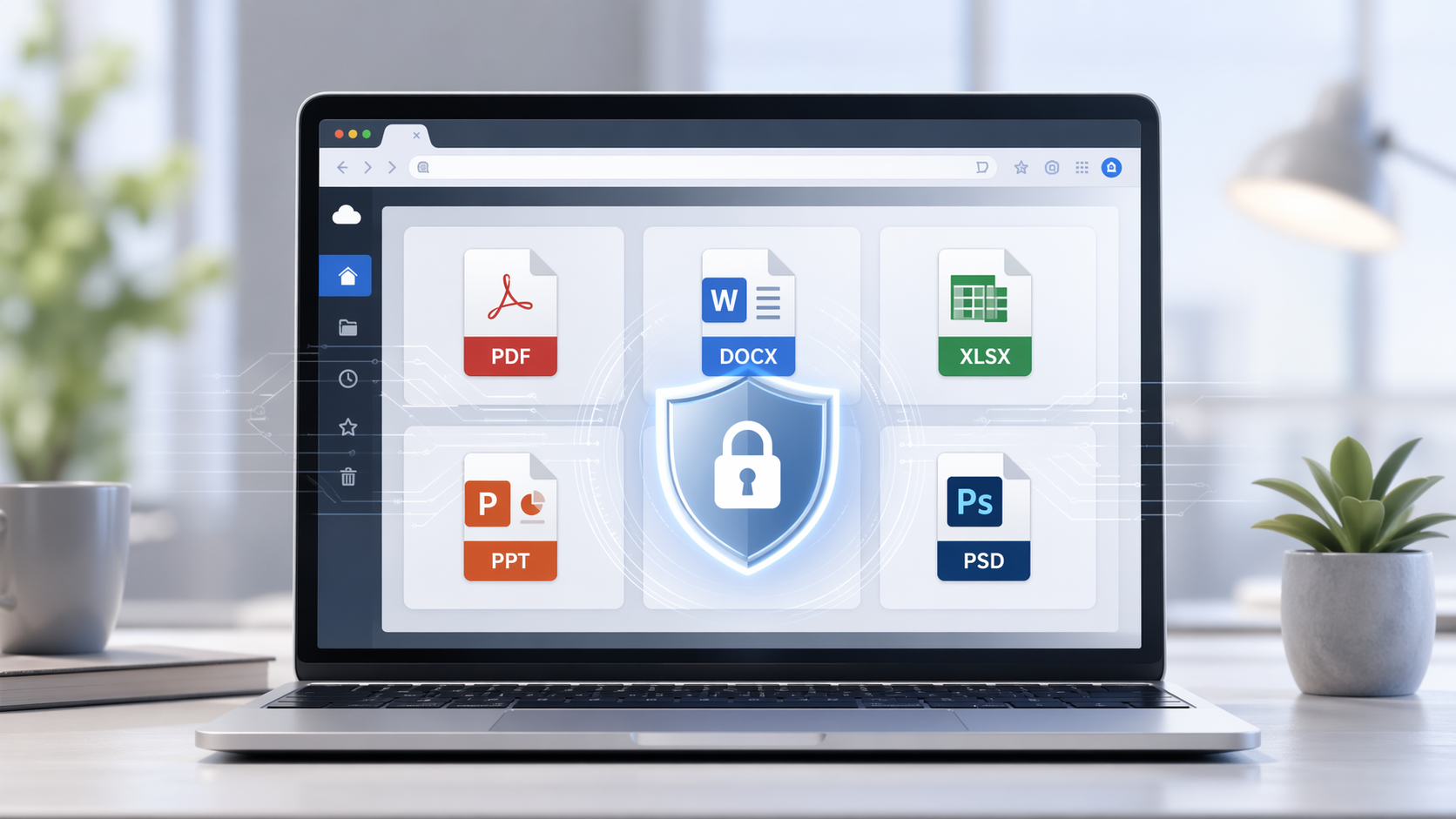
🗂️ A viewer per format, seventeen of them
Online Document Viewer sets its size ceiling per format, because a drawing and a text file do not cost the same to render:
- PDF — zoom, page navigation, fit to window, print, and search where the file carries a text layer. Up to 25 MB.
- Word — DOC, DOCX, ODT and RTF, up to 15 MB.
- Excel — XLS, XLSX, CSV and ODS, sheet by sheet, up to 20 MB.
- PowerPoint — PPT, PPTX and ODP, up to 20 MB. Each slide renders as an image, so animations and transitions collapse into one frame and speaker notes do not appear.
- CAD — DWG, DXF and DGN, up to 10 MB. Layers switch off one at a time, and distance, angle and area can be measured on the drawing.
- PSD — up to 25 MB, without Photoshop. What you get is the composite Photoshop saved, with masks and blend modes already applied; there is no layer panel, and PSB is not accepted.
🚀 No Downloads, No Installations – Pure Convenience
One of the standout features of the Online Document Viewer is its convenience. There’s no need for time-consuming downloads, installations, or even sign-ups. Just upload your document and start viewing immediately. This simplicity makes it a perfect tool for both personal and professional use, offering a hassle-free experience that saves you time and effort.
🔒 Security First: Your Documents, Your Privacy
Concerned about privacy? Online Document Viewer takes your security seriously. The platform does not store any documents after viewing, ensuring that your sensitive files remain confidential and protected. This makes it a reliable tool for businesses and individuals who prioritize data security.
🛠️ Rendered on the server
The document is rendered on the server and the browser receives pages, not the original file. That is why a DWG opens on a phone that has never had CAD software on it, and why nothing in the file executes on your machine.
📂 The rest of the catalogue
Seventeen viewers, 70+ extensions between them. Beyond the ones above:
- ODT, RTF, DOT, DOTX, OTT — with the Word viewer, 15 MB
- CSV, ODS, XLSM, XLSB — with the Excel viewer, 20 MB
- VSD, VSDX and seven more Visio extensions — 25 MB
- EPUB — 25 MB
- MPP, MPX — Microsoft Project, 20 MB
- EML, MSG, EMLX — 10 MB
- TIFF, SVG, EPS, ICO, DNG, TGA, JP2 and more — 25 MB
- XML, HTML, TXT — 5 MB
It is a fixed catalogue rather than everything. When a format is not on it, the upload box says so instead of accepting the file and failing later.
📣 Sending a document on
Send the file and point the recipient at the viewer page for its format; they read it with nothing installed. There is no link to your open document to pass around — each upload belongs to one session and is deleted when it ends. No social sharing, no library, no account.
🌟 The same engine inside your own application
The rendering behind this website is Doconut, a .NET document viewer SDK. It is the licensed product: you install it on your own servers, it makes no calls out, and the documents never reach us. That is the option when files may not leave your network — not this website.
🎯 Conclusion
Seventeen viewers, 70+ extensions, a size ceiling per format, no account, and the file gone when you close it. It views; it does not edit, annotate, sign or OCR.
Start at the viewer hub and pick the page for your format.