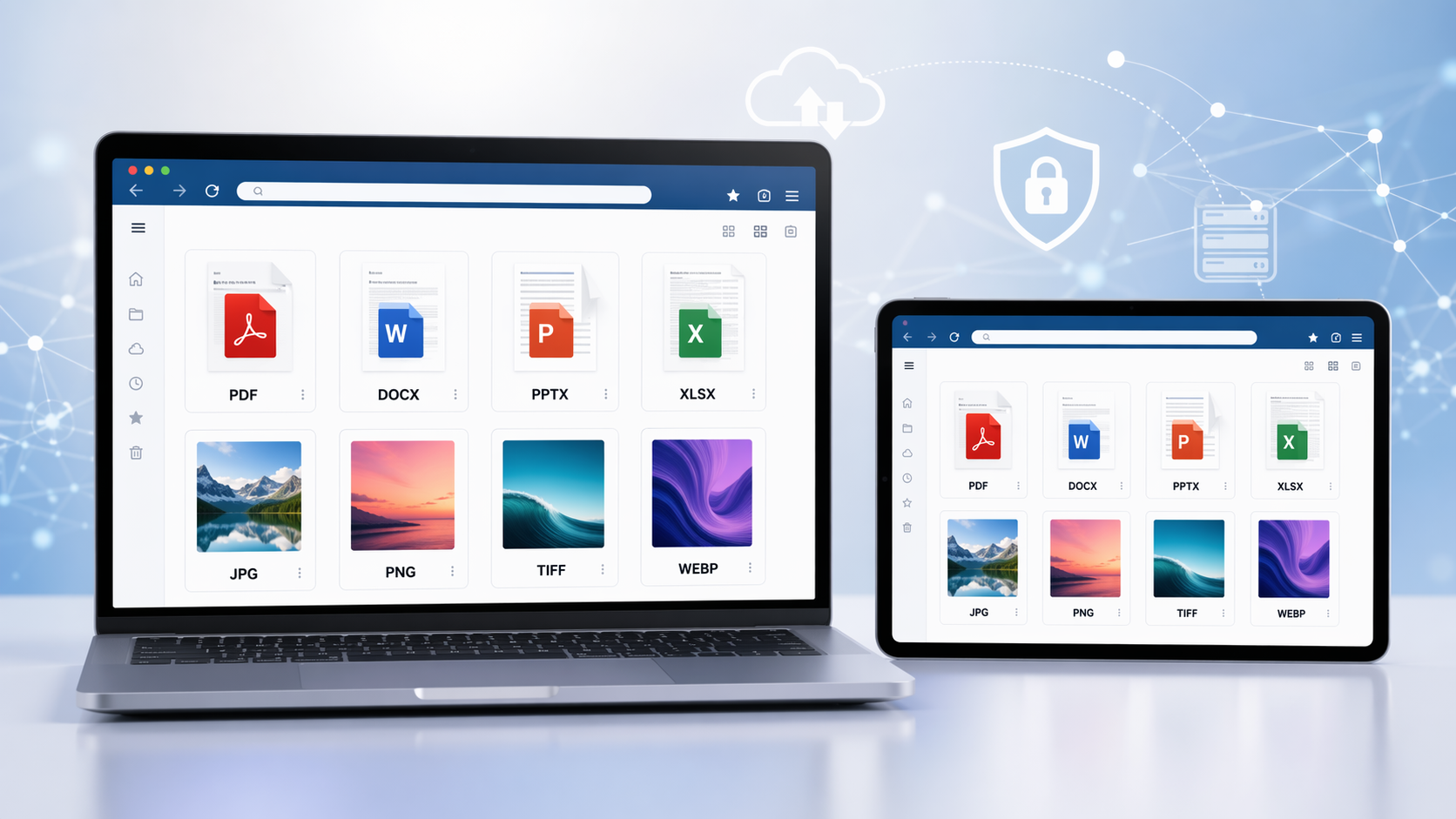
Opening a file you were sent used to mean owning the program that made it. Web applications changed that: the file is rendered on a server and the browser shows the result, so documents, spreadsheets, drawings and images open on whatever machine is to hand.
🌐 Accessibility
One of the key advantages of web applications that can view files without requiring any additional software is their accessibility. Users can simply navigate to the application using a web browser on any device, whether it's a desktop computer, laptop, tablet, or smartphone. This means that users no longer have to worry about compatibility issues or file format limitations that may arise when using traditional software applications.
💾 Convenience
Viewing a file in a browser also means not installing a program per format — a PDF reader, a spreadsheet application, a CAD package — and not keeping any of them patched. That is time saved and disk space returned, and it is why the browser has quietly become the default place to open somebody else's file.
🔒 Security
From a security standpoint, web applications that enable file viewing without additional software installations can also offer benefits. Users can view files securely within a browser environment that may have built-in security features to help protect against potential threats or vulnerabilities. This can help to mitigate risks associated with downloading and installing software from unknown sources, reducing the likelihood of malware or other security breaches.
🚀 Where OnlineDocumentViewer.com fits
That is the general case. The specific one: OnlineDocumentViewer.com opens 70+ extensions across seventeen viewers — PDF, Word, Excel, PowerPoint, CAD, PSD, Visio, Project, EPUB, email and images. Not video, and not everything: it is a fixed catalogue, and the upload box says so when a format is not on it.
The size ceiling is set per format: 25 MB for PDF, PSD, Visio, TIFF, EPUB and images; 20 MB for Excel, PowerPoint and Project; 15 MB for Word and RTF; 10 MB for CAD and email; 5 MB for HTML, XML and plain text.
Free, no account, and the file is deleted from the server when the session ends. It views; it does not edit, annotate, sign or OCR.
Visit OnlineDocumentViewer.com to get started.