A file arrives and the machine in front of you has nothing that opens it. OnlineDocumentViewer.com renders it in a browser tab instead — free, no account, and the file is deleted afterwards. Seventeen viewers, 70+ extensions between them. 🚀
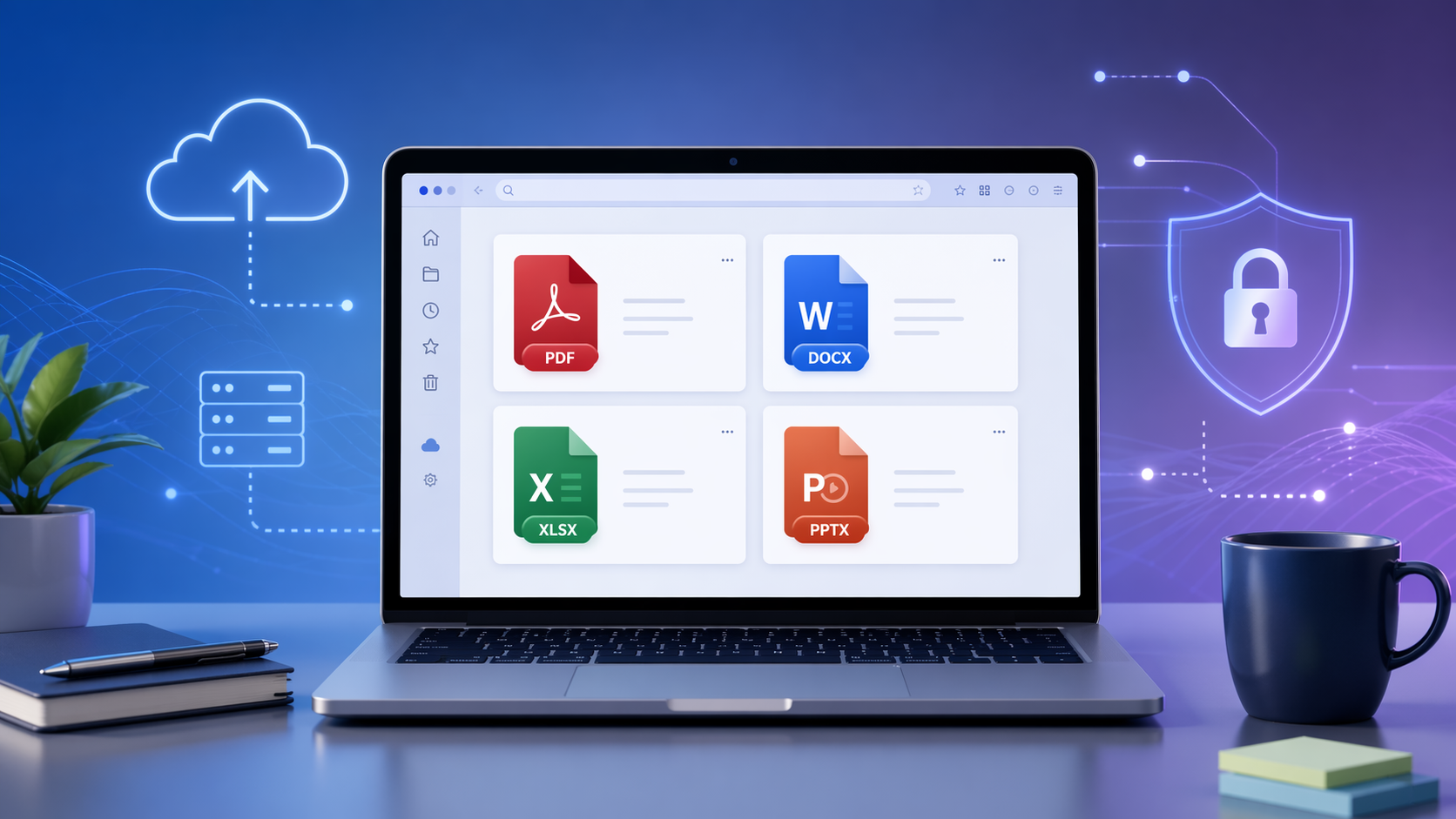
Why Choose OnlineDocumentViewer.com?
With numerous document viewers available online, you might wonder what sets OnlineDocumentViewer.com apart. Here are some compelling reasons:
1. Universal Compatibility
Seventeen viewers cover 70+ extensions between them: PDF, DOCX, XLSX, PPTX, ODT, RTF, PSD, DWG, VSDX, MPP, EPUB, EML, MSG and the common and raw image formats. It is a fixed catalogue rather than everything — the upload box tells you when a format is not on it, instead of accepting the file and failing later. 💼
2. User-Friendly Interface
Navigating through complex software can be frustrating, especially when you're in a hurry. OnlineDocumentViewer.com boasts a clean, intuitive interface that makes viewing your documents a breeze. Simply drag and drop your file onto the platform, and it will open instantly, allowing you to view your content without any hassle. 🖱️
3. No Installation Required
Forget about downloading and installing bulky software. OnlineDocumentViewer.com is entirely web-based, meaning you can access it from any device with an internet connection. Whether you're on your computer, tablet, or smartphone, this tool is always at your fingertips. Plus, since there's no installation required, you can start using it right away—perfect for those urgent moments when you need to view a document quickly. 📱
4. Private by deletion, not by promise
The file is uploaded over TLS, rendered on the server, and deleted afterwards. There is no account, no library and no second copy — which is a stronger privacy story than any retention policy, because there is nothing left to have a policy about. 🔒
5. A size ceiling per format
There is no single site-wide limit, because a CAD drawing and a text file do not cost the same to render. 25 MB for PDF, PSD, Visio, TIFF, EPUB and images; 20 MB for Excel, PowerPoint and Project; 15 MB for Word and RTF; 10 MB for CAD and email; 5 MB for HTML, XML and plain text. Over the line, the upload box says so instead of failing quietly. ⏱️
How to Use OnlineDocumentViewer.com
- Pick the page for your format at the viewer hub, or drop the file on the home page and it is routed for you.
- Upload: drag and drop, or click to browse.
- Read it: page, zoom, fit to window, print. Search works where the document carries a text layer. 📤
Conclusion
In a world where documents arrive in every format, a viewer that covers most of them saves a great deal of installing. OnlineDocumentViewer.com opens 70+ extensions across seventeen viewers. It is a fixed catalogue rather than everything, and the upload box says so when a format is not on it. Free, no account, nothing to install. 🌐
FAQs
- Does it open password-protected documents?
- Yes. The upload box has a password field: type the open password there and the document renders. Without it, nothing can — an encrypted file has to be decrypted before anything reads it. A file that is merely marked read-only or "final" is not encrypted and opens with no password at all. 🔑
- Is there a limit on how many documents I can view?
- No quota and no counter. One file per upload, as many uploads as you like. 📈
- What is the size limit?
- It depends on the format. 25 MB for PDF, PSD, Visio, TIFF, EPUB and images; 20 MB for Excel, PowerPoint and Project; 15 MB for Word and RTF; 10 MB for CAD and email; 5 MB for HTML, XML and plain text. 📏
- Do I need to create an account?
- No. There is no registration, no sign-in and no paid tier on this site. 🆓
- What happens to my uploaded documents?
- They are deleted from the server after viewing. Nothing is stored and there is no library to come back to. 🗑️
- Can I edit documents here?
- No. This is a viewer. For editing you need the application that made the file. 🖊️
- Does it work on a phone?
- Yes. It is a web page; any current browser will do. 📱