Comma-Separated Values (CSV) files are among the most commonly used formats for storing and exchanging data. But what happens when you don’t have Excel or any spreadsheet software installed?
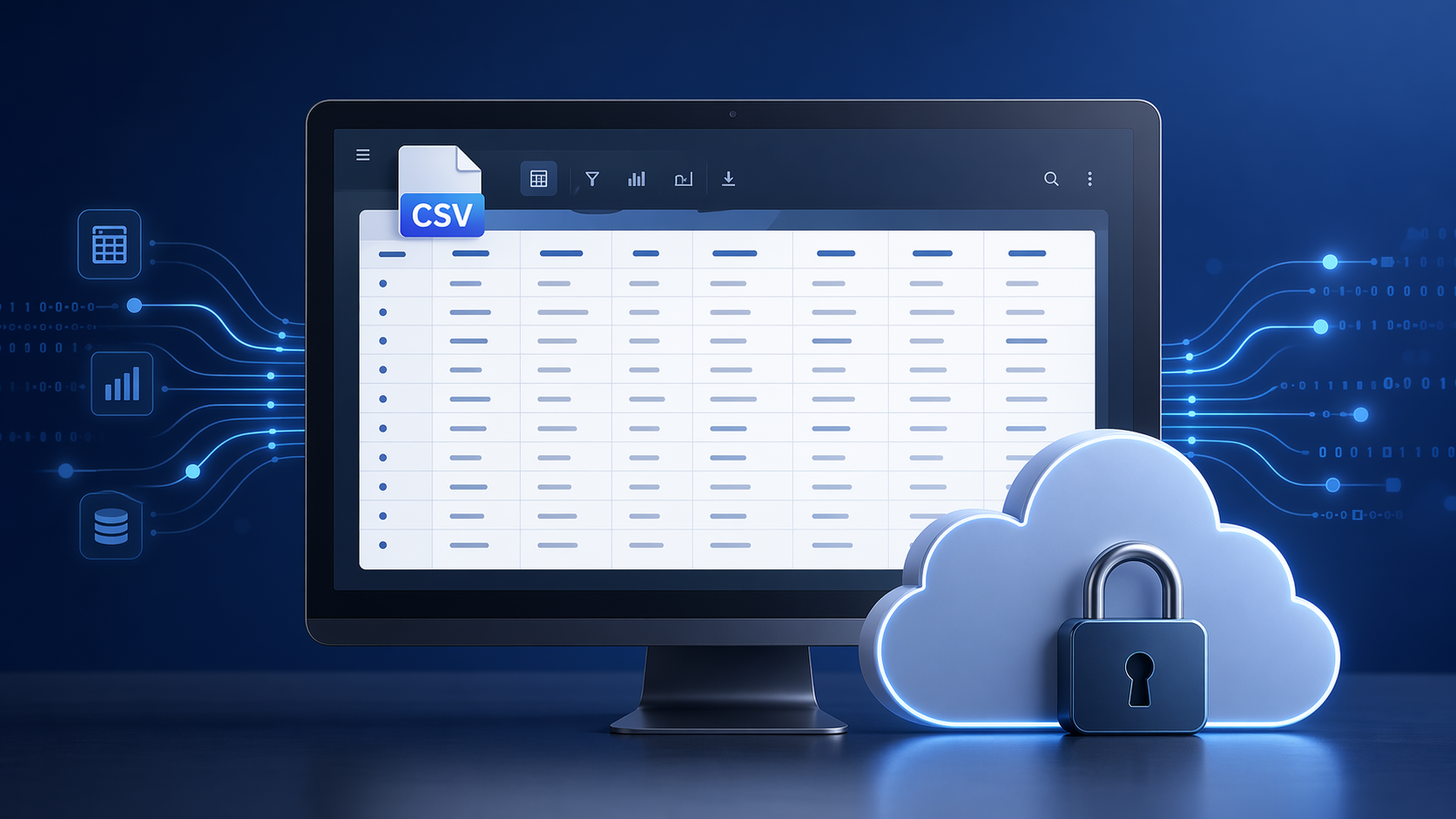
Open CSV Files Anywhere
View CSV files online for free at the Excel viewer — no download, no install, no sign-up. Upload the .csv and the rows render as a table.
🧾 What is a CSV File?
A CSV file stores tabular data in plain text, where each line corresponds to a row and each value is separated by commas. It’s widely used in business, finance, research, and web applications for exchanging structured data due to its simplicity and compatibility.
Whether it's exported from Excel, Google Sheets, or a database, CSV remains a universal choice for data transport.
Why Use the Online CSV Viewer?
- No software required – it opens in the browser, with no account and nothing installed
- 20 MB per file – the ceiling for the Excel viewer, which is where CSV is handled
- Any device – desktop, tablet or phone; the rendering happens on the server
- Readable – rows and columns in a scrollable table, not raw text
- Nothing stored – transfers run over HTTPS, and the upload is deleted after viewing
👩💼 Who Can Benefit?
Data analysts, developers, students, researchers, and accountants often rely on CSV files for importing/exporting reports, datasets, and records. If you receive a .csv but don’t have the right tools at hand — we’ve got you covered.
Whether you're on a work laptop without Excel or reviewing a quick dataset from your phone, OnlineDocumentViewer.com is the easiest solution.
🧠 CSV Files: A Brief History
CSV files date back to the early days of computing when mainframe systems needed a simple way to export rows of data. Over time, they’ve remained unchanged and are still one of the most compatible formats across platforms — supported by almost every spreadsheet and database application.
How to Use the CSV Viewer
- Open the Excel viewer — CSV is handled there, alongside XLS, XLSX, ODS, XLSM, XLSB, XLTX and XLTM.
- Upload your
.csvfile, up to 20 MB. - Read the rows in a scrollable table.
Exported data displays as columns instead of raw text. The same page opens XLS and XLSX workbooks, and those two — not CSV — convert to PDF, JPG or PNG, up to 5 MB.
📂 View Your CSV Files Online Now
Whether it's a financial report, a product list, or a user export, preview your CSV files quickly and securely with our free online CSV viewer.
👉 Upload and View CSV Files Now
Let OnlineDocumentViewer.com be your go-to tool for fast, secure, and easy file viewing — no matter where you are.