RTF (Rich Text Format) has been a staple for document exchange for decades, offering compatibility across word processors and operating systems. But if you don’t have Microsoft Word or a compatible program installed, opening an RTF file can be a hassle.
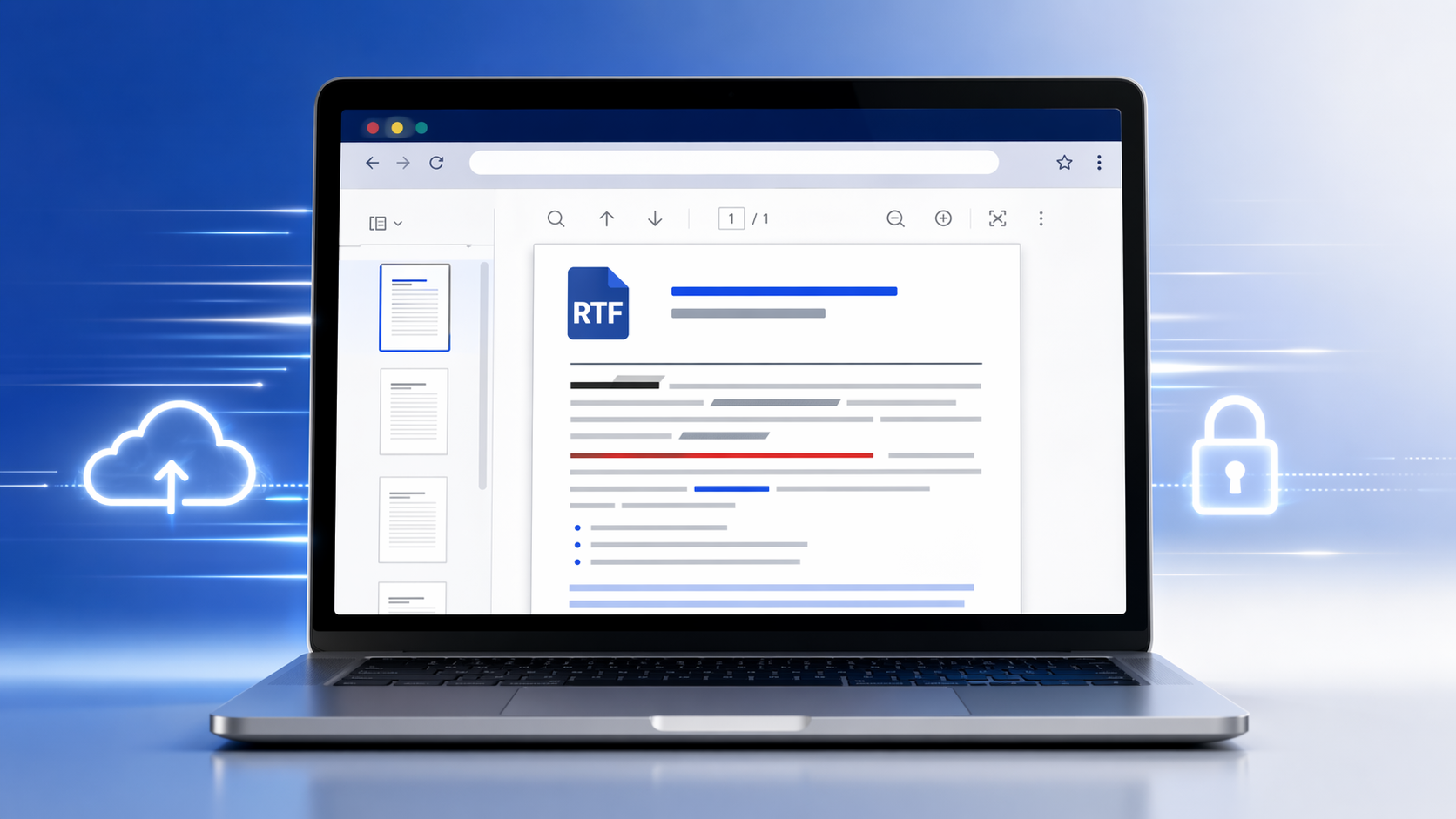
📝 View RTF Files Instantly – No Downloads Needed
The RTF viewer at OnlineDocumentViewer.com takes a .rtf file up to 15 MB and renders it in the browser. The same file also opens in the Word viewer, which handles RTF alongside DOC, DOCX and ODT.
🌐 What is an RTF File?
An RTF (Rich Text Format) file is a cross-platform document format developed by Microsoft in the 1980s. It preserves rich text content—like bold, italics, fonts, and colors—while maintaining broad compatibility with most word processors including Word, LibreOffice, Google Docs, and more.
💡 Why use an online RTF viewer?
- ✅ No software required — RTF opens in the browser, up to 15 MB
- 📱 Any device — phone, tablet or desktop; it is a web page
- 🔒 Nothing stored — uploaded over TLS, rendered on the server, deleted when the session ends. No account, no library
- 🔍 Searchable — RTF carries real text, so search works on it
- 🖨️ Printable — straight from the viewer
One caveat on formatting: fonts are named in a document, not stored in it. If a font is not on the rendering server a substitute is used, the text rewraps, and the page count can shift. Bold, italics, colours, tables and images come through as saved.
👨🏫 Perfect for Education, Legal, and More
RTF files are still common in education, legal, and government sectors. Students receiving RTF homework files, lawyers sharing case summaries, or anyone downloading legacy documents can now open them instantly at OnlineDocumentViewer.com — no Word required.
📜 A Short History of RTF
Originally designed to allow easy text exchange between word processors, RTF became popular due to its simplicity and universal support. Even as DOCX and ODT rose in popularity, RTF has remained a go-to option for compatibility and ease of use, especially in institutional environments.
🚀 Try It Now
- Open the RTF viewer
- Upload your
.rtffile — up to 15 MB - Read it: page, zoom, fit to window, print, search
An RTF over 15 MB is almost always carrying images; RTF has no compression, so pictures make the file large fast. Save it as DOCX and open that in the Word viewer at the same 15 MB, or export to PDF for 25 MB.
📂 What it does not do
It renders. There is no editing, no annotation and no saving a new version. RTF is not one of the formats the converters accept either — those take PDF, Word (DOC and DOCX), Excel, PowerPoint, CAD, email and common images.